Skywork.ai vs GptPanda
In the contest of Skywork.ai vs GptPanda, which AI Assistant tool is the champion? We evaluate pricing, alternatives, upvotes, features, reviews, and more.
If you had to choose between Skywork.ai and GptPanda, which one would you go for?
When we examine Skywork.ai and GptPanda, both of which are AI-enabled assistant tools, what unique characteristics do we discover? Skywork.ai stands out as the clear frontrunner in terms of upvotes. Skywork.ai has received 88 upvotes from aitools.fyi users, while GptPanda has received 7 upvotes.
You don't agree with the result? Cast your vote to help us decide!
Skywork.ai
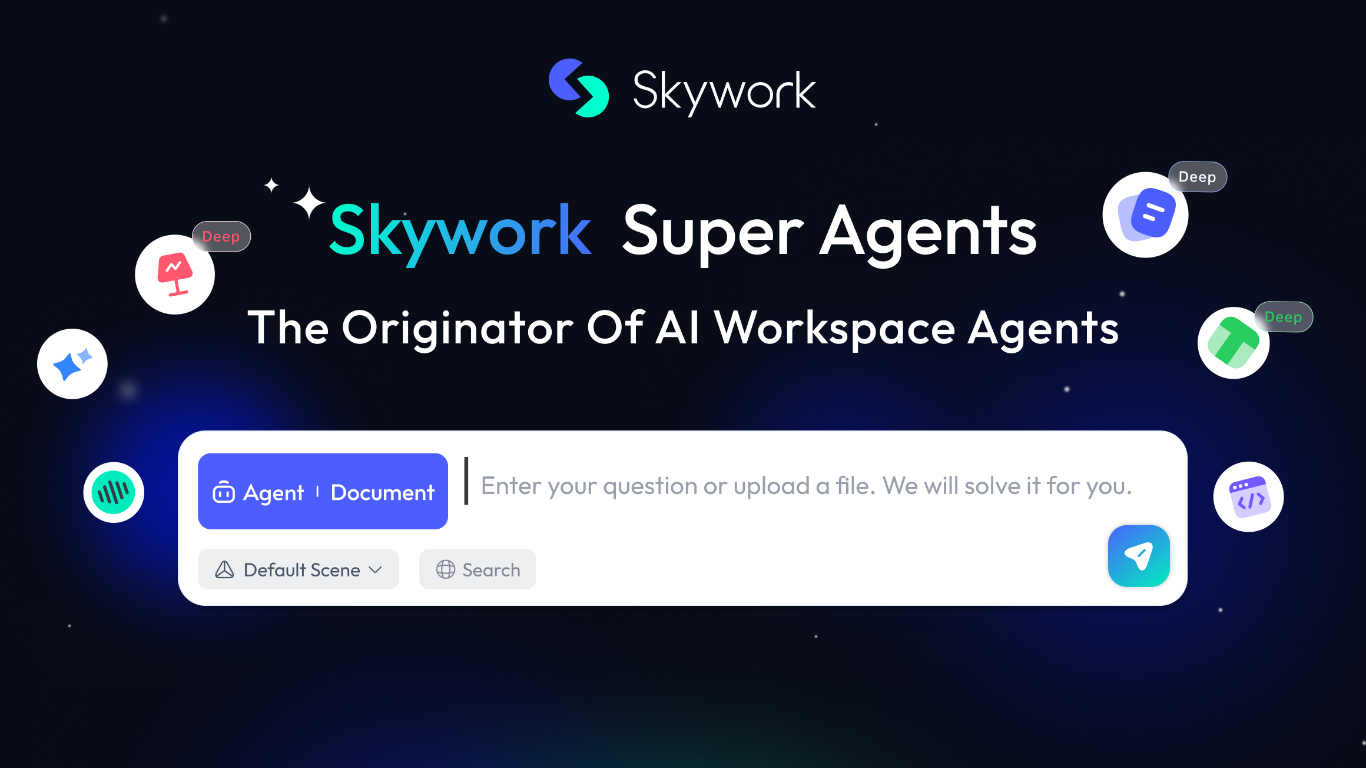

What is Skywork.ai?
Skywork is a cloud workspace that turns a short prompt into finished documents, slides, spreadsheets, websites, videos, and more. Marketed as the originator of AI workspace agents, it combines research, creation, and execution so analysts, educators, and teams can move from an idea to a polished deliverable without juggling separate apps.
The product spans multiple output modes from one interface: Slides, Documents, Sheets, Images, Videos, and an AI Developer mode. A built-in Knowledge Base stores reference material, Notes capture quick ideas, and SkillHub offers prepackaged skill packs for workflows like deep research with citations, sprint planning, and product video creation.
Skywork also supports longer-running work. Scheduled tasks can run automatically at set times even when you are away, and Skywork Browser provides a remote sandboxed browser for web tasks with encrypted session storage. The trust center documents ISO/IEC 27001, ISO/IEC 27701, and SOC 2 Type I compliance, with user data stored in the United States.
Educators building course slides, consultants drafting client reports, and marketers producing multi-format campaigns are the kinds of users Skywork targets. Sign-in supports Microsoft, Facebook, GitHub, Apple, or email from the browser workspace.
GptPanda
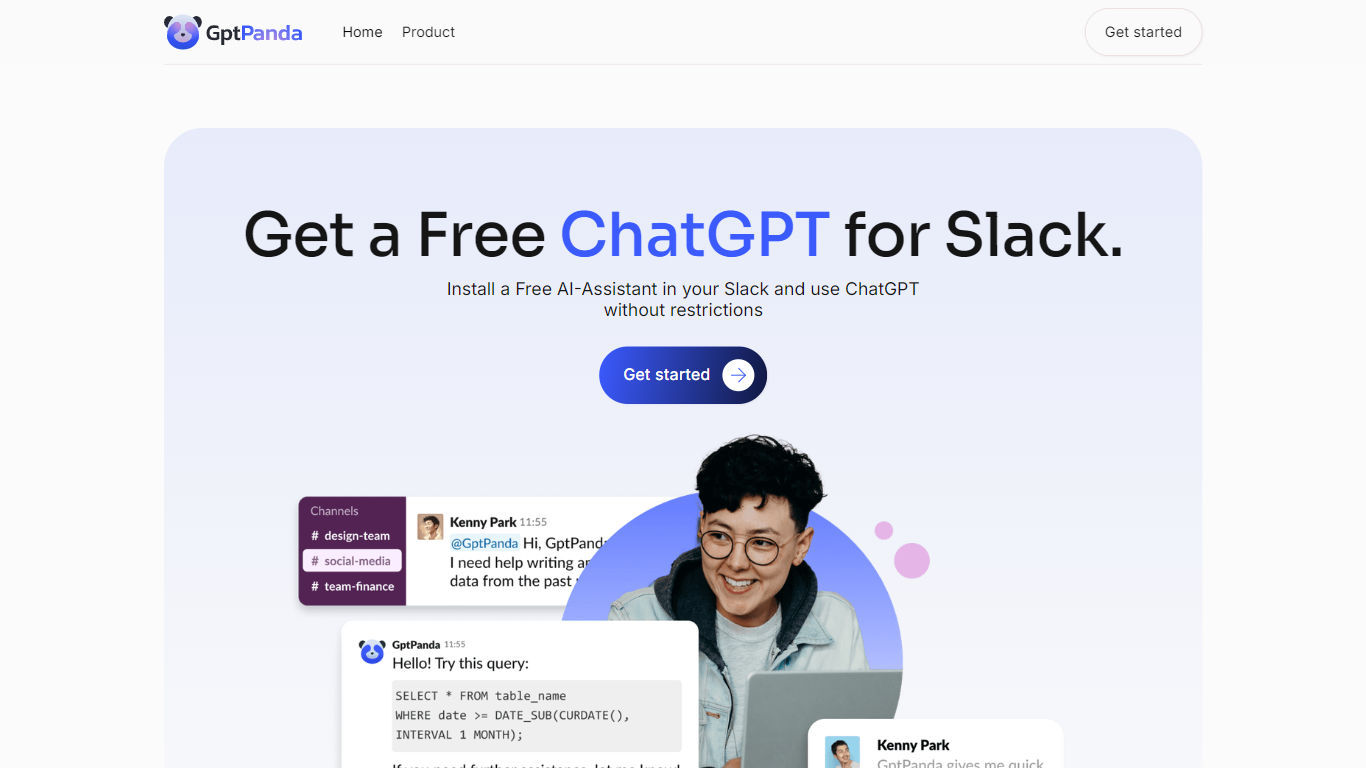
What is GptPanda?
GptPanda is a powerful ChatGPT-based assistant designed to integrate seamlessly into Slack, offering users a simple yet effective tool for enhancing productivity. With GptPanda, you can enjoy the benefits of unlimited requests even on the free plan, ensuring you always have access to AI support without running into limitations. It operates smoothly in both public channels and private messages, keeping your workspace clutter-free while allowing you to get responses wherever you need them.
What sets GptPanda apart is its premium option, available for just $1 per active user. This plan introduces context recognition, enabling the assistant to follow the flow of conversation and provide more relevant, in-depth responses. It's especially useful for teams that require more advanced AI support in day-to-day operations without the hassle of switching between apps.
Installation is incredibly simple, taking just two clicks to integrate into your Slack environment. Once installed, GptPanda becomes an essential part of your team's workflow, providing assistance with routine tasks, answering questions, and facilitating smoother communication among team members. The app supports multiple languages, adapting to the preferred communication style within your workspace and ensuring that every interaction feels natural.
In terms of functionality, GptPanda is versatile and adaptable. Whether you're using it in corporate chats, direct messages, or across multiple teams, the assistant can handle various requests, making it a great tool for anything from quick answers to more complex problem-solving. Its integration with Slack means your team won't need to leave the app to access the latest version of OpenAI's chatbot, keeping workflows uninterrupted.
For teams looking to improve efficiency, GptPanda offers an all-in-one solution for AI-powered assistance. It's perfect for handling mundane, repetitive tasks, freeing up your team to focus on higher-priority projects. With unlimited usage on the free plan and an affordable premium upgrade, GptPanda makes it easy to incorporate AI into daily operations while maintaining a smooth and clutter-free workspace.
Skywork.ai Upvotes
GptPanda Upvotes
Skywork.ai Top Features
Turn a prompt into slides, docs, sheets, websites, or videos from one workspace
SkillHub ships ready-made skill packs for research, recruiting, marketing, and more
Knowledge Base stores uploads so notes and files feed context into every project
Scheduled tasks run on a timer or trigger, even when you are offline
Skywork Browser keeps cloud sessions encrypted across devices after one login
AI Developer mode builds apps and scripts alongside documents and slides
Sign in with Microsoft, GitHub, Apple, Facebook, or email
GptPanda Top Features
Installs into Slack in two clicks from the GptPanda site
Unlimited ChatGPT requests on the free plan in channels or DMs
Uses the ChatGPT 4o model without needing an OpenAI subscription
Premium tier adds context recognition for multi-turn conversations
Mention GptPanda or use /call_panda to ask questions in any channel
Skywork.ai Category
- Assistant
GptPanda Category
- Assistant
Skywork.ai Pricing Type
- Freemium
GptPanda Pricing Type
- Freemium