slAItor vs AI TranslateDocs
In the face-off between slAItor vs AI TranslateDocs, which AI Translation tool takes the crown? We scrutinize features, alternatives, upvotes, reviews, pricing, and more.
In a face-off between slAItor and AI TranslateDocs, which one takes the crown?
If we were to analyze slAItor and AI TranslateDocs, both of which are AI-powered translation tools, what would we find? Neither tool takes the lead, as they both have the same upvote count. Since other aitools.fyi users could decide the winner, the ball is in your court now to cast your vote and help us determine the winner.
Not your cup of tea? Upvote your preferred tool and stir things up!
slAItor

What is slAItor?
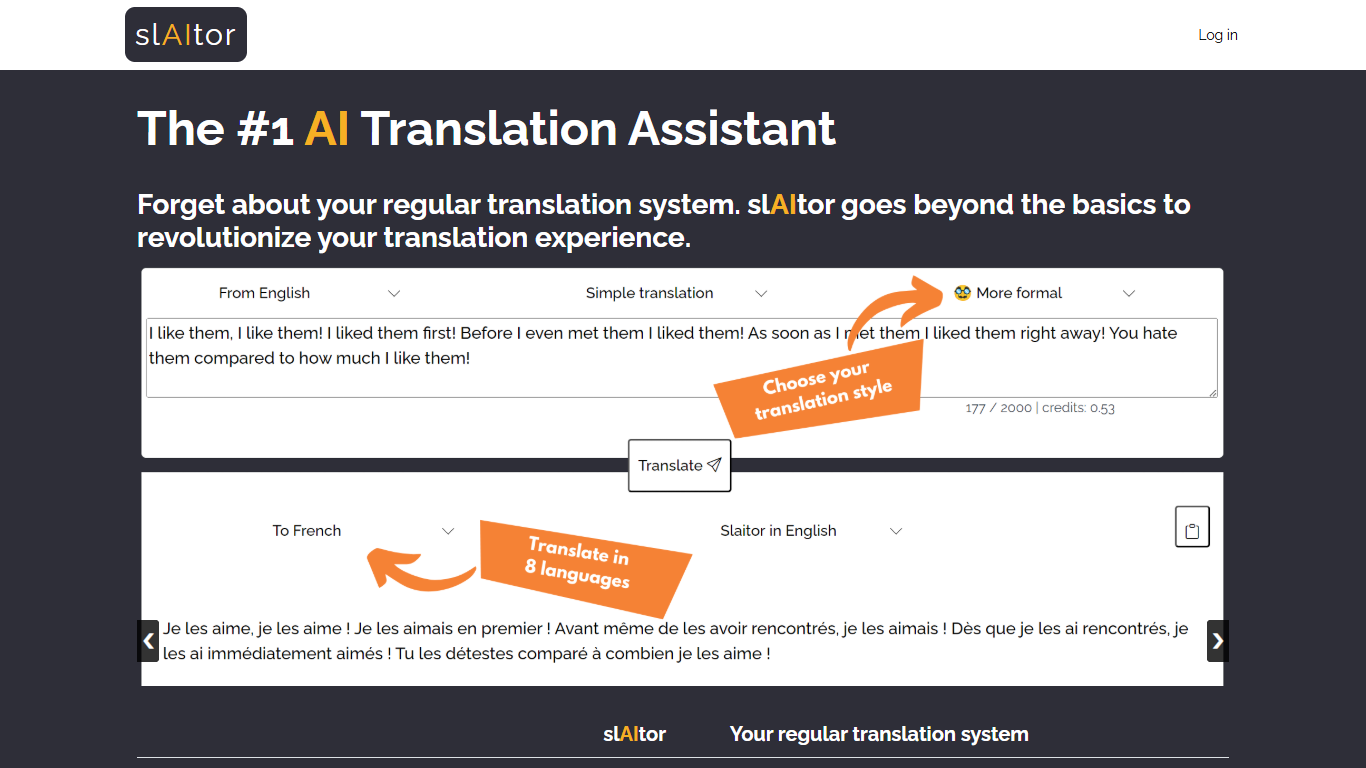
slAItor is an online translation assistant built around large language models from the GPT family, combined with standard machine translation pipelines. Instead of returning a single translated string, it is designed for people who want more context around a translation: explanations, alternatives, style adjustments, and error checking.
The product targets language learners, translators, and professionals who need more than a quick paste-and-go result. Benjamin Marie, who holds a Ph.D. in machine translation and has spent more than a decade in MT research, built slAItor to explore what becomes possible when GPT-style models sit at the center of a translation workflow.
slAItor supports 28 language pairs across Chinese, English, French, German, Italian, Japanese, Portuguese, and Spanish. The site is upfront that raw translation quality can trail established systems in some cases, but positions itself on price and on features like step-by-step explanations, paraphrasing, and a checker mode that reviews your own drafts.
AI TranslateDocs
What is AI TranslateDocs?
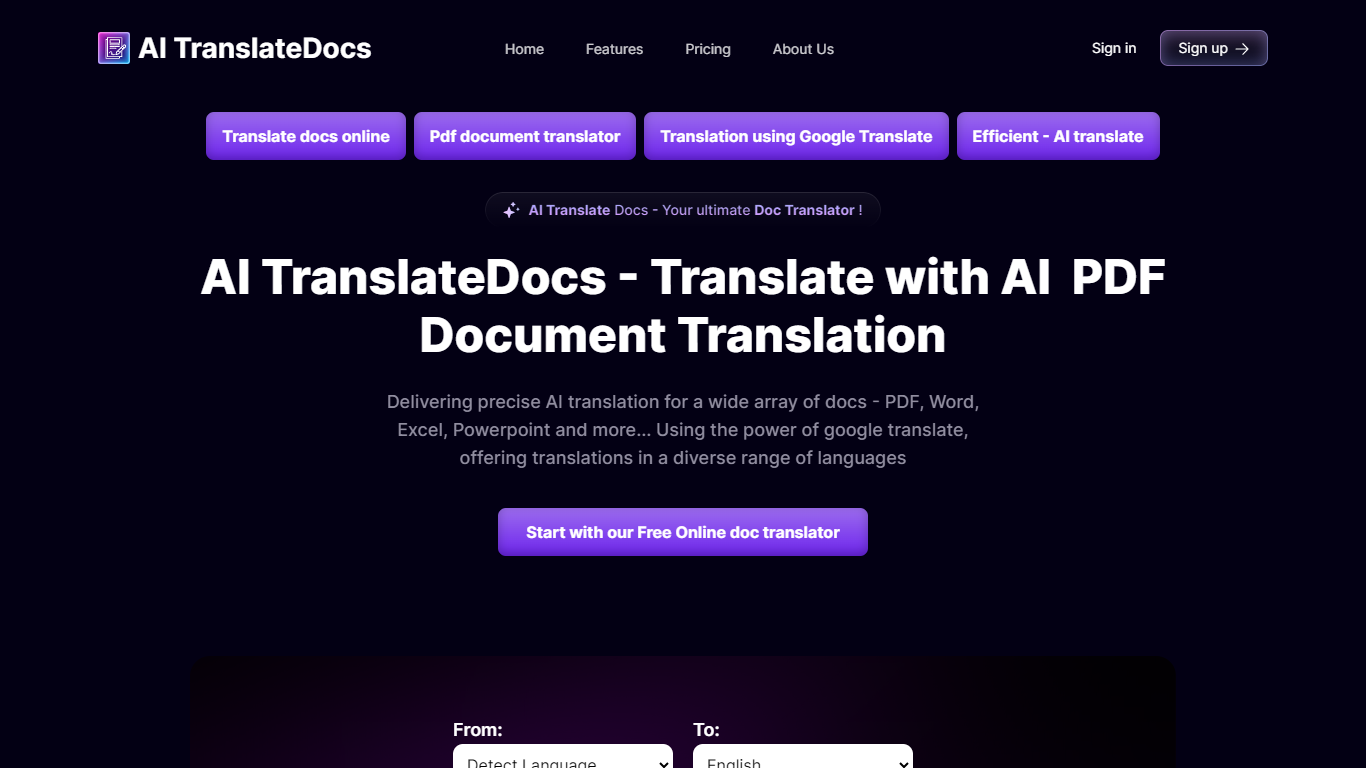
AI TranslateDocs is an online document translator built for people who need full files converted, not just pasted paragraphs. Upload a PDF, Word doc, Excel sheet, PowerPoint deck, CSV, SRT, VTT, or plain text file, pick your source and target language, and get a translated version that keeps the original layout intact.
The platform supports 130+ languages, from widely spoken ones like Spanish and Mandarin to regional dialects. It uses OCR for scanned PDFs and handles format preservation so tables, charts, and page structure survive the translation. Powered by Azure, it targets legal contracts, medical records, academic papers, business reports, and immigration documents where formatting matters as much as the words.
AscentApp Software LLP runs the service from Mumbai. You can try the first 10,000 characters free before buying a character pack or subscription.
slAItor Upvotes
AI TranslateDocs Upvotes
slAItor Top Features
Translates across 28 language pairs spanning eight major languages
Step-by-step and checker modes cost 3 credits per 1,000 characters
Monthly plan lists at $25 for 800 credits with commercial-use rights
Paraphraser and style calibrator offer up to five alternative phrasings
Minimum query cost is 0.1 credit per translation request
AI TranslateDocs Top Features
Drop a PDF, Word, Excel, PowerPoint, CSV, SRT, VTT, or TXT file and get a translated copy with the layout still intact
130+ languages on tap, including regional dialects you won't find on basic translators
OCR handles scanned PDFs so you are not stuck retyping pages before translating
Auto-detect source language or pick from a long dropdown that even includes Klingon
First 10,000 characters free, enough to test a short doc before you commit to a plan
slAItor Category
- Translation
AI TranslateDocs Category
- Translation
slAItor Pricing Type
- Paid
AI TranslateDocs Pricing Type
- Freemium