SliceTube vs Peech AI
In the contest of SliceTube vs Peech AI, which AI Video Editing tool is the champion? We evaluate pricing, alternatives, upvotes, features, reviews, and more.
If you had to choose between SliceTube and Peech AI, which one would you go for?
When we examine SliceTube and Peech AI, both of which are AI-enabled video editing tools, what unique characteristics do we discover? The upvote count favors SliceTube, making it the clear winner. SliceTube has garnered 8 upvotes, and Peech AI has garnered 5 upvotes.
Think we got it wrong? Cast your vote and show us who's boss!
SliceTube

What is SliceTube?
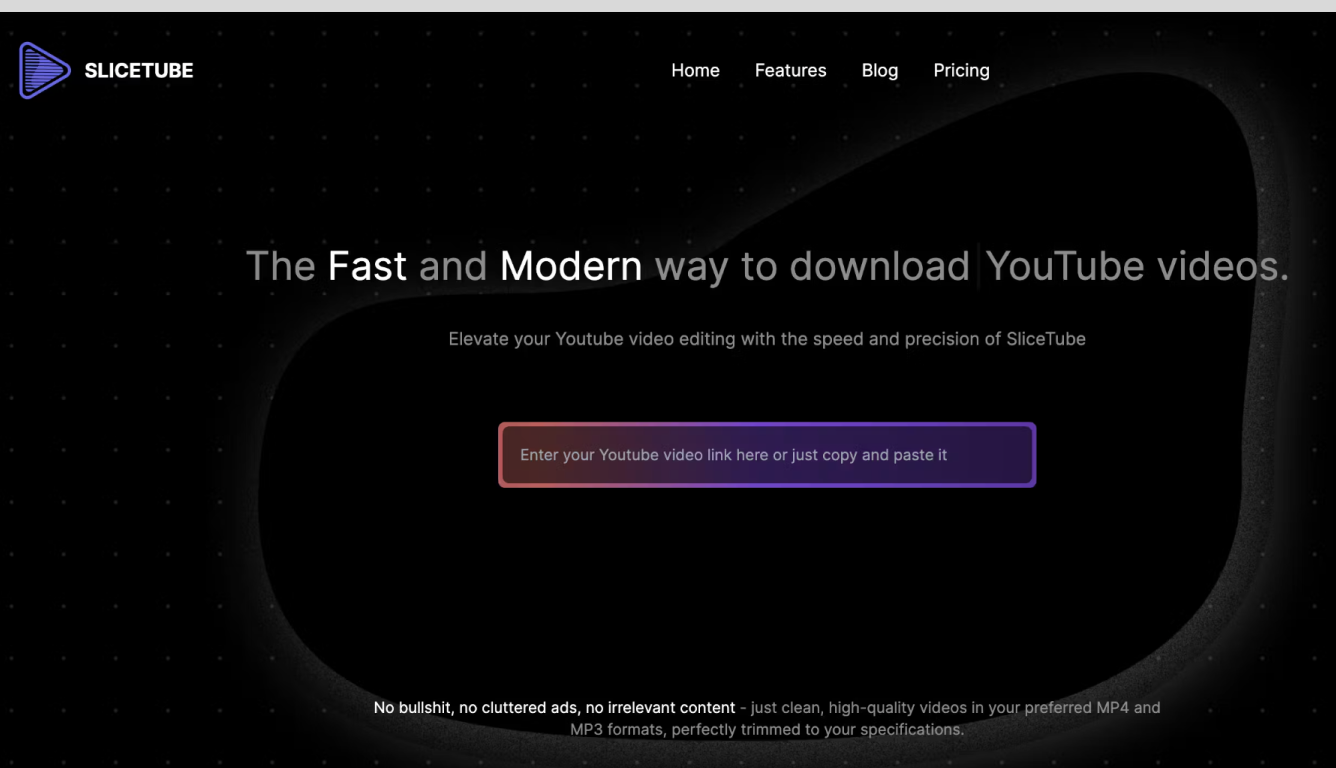
SliceTube is a browser-based YouTube cutter and downloader for trimming clips and saving them as MP3, MP4, or WEBM. Paste a link, set start and end times, and pull just the segment you need without installing desktop editing software.
The product focuses on speed and a clean workflow, using dedicated server CPUs to handle slicing and downloads rather than the ad-heavy download sites common in this space. Free use covers 360p exports; higher resolutions up to 4K are available through SliceTube Pro plans.
YouTube creators, students, and artists are the main audiences highlighted on the site, whether for short social clips, class projects, or pulling audio from videos for remix work.
Peech AI

What is Peech AI?
Peech turns raw video footage into branded, platform-ready clips through automated post-production. Upload your content and the platform tags scenes, transcribes speech, applies your brand elements, and outputs resized versions for social, web, and ads. A text-to-video editor lets you trim clips and remove filler words as easily as editing a document.
Agency-style post-production usually means days of editor time for every batch of marketing videos. Peech automates transcription in 20+ languages, facial-recognition framing, aspect-ratio cropping, and highlight clip generation in one workflow. Media teams report cutting post-production time by up to 95% and design costs by over 80% compared to hiring external editors.
Marketing teams at B2B companies like Peerspot and Datarails use Peech to repurpose webinars and interviews into daily social clips. Media companies organize large footage libraries with automatic tagging and topic-based highlight recommendations. You can start free without a credit card, then scale to dozens of branded videos per month through the app at app.peech-ai.com.
SliceTube Upvotes
Peech AI Upvotes
SliceTube Top Features
Set precise start and end times before downloading a YouTube clip
Export as MP3, MP4, or WEBM from 144p up to 4K resolution
No sign-up required to cut and download videos
Dedicated server CPUs built for faster slicing and downloads
Works in modern browsers with no watermark on exports
Peech AI Top Features
Real-time transcription and translation into 20+ languages with subtitle export
Text-to-video editor cuts clips and removes filler words like editing a doc
Automated brand elements applied across every output with one-click execution
Frame cropper centers speakers via facial recognition across aspect ratios
Clip Generator produces ready-to-publish social videos from long-form footage
SliceTube Category
- Video Editing
Peech AI Category
- Video Editing
SliceTube Pricing Type
- Freemium
Peech AI Pricing Type
- Freemium