
Last updated 07-24-2026
Category:
Reviews:
Join thousands of AI enthusiasts in the World of AI!
SliceTube
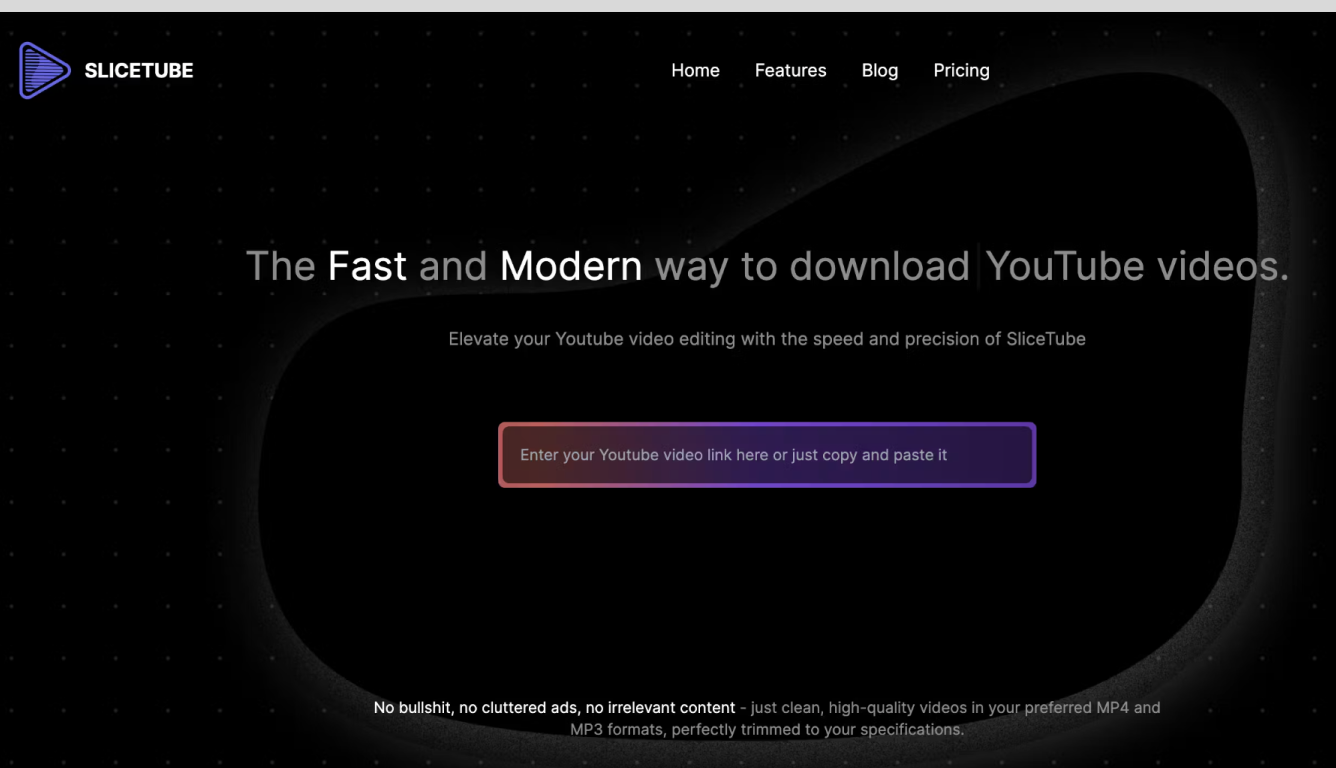
SliceTube is a browser-based YouTube cutter and downloader for trimming clips and saving them as MP3, MP4, or WEBM. Paste a link, set start and end times, and pull just the segment you need without installing desktop editing software.
The product focuses on speed and a clean workflow, using dedicated server CPUs to handle slicing and downloads rather than the ad-heavy download sites common in this space. Free use covers 360p exports; higher resolutions up to 4K are available through SliceTube Pro plans.
YouTube creators, students, and artists are the main audiences highlighted on the site, whether for short social clips, class projects, or pulling audio from videos for remix work.
Set precise start and end times before downloading a YouTube clip
Export as MP3, MP4, or WEBM from 144p up to 4K resolution
No sign-up required to cut and download videos
Dedicated server CPUs built for faster slicing and downloads
Works in modern browsers with no watermark on exports
Free tier covers 360p downloads with no account required.
Clean interface with no ads on the product pages.
Paid plans unlock 4K exports and dedicated server CPUs.
Unlimited YouTube downloads with no total cap stated on the site.
Resolutions above 360p require a SliceTube Pro plan.
Focused on YouTube links rather than general video editing.
Some downloaded files may not play in QuickTime without a player like VLC.
Longer plans only include one extra team member.
Is SliceTube free to use?
Yes. SliceTube is free for downloads up to 360p with no login required. Higher resolutions are available through SliceTube Pro, and paid plans help support the free tier.
What formats and resolutions does SliceTube support?
SliceTube supports MP3 and MP4 exports at resolutions from 144p up to 4K, plus WEBM. Free users are limited to 360p; Pro unlocks higher quality downloads.
Can I trim YouTube videos for TikTok or Instagram Reels?
Yes. SliceTube lets you cut a YouTube video to a specific time range, then download the clip for TikTok, Instagram Reels, or YouTube Shorts without adding a watermark.
Does SliceTube work on all browsers?
SliceTube is built for modern browsers, so you can trim and download YouTube videos from desktop or mobile without installing an app.
Is there a limit on how many YouTube videos I can download?
No. SliceTube does not cap the total number of YouTube videos you can download.
Do I need an account to use SliceTube?
No account is required to paste a link, trim a clip, and download it. Login is only needed for premium features and plan management.