Vidon.ai vs SliceTube
In the contest of Vidon.ai vs SliceTube, which AI Video Editing tool is the champion? We evaluate pricing, alternatives, upvotes, features, reviews, and more.
If you had to choose between Vidon.ai and SliceTube, which one would you go for?
When we examine Vidon.ai and SliceTube, both of which are AI-enabled video editing tools, what unique characteristics do we discover? SliceTube is the clear winner in terms of upvotes. The number of upvotes for SliceTube stands at 8, and for Vidon.ai it's 6.
Not your cup of tea? Upvote your preferred tool and stir things up!
Vidon.ai


What is Vidon.ai?
Vidon.ai turns text, URLs, and prompts into finished marketing videos, then lets you schedule, publish, and host them from one dashboard. You type copy, paste a blog link, or describe an idea, and the tool writes a script, selects clips from a 12-million-item stock library, adds voiceover and captions, and builds the video. The web editor runs free with no login required, and you pay only when you export.
Most AI video generators stop at the export button. Vidon.ai bundles a content calendar, one-click social publishing, CDN video hosting with Schema.org metadata, and performance analytics in the same product. That end-to-end pipeline fits teams repurposing blogs or product pages at volume rather than making one-off clips.
Marketers, content teams, and solo creators use Vidon.ai for blog-to-video repurposing, product page videos, and scheduled social series. Business plans add brand kits, API access, bulk CSV import, and video triggers that auto-generate when new blog posts appear.
SliceTube
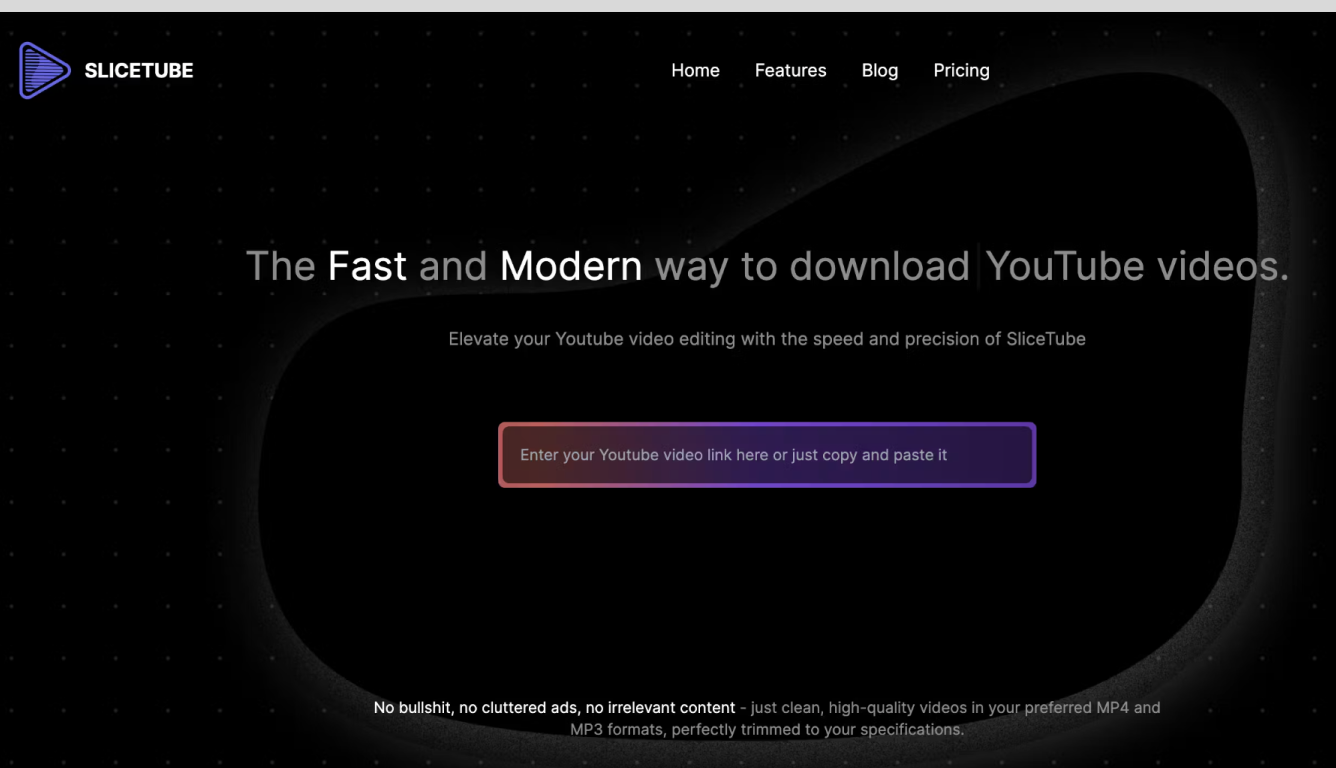
What is SliceTube?
SliceTube is a browser-based YouTube cutter and downloader for trimming clips and saving them as MP3, MP4, or WEBM. Paste a link, set start and end times, and pull just the segment you need without installing desktop editing software.
The product focuses on speed and a clean workflow, using dedicated server CPUs to handle slicing and downloads rather than the ad-heavy download sites common in this space. Free use covers 360p exports; higher resolutions up to 4K are available through SliceTube Pro plans.
YouTube creators, students, and artists are the main audiences highlighted on the site, whether for short social clips, class projects, or pulling audio from videos for remix work.
Vidon.ai Upvotes
SliceTube Upvotes
Vidon.ai Top Features
Stock library access covers 12M+ clips with automatic image selection per scene
One video credit exports landscape, square, and vertical aspect ratios together
Prompt to Video uses ChatGPT to write scripts with voiceover in 50+ languages
Business plan includes 40 video exports per month plus REST API and CSV bulk import
Individual plan covers 10 monthly exports with content calendar and social publishing
Videos support up to 4000 characters per script, roughly 5 to 10 minutes of narration
SliceTube Top Features
Set precise start and end times before downloading a YouTube clip
Export as MP3, MP4, or WEBM from 144p up to 4K resolution
No sign-up required to cut and download videos
Dedicated server CPUs built for faster slicing and downloads
Works in modern browsers with no watermark on exports
Vidon.ai Category
- Video Editing
SliceTube Category
- Video Editing
Vidon.ai Pricing Type
- Freemium
SliceTube Pricing Type
- Freemium