Supercreator vs SliceTube
In the face-off between Supercreator vs SliceTube, which AI Video Editing tool takes the crown? We scrutinize features, alternatives, upvotes, reviews, pricing, and more.
In a face-off between Supercreator and SliceTube, which one takes the crown?
If we were to analyze Supercreator and SliceTube, both of which are AI-powered video editing tools, what would we find? SliceTube is the clear winner in terms of upvotes. The number of upvotes for SliceTube stands at 8, and for Supercreator it's 6.
Don't agree with the result? Cast your vote and be a part of the decision-making process!
Supercreator


What is Supercreator?
Supercreator.ai is a creator platform from CLB Creative that pairs AI-assisted scripting and video tools with templates, communities, and automations. The product is available through the web app at app.supercreator.ai and an iOS app where users sign in with Apple ID, pick interest categories, and move from idea to finished short-form content.
The public site positions Supercreator as an invitation-only entry point for creators and partners, while legal pages describe a broader ecosystem: registered users can browse template libraries, join free or paid communities, and publish creations after account review. Premium subscribers keep scripts and videos private; free users may have their generated content visible to others on the platform.
SliceTube
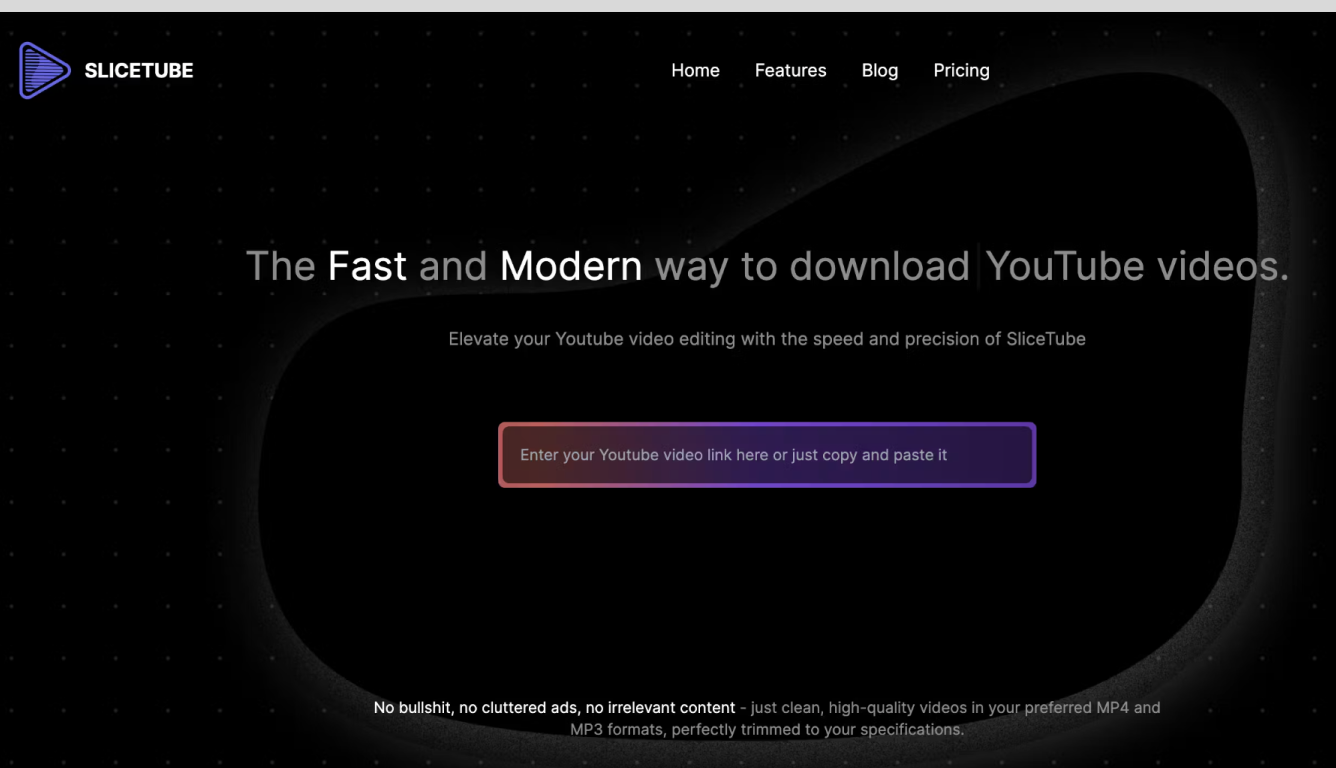
What is SliceTube?
SliceTube is a browser-based YouTube cutter and downloader for trimming clips and saving them as MP3, MP4, or WEBM. Paste a link, set start and end times, and pull just the segment you need without installing desktop editing software.
The product focuses on speed and a clean workflow, using dedicated server CPUs to handle slicing and downloads rather than the ad-heavy download sites common in this space. Free use covers 360p exports; higher resolutions up to 4K are available through SliceTube Pro plans.
YouTube creators, students, and artists are the main audiences highlighted on the site, whether for short social clips, class projects, or pulling audio from videos for remix work.
Supercreator Upvotes
SliceTube Upvotes
Supercreator Top Features
Generate video scripts with AI from your topics or existing source material
Record in-app with speech mode that turns spoken lines into on-screen text
Apply TrueDepth AR face masks and effects while filming on iPhone
Separate foreground subjects from backgrounds for green-screen style shots
Browse a template library to start projects faster
Join free or paid creator communities inside the platform
Choose interest categories such as sports, fashion, education, or finance for tailored suggestions
SliceTube Top Features
Set precise start and end times before downloading a YouTube clip
Export as MP3, MP4, or WEBM from 144p up to 4K resolution
No sign-up required to cut and download videos
Dedicated server CPUs built for faster slicing and downloads
Works in modern browsers with no watermark on exports
Supercreator Category
- Video Editing
SliceTube Category
- Video Editing
Supercreator Pricing Type
- Freemium
SliceTube Pricing Type
- Freemium