SliceTube vs RivetAI
In the contest of SliceTube vs RivetAI, which AI Video Editing tool is the champion? We evaluate pricing, alternatives, upvotes, features, reviews, and more.
If you had to choose between SliceTube and RivetAI, which one would you go for?
When we examine SliceTube and RivetAI, both of which are AI-enabled video editing tools, what unique characteristics do we discover? The upvote count favors SliceTube, making it the clear winner. SliceTube has attracted 8 upvotes from aitools.fyi users, and RivetAI has attracted 7 upvotes.
Think we got it wrong? Cast your vote and show us who's boss!
SliceTube
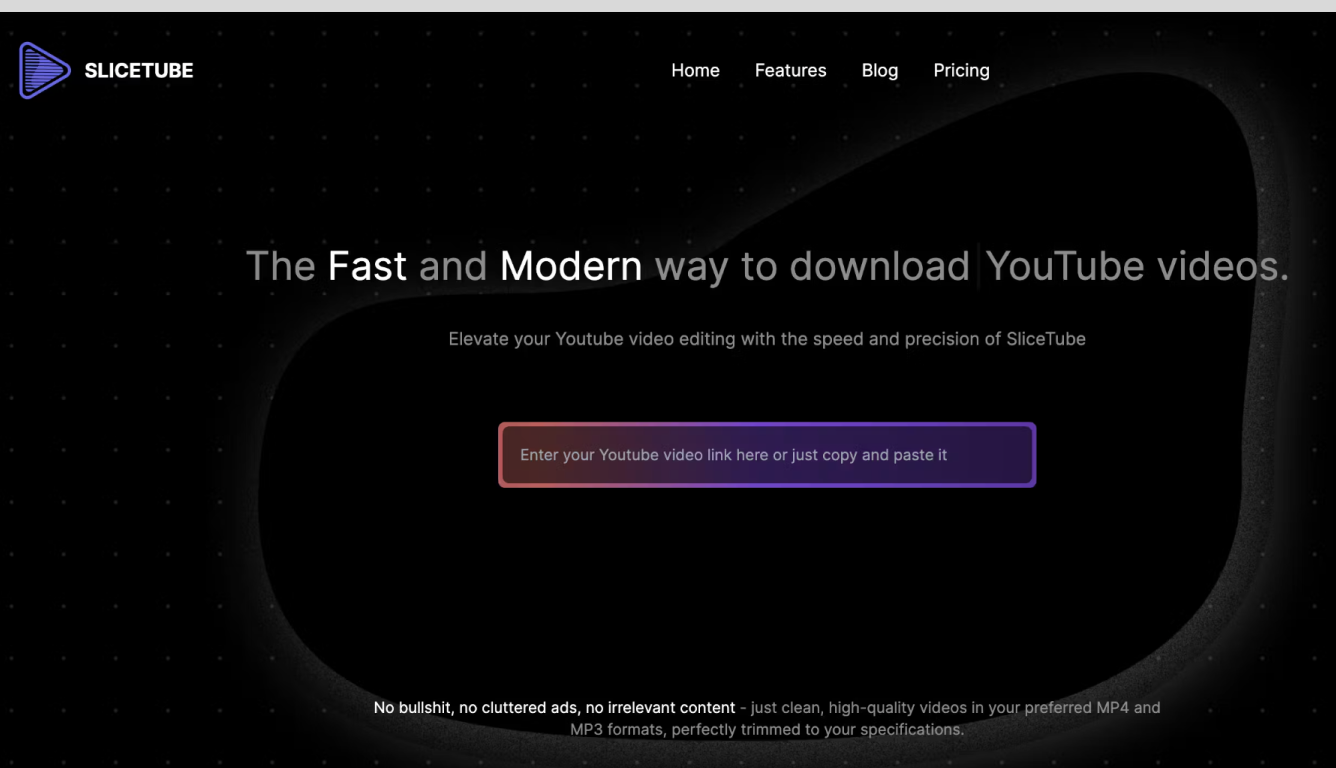

What is SliceTube?
In the world of YouTube content creation, efficiency and precision in video editing are key. Enter SliceTube, a cutting-edge YouTube video trimming tool crafted specifically for the needs of YouTube creators. With its user-friendly interface and robust features, SliceTube empowers you to swiftly edit and fine-tune your videos, ensuring they capture the essence of your message and engage your audience effectively.
Gone are the days of wrestling with complex editing software to remove unwanted segments or craft the perfect highlight reel. SliceTube simplifies the video editing process, allowing you to focus on what truly matters: creating content that resonates with your viewers. Whether you're trimming the fat from your latest vlog, crafting a concise tutorial, or assembling a gripping highlight reel, SliceTube is your partner in video optimization.
But SliceTube offers more than just trimming capabilities. It revolutionizes how you interact with YouTube content, providing a seamless solution for downloading and trimming your favorite videos. Want to save a tutorial for later reference? Need to keep a music video for offline enjoyment? SliceTube makes it possible, and easy, supporting various formats to match your specific needs.
The platform's integrated trimming feature means you can pinpoint exactly which segment of a video you wish to download, eliminating the need for bulky files or additional editing tools. This not only saves time but also ensures that your device's storage space is used efficiently.
Designed to cater to the modern content creator and consumer, SliceTube boasts compatibility across a wide range of devices. Whether you're on your smartphone, tablet, or desktop, you'll find SliceTube easy to navigate and use. Its performance-focused approach guarantees fast, reliable downloads, keeping pace with the demands of today's fast-paced digital landscape.
SliceTube stands out for its commitment to enhancing the YouTube experience, making video editing and downloading straightforward and hassle-free. It's a testament to the platform's dedication to user satisfaction and its understanding of the digital creator's needs. With SliceTube, you're not just editing videos; you're crafting experiences that stand out in the bustling world of YouTube content.
RivetAI
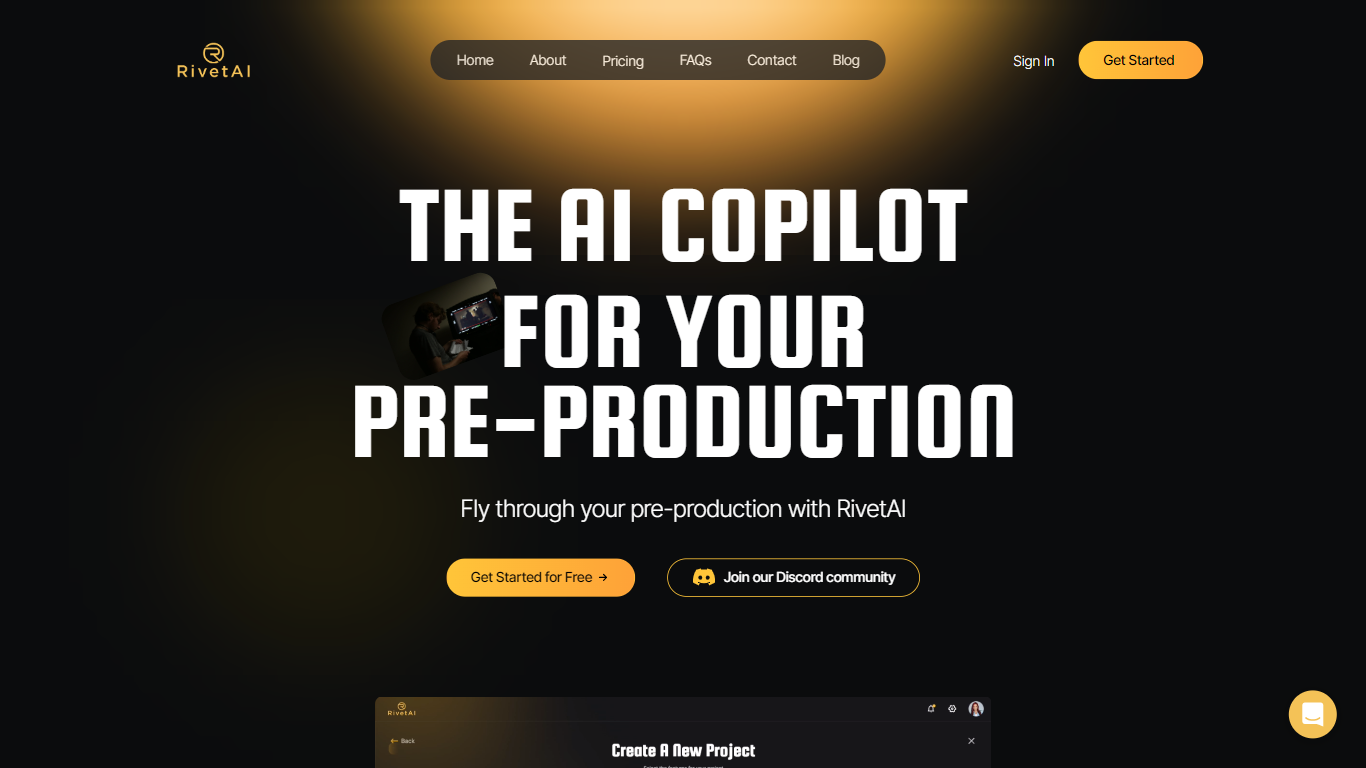
What is RivetAI?
RivetAI is a cutting-edge platform designed to revolutionize pre-production in the film and creative industries. Acting as an AI Copilot, it utilizes advanced algorithms and machine learning to streamline and enhance the planning phase of content creation. The tool is crafted to support creative professionals in managing their scripts, storyboards, and schedules by providing intelligent insights and suggestions. Through RivetAI, users are empowered to create with higher efficiency, unlocking new levels of creativity and productivity. The intuitive interface and automated features of RivetAI make pre-production less time-consuming and more cost-effective. By leveraging the power of AI, RivetAI transforms pre-production, setting a new standard for media creation workflows.
SliceTube Upvotes
RivetAI Upvotes
SliceTube Top Features
Easy Downloading: Offers a simplified process for downloading YouTube videos.
Video Trimming: Incorporates a feature to trim videos, selecting only the parts you need.
Various Formats: Provides the ability to download videos in multiple formats.
Fast Performance: Ensures quick downloads to save time.
Device Compatibility: Fully accessible and optimized for all devices, including smartphones, tablets, and desktops.
RivetAI Top Features
Intelligent Insights: Utilizes AI to provide valuable suggestions during the pre-production phase.
Automated Scheduling: Streamlines the creation of production schedules with automation.
Script Management: Offers tools for managing and enhancing scripts effectively.
Storyboard Assistance: Helps in the visualization of scenes through advanced storyboard features.
Cost-Effectiveness: Reduces time and costs associated with pre-production processes.
SliceTube Category
- Video Editing
RivetAI Category
- Video Editing
SliceTube Pricing Type
- Freemium
RivetAI Pricing Type
- Freemium