SlideNotes vs MindShow
In the clash of SlideNotes vs MindShow, which AI Presentation tool emerges victorious? We assess reviews, pricing, alternatives, features, upvotes, and more.
When we put SlideNotes and MindShow head to head, which one emerges as the victor?
Let's take a closer look at SlideNotes and MindShow, both of which are AI-driven presentation tools, and see what sets them apart. Interestingly, both tools have managed to secure the same number of upvotes. The power is in your hands! Cast your vote and have a say in deciding the winner.
Don't agree with the result? Cast your vote and be a part of the decision-making process!
SlideNotes

What is SlideNotes ?
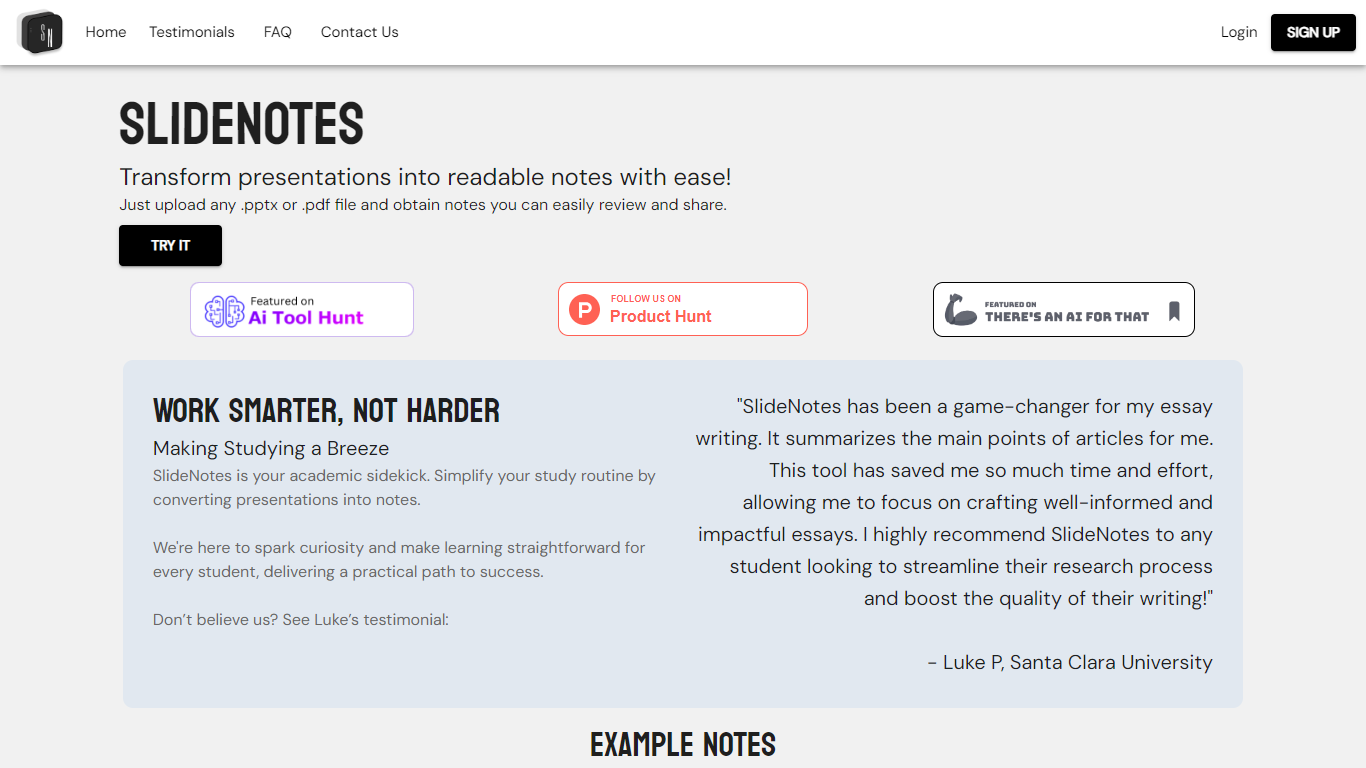
SlideNotes turns uploaded presentations and PDFs into readable notes you can review and share. Upload a .pptx or .pdf file and the service extracts key phrases from each slide, then summarizes them into bulleted notes.
The product targets both students converting lecture decks into study material and professionals turning meeting slides into actionable summaries. Example outputs on the site include notes from presentations on mental health, product management, and hiring guides.
SlideNotes currently supports users in the United States and Canada. The founders built it as a dorm-room project to cut down time spent manually copying slide content before exams.
MindShow
What is MindShow?
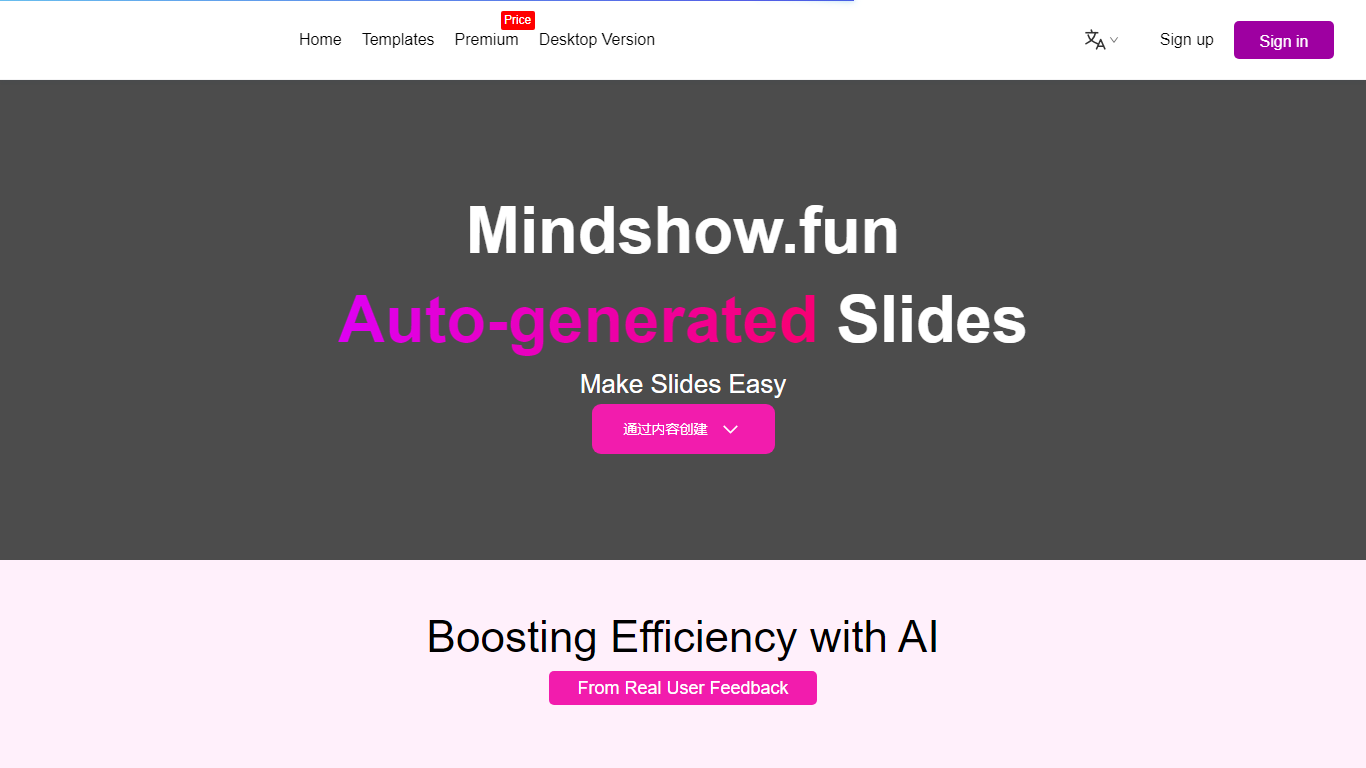
MindShow is an online presentation builder that turns a title, pasted text, or uploaded file into a finished slide deck. You can start from a prompt, drop in a Word or PDF file, or import Markdown and mind maps, then let the tool generate layouts, graphics, and animations automatically. It fits anyone who needs a PPT fast without rebuilding every slide by hand.
Where many slide tools stop at blank templates, MindShow pushes import paths and long-document handling. The site lists dedicated flows for Markdown, Word, PDF, PPTX redesign, mind maps in .xmind and .mm, plain text, image analysis, and long-text summaries up to 100,000 words. That breadth matters if your source material already lives outside the presentation app.
Office workers, teachers, and students use it for work reports, product decks, and defense presentations. MindShow also offers a downloadable desktop application, publishes help at mindshow.fun/help, and lists [email protected] for contact.
SlideNotes Upvotes
MindShow Upvotes
SlideNotes Top Features
Upload .pptx or .pdf files and get bulleted notes back automatically
Identifies key words and phrases from each slide to build summaries
Works for lecture slides, essays, exams, and post-meeting recaps
Example notes library shows real outputs from past conversions
Student testimonials highlight faster essay research and review
MindShow Top Features
Generate a full PPT from a title, uploaded document, or pasted text
Import Markdown, Word .docx, PDF, PPTX, and mind maps in .xmind or .mm formats
Summarize long text up to 100,000 words into a condensed presentation
Switch between multiple themes and layouts with one click after generation
Edit generated content in an outline view before exporting to PPTX
Desktop application available alongside the browser-based editor
SlideNotes Category
- Presentation
MindShow Category
- Presentation
SlideNotes Pricing Type
- Freemium
MindShow Pricing Type
- Freemium