Slides.bot vs Beautiful AI
When comparing Slides.bot vs Beautiful AI, which AI Presentation tool shines brighter? We look at pricing, alternatives, upvotes, features, reviews, and more.
In a comparison between Slides.bot and Beautiful AI, which one comes out on top?
When we put Slides.bot and Beautiful AI side by side, both being AI-powered presentation tools, The upvote count favors Slides.bot, making it the clear winner. Slides.bot has been upvoted 6 times by aitools.fyi users, and Beautiful AI has been upvoted 4 times.
Think we got it wrong? Cast your vote and show us who's boss!
Slides.bot
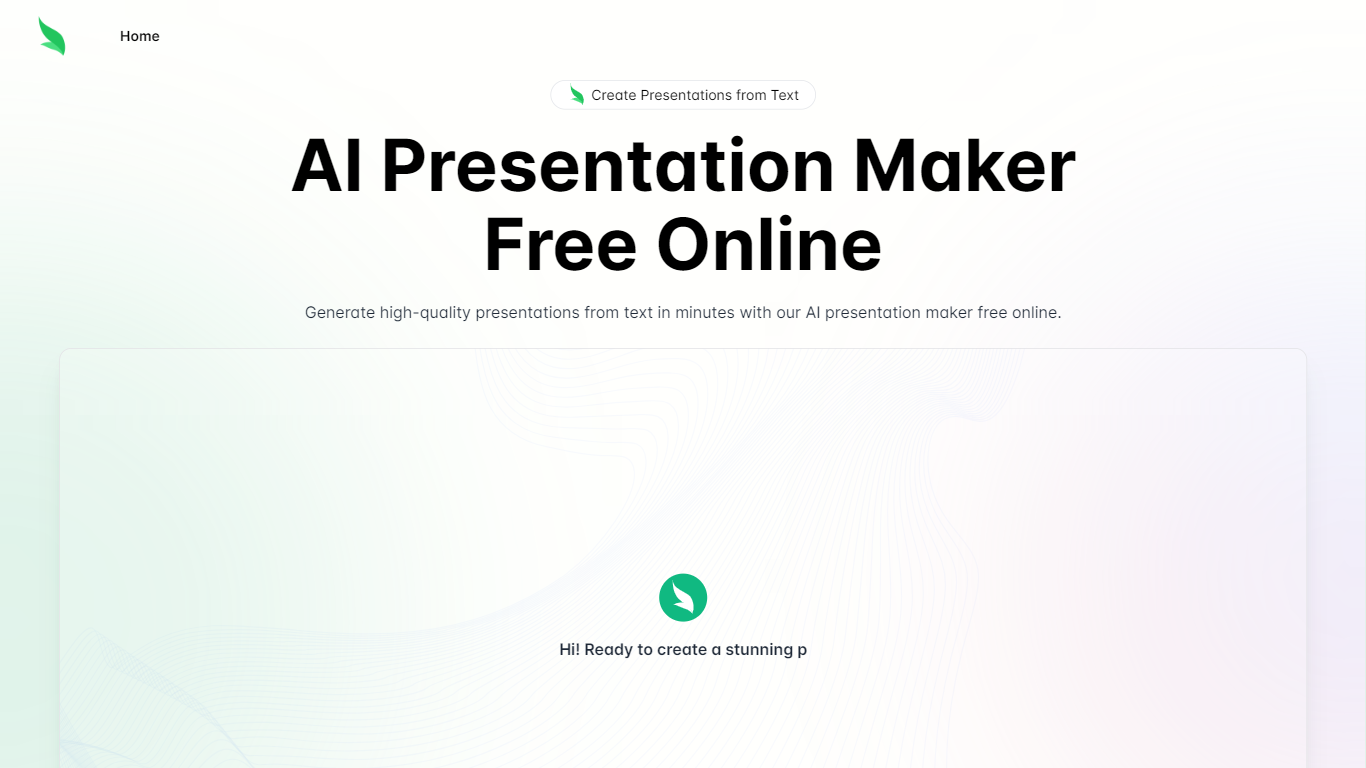

What is Slides.bot?
Slides.bot is a free online presentation maker that turns a topic or block of text into a finished slide deck. You sign up for an account, enter a prompt, adjust the layout and visuals, then download the result. It targets anyone who needs slides quickly without building each one from scratch.
The site is powered by GPT-4o and focuses on text-to-presentation conversion rather than manual slide design. It generates structured slides from your input, offers customizable templates, and supports multiple languages for international audiences.
Slides.bot fits business decks, classroom lectures, and creative projects where speed matters more than pixel-perfect manual design. The workflow is built around prompt in, edit, download out.
Beautiful AI
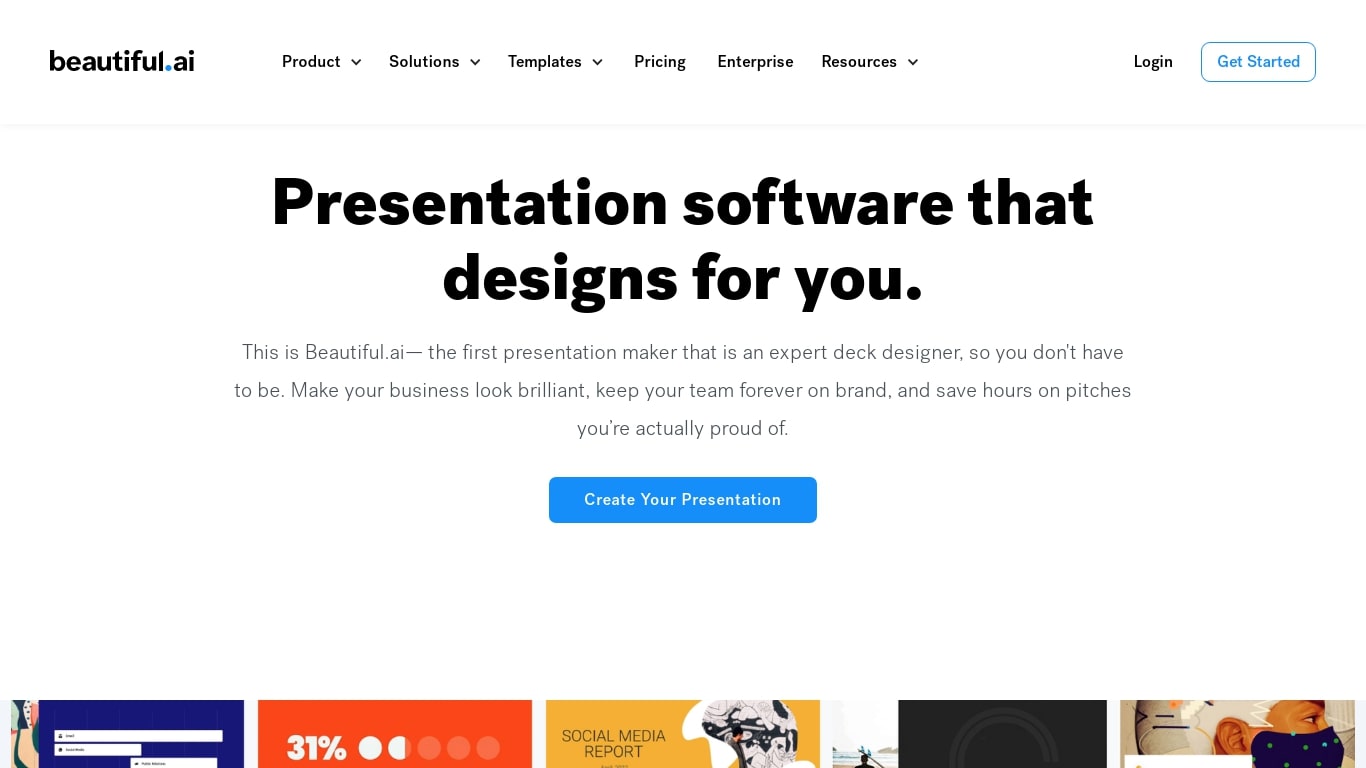
What is Beautiful AI?
Beautiful AI helps teams turn outlines into polished presentation decks in the browser, without manual slide formatting. Smart Slides are the core building block: layouts that resize, realign, and animate your content as you edit. You can start from a prompt, a pasted outline, or pick from 300+ layout templates.
One-shot AI deck tools often dump a rough first draft and leave you fixing spacing by hand. Beautiful AI puts outline review first in its Create with AI workflow, so you refine story flow before slides get designed. When you swap layouts or rewrite copy later, Smart Slides keep hierarchy intact, which matters more for recurring sales decks than one-off experiments.
The product targets individuals, agencies, and departments that need every deck to match brand colors, fonts, and logos. Customer stories cite teams at Cvent, IDC, and Paciolan cutting build time by 75 percent. Shared themes, slide libraries, and viewer analytics are built for orgs where many people present the same narrative.
Slides.bot Upvotes
Beautiful AI Upvotes
Slides.bot Top Features
Homepage title states the deck generator runs on GPT-4o for text-to-slide output
Site alternates cover 8 locales including English, Spanish, French, German, Russian, Japanese, Arabic, and Portuguese
Four-step workflow: register an account, enter a prompt, customize slides, then download
Customize templates, text, images, and layout before you download
Add images, charts, and graphs to make data-heavy decks more readable
Beautiful AI Top Features
300+ Smart Slide layouts that auto-align spacing and hierarchy as you edit
Create with AI workflow lets you refine a slide outline before generating designs
Data-linked charts and graphs from uploaded spreadsheets or pasted data
Locked brand themes with colors, fonts, logos, and footers applied across every deck
Export to PDF and editable PowerPoint, plus voice-over recording on slides
Viewer analytics and secure sharing on Team plans for 2 to 20 seats
Slides.bot Category
- Presentation
Beautiful AI Category
- Presentation
Slides.bot Pricing Type
- Free
Beautiful AI Pricing Type
- Paid