Slides.bot vs Present AI
Dive into the comparison of Slides.bot vs Present AI and discover which AI Presentation tool stands out. We examine alternatives, upvotes, features, reviews, pricing, and beyond.
When comparing Slides.bot and Present AI, which one rises above the other?
When we compare Slides.bot and Present AI, two exceptional presentation tools powered by artificial intelligence, and place them side by side, several key similarities and differences come to light. The users have made their preference clear, Slides.bot leads in upvotes. The number of upvotes for Slides.bot stands at 6, and for Present AI it's 4.
Disagree with the result? Upvote your favorite tool and help it win!
Slides.bot
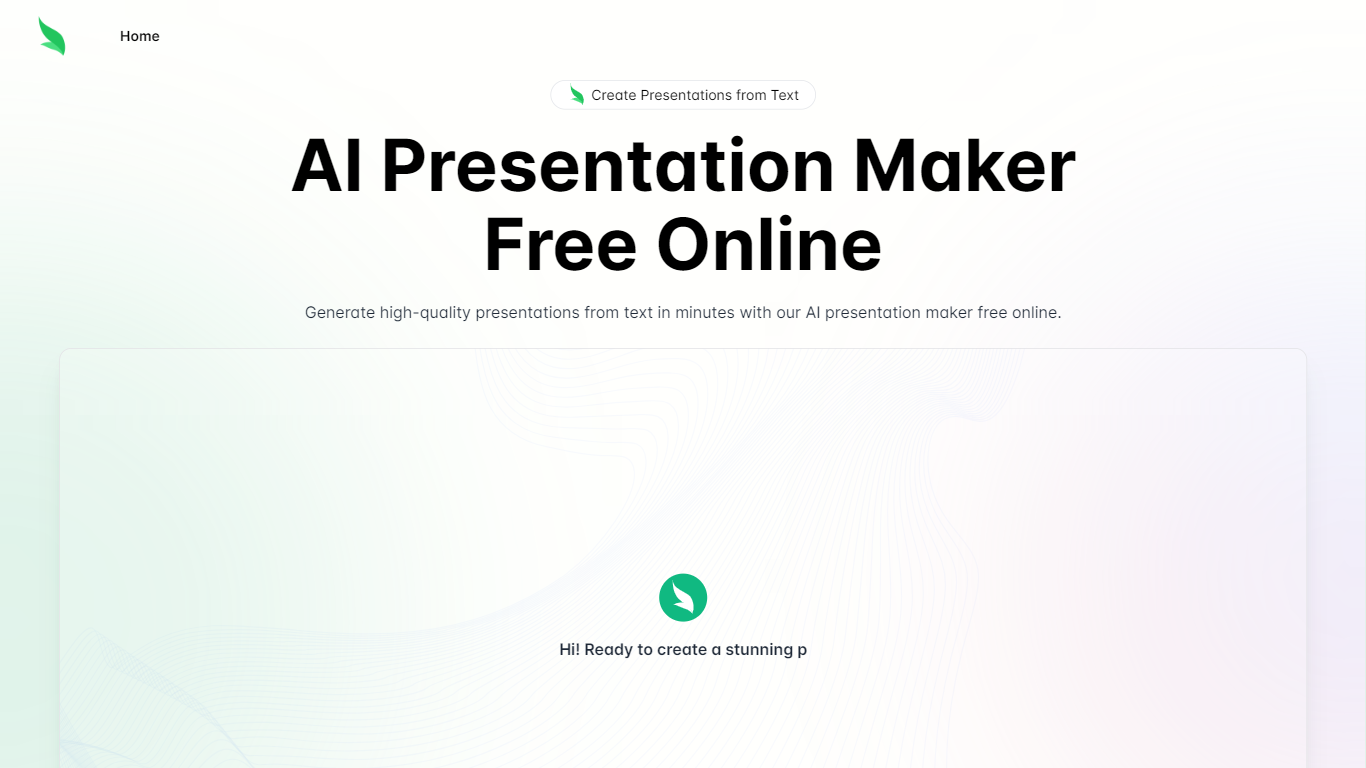

What is Slides.bot?
Slides.bot is a free online presentation maker that turns a topic or block of text into a finished slide deck. You sign up for an account, enter a prompt, adjust the layout and visuals, then download the result. It targets anyone who needs slides quickly without building each one from scratch.
The site is powered by GPT-4o and focuses on text-to-presentation conversion rather than manual slide design. It generates structured slides from your input, offers customizable templates, and supports multiple languages for international audiences.
Slides.bot fits business decks, classroom lectures, and creative projects where speed matters more than pixel-perfect manual design. The workflow is built around prompt in, edit, download out.
Present AI
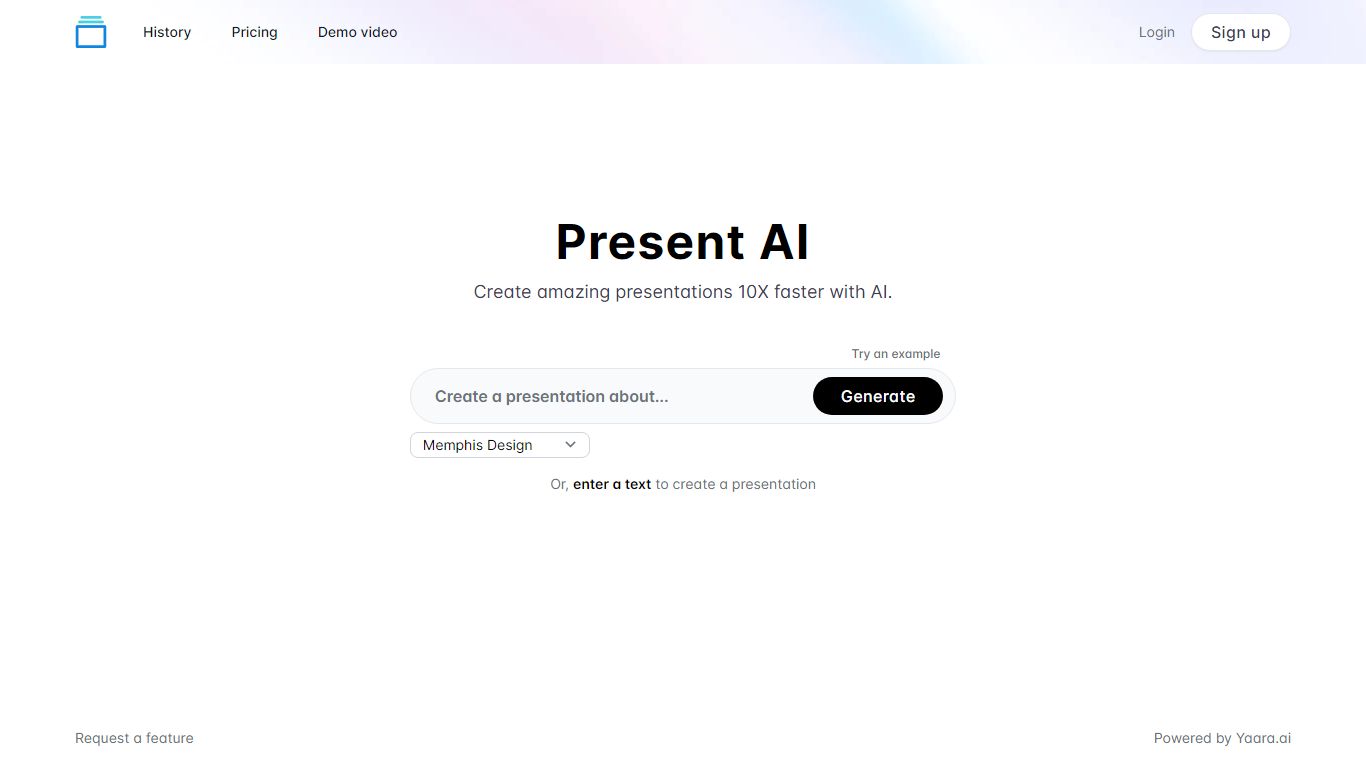
What is Present AI?
Create stunning presentations quickly and easily with AI. Our platform offers a wide range of visuals to choose from, including Low Poly, Cyberpunk, Surrealism, Anime, Realism, Memphis Design and Fantasy art styles as well as classic Cartoon aesthetic. In addition, users are able to enter their own text to customize their visual presentations enhancing the unique qualities of their content.
Slides.bot Upvotes
Present AI Upvotes
Slides.bot Top Features
Homepage title states the deck generator runs on GPT-4o for text-to-slide output
Site alternates cover 8 locales including English, Spanish, French, German, Russian, Japanese, Arabic, and Portuguese
Four-step workflow: register an account, enter a prompt, customize slides, then download
Customize templates, text, images, and layout before you download
Add images, charts, and graphs to make data-heavy decks more readable
Present AI Top Features
No top features listedSlides.bot Category
- Presentation
Present AI Category
- Presentation
Slides.bot Pricing Type
- Free
Present AI Pricing Type
- Paid