Slides.bot vs Quarterly Business Review | Plus
When comparing Slides.bot vs Quarterly Business Review | Plus, which AI Presentation tool shines brighter? We look at pricing, alternatives, upvotes, features, reviews, and more.
In a comparison between Slides.bot and Quarterly Business Review | Plus, which one comes out on top?
When we put Slides.bot and Quarterly Business Review | Plus side by side, both being AI-powered presentation tools, The upvote count shows a clear preference for Quarterly Business Review | Plus. Quarterly Business Review | Plus has garnered 8 upvotes, and Slides.bot has garnered 6 upvotes.
Think we got it wrong? Cast your vote and show us who's boss!
Slides.bot

What is Slides.bot?
Slides.bot is a free online presentation maker that turns a topic or block of text into a finished slide deck. You sign up for an account, enter a prompt, adjust the layout and visuals, then download the result. It targets anyone who needs slides quickly without building each one from scratch.
The site is powered by GPT-4o and focuses on text-to-presentation conversion rather than manual slide design. It generates structured slides from your input, offers customizable templates, and supports multiple languages for international audiences.
Slides.bot fits business decks, classroom lectures, and creative projects where speed matters more than pixel-perfect manual design. The workflow is built around prompt in, edit, download out.
Quarterly Business Review | Plus
What is Quarterly Business Review | Plus?
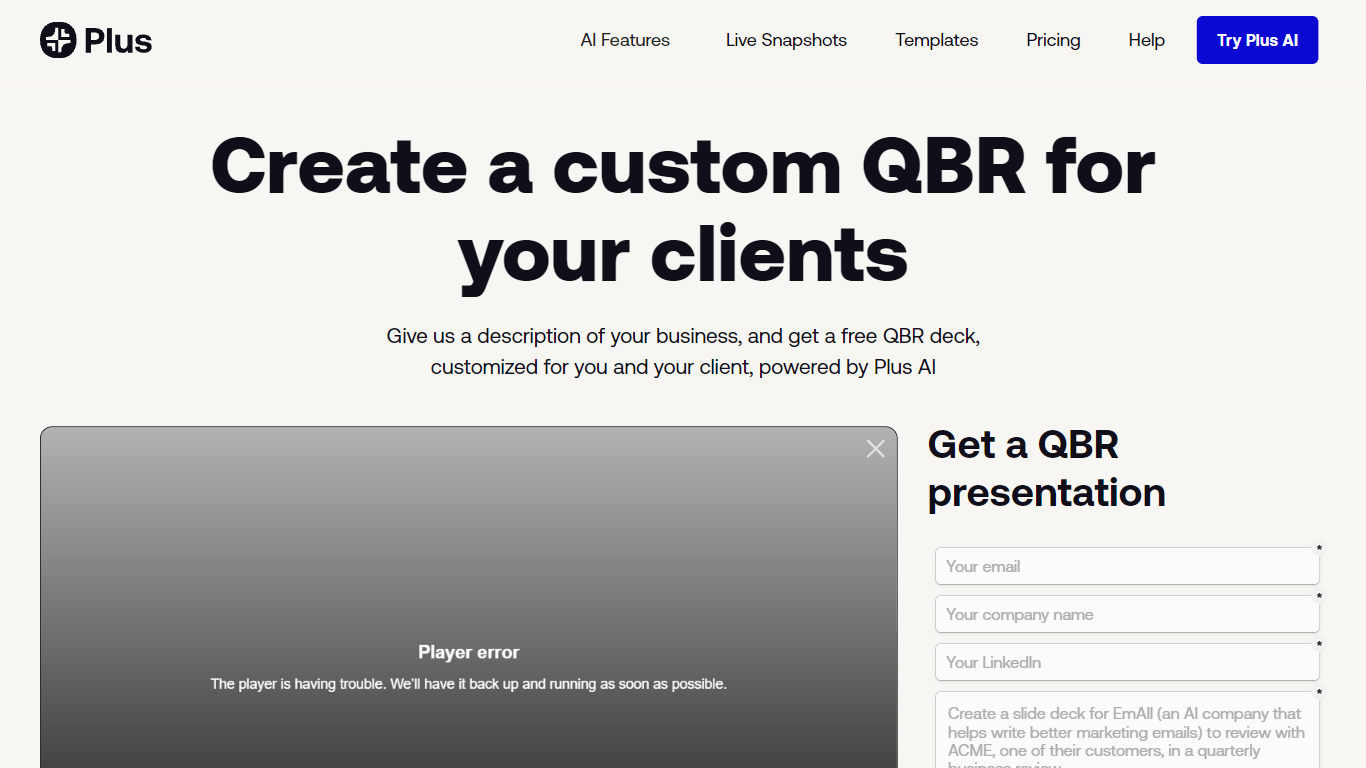
Quarterly Business Review | Plus is a client reporting workflow from Plus AI that drafts a customized QBR slide deck from a short description of your business and the client work you want to highlight. You sign up, describe the engagement, and Plus AI builds an easy-to-digest quarterly review deck you can edit in Google Slides or PowerPoint.
Most presentation tools give you generic templates. This Plus AI use case targets agency and services teams who repeat the same QBR structure every quarter but need client-specific narrative and metrics each time. You still use the Plus AI add-in inside Slides or PowerPoint rather than exporting to a separate design app.
Consultants, account managers, and customer success leads use it to skip blank-slide setup and send polished QBR decks faster. Paid Plus AI plans add higher monthly AI credit limits, document uploads, and team branding controls beyond the free sample deck offer.
Slides.bot Upvotes
Quarterly Business Review | Plus Upvotes
Slides.bot Top Features
Homepage title states the deck generator runs on GPT-4o for text-to-slide output
Site alternates cover 8 locales including English, Spanish, French, German, Russian, Japanese, Arabic, and Portuguese
Four-step workflow: register an account, enter a prompt, customize slides, then download
Customize templates, text, images, and layout before you download
Add images, charts, and graphs to make data-heavy decks more readable
Quarterly Business Review | Plus Top Features
Creates a client-specific QBR deck from a short business description
Works as a Google Slides and PowerPoint add-in via Plus AI
Basic plan includes 1,500 AI credits per month at $10 per user annually
Pro plan includes 3,000 AI credits per month and document uploads
Team plan adds custom branding with logo, colors, and fonts at $30 per user annually
Every paid plan starts with a 7-day trial including 1,000 AI credits
Slides.bot Category
- Presentation
Quarterly Business Review | Plus Category
- Presentation
Slides.bot Pricing Type
- Free
Quarterly Business Review | Plus Pricing Type
- Freemium