Slides.bot vs SlideNotes
Explore the showdown between Slides.bot vs SlideNotes and find out which AI Presentation tool wins. We analyze upvotes, features, reviews, pricing, alternatives, and more.
In a face-off between Slides.bot and SlideNotes , which one takes the crown?
When we contrast Slides.bot with SlideNotes , both of which are exceptional AI-operated presentation tools, and place them side by side, we can spot several crucial similarities and divergences. The upvote count is neck and neck for both Slides.bot and SlideNotes . Join the aitools.fyi users in deciding the winner by casting your vote.
Think we got it wrong? Cast your vote and show us who's boss!
Slides.bot
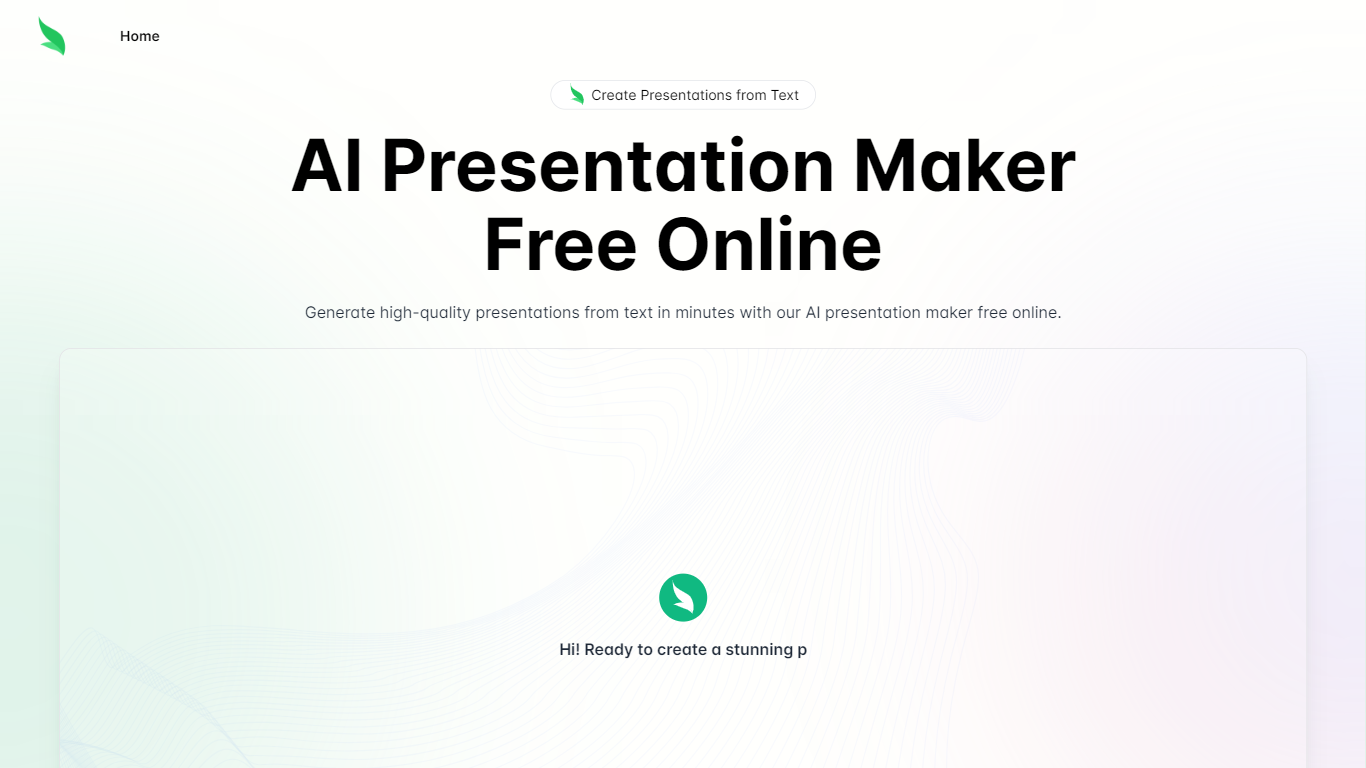

What is Slides.bot?
Slides.bot is a free online presentation maker that turns a topic or block of text into a finished slide deck. You sign up for an account, enter a prompt, adjust the layout and visuals, then download the result. It targets anyone who needs slides quickly without building each one from scratch.
The site is powered by GPT-4o and focuses on text-to-presentation conversion rather than manual slide design. It generates structured slides from your input, offers customizable templates, and supports multiple languages for international audiences.
Slides.bot fits business decks, classroom lectures, and creative projects where speed matters more than pixel-perfect manual design. The workflow is built around prompt in, edit, download out.
SlideNotes
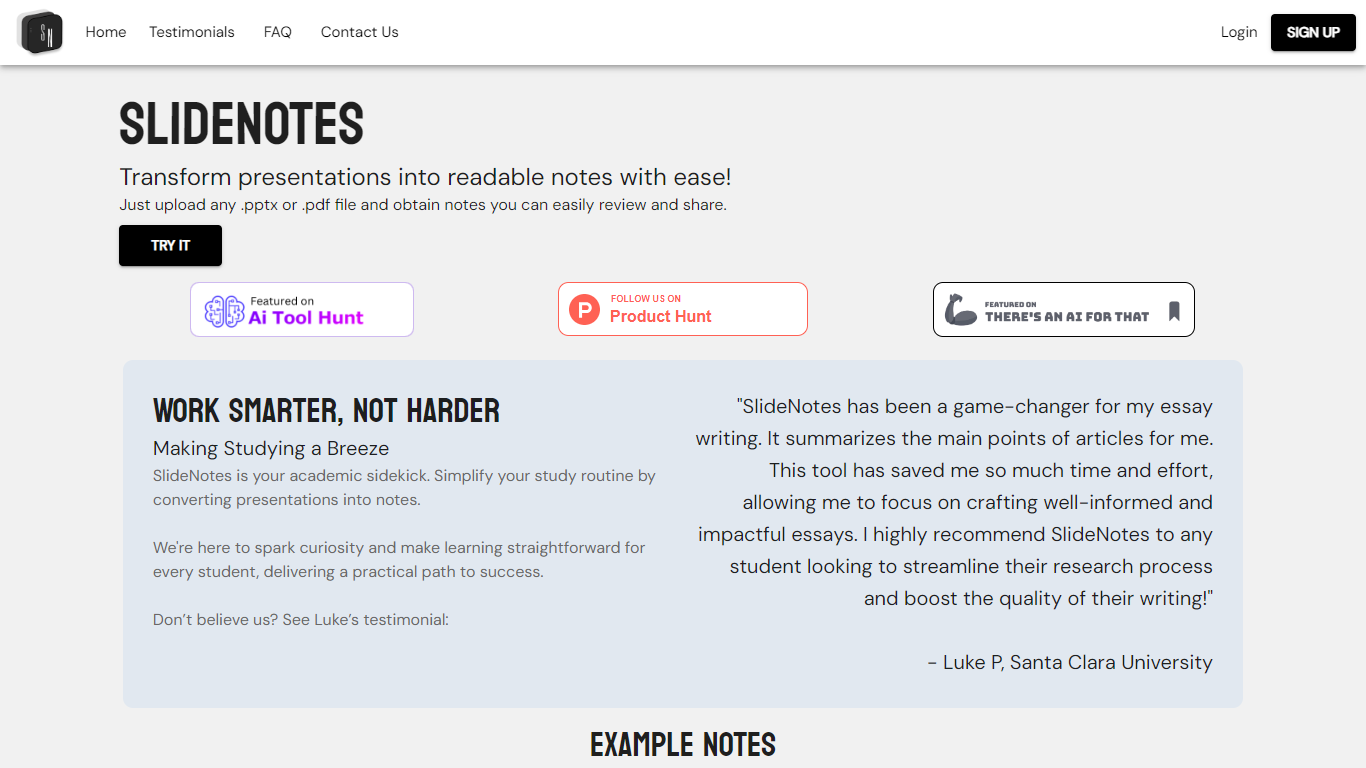
What is SlideNotes ?
SlideNotes turns uploaded presentations and PDFs into readable notes you can review and share. Upload a .pptx or .pdf file and the service extracts key phrases from each slide, then summarizes them into bulleted notes.
The product targets both students converting lecture decks into study material and professionals turning meeting slides into actionable summaries. Example outputs on the site include notes from presentations on mental health, product management, and hiring guides.
SlideNotes currently supports users in the United States and Canada. The founders built it as a dorm-room project to cut down time spent manually copying slide content before exams.
Slides.bot Upvotes
SlideNotes Upvotes
Slides.bot Top Features
Homepage title states the deck generator runs on GPT-4o for text-to-slide output
Site alternates cover 8 locales including English, Spanish, French, German, Russian, Japanese, Arabic, and Portuguese
Four-step workflow: register an account, enter a prompt, customize slides, then download
Customize templates, text, images, and layout before you download
Add images, charts, and graphs to make data-heavy decks more readable
SlideNotes Top Features
Upload .pptx or .pdf files and get bulleted notes back automatically
Identifies key words and phrases from each slide to build summaries
Works for lecture slides, essays, exams, and post-meeting recaps
Example notes library shows real outputs from past conversions
Student testimonials highlight faster essay research and review
Slides.bot Category
- Presentation
SlideNotes Category
- Presentation
Slides.bot Pricing Type
- Free
SlideNotes Pricing Type
- Freemium