Smart-Link vs PDF Candy
In the contest of Smart-Link vs PDF Candy, which AI Productivity tool is the champion? We evaluate pricing, alternatives, upvotes, features, reviews, and more.
If you had to choose between Smart-Link and PDF Candy, which one would you go for?
When we examine Smart-Link and PDF Candy, both of which are AI-enabled productivity tools, what unique characteristics do we discover? The community has spoken, PDF Candy leads with more upvotes. PDF Candy has 12 upvotes, and Smart-Link has 6 upvotes.
Don't agree with the result? Cast your vote and be a part of the decision-making process!
Smart-Link
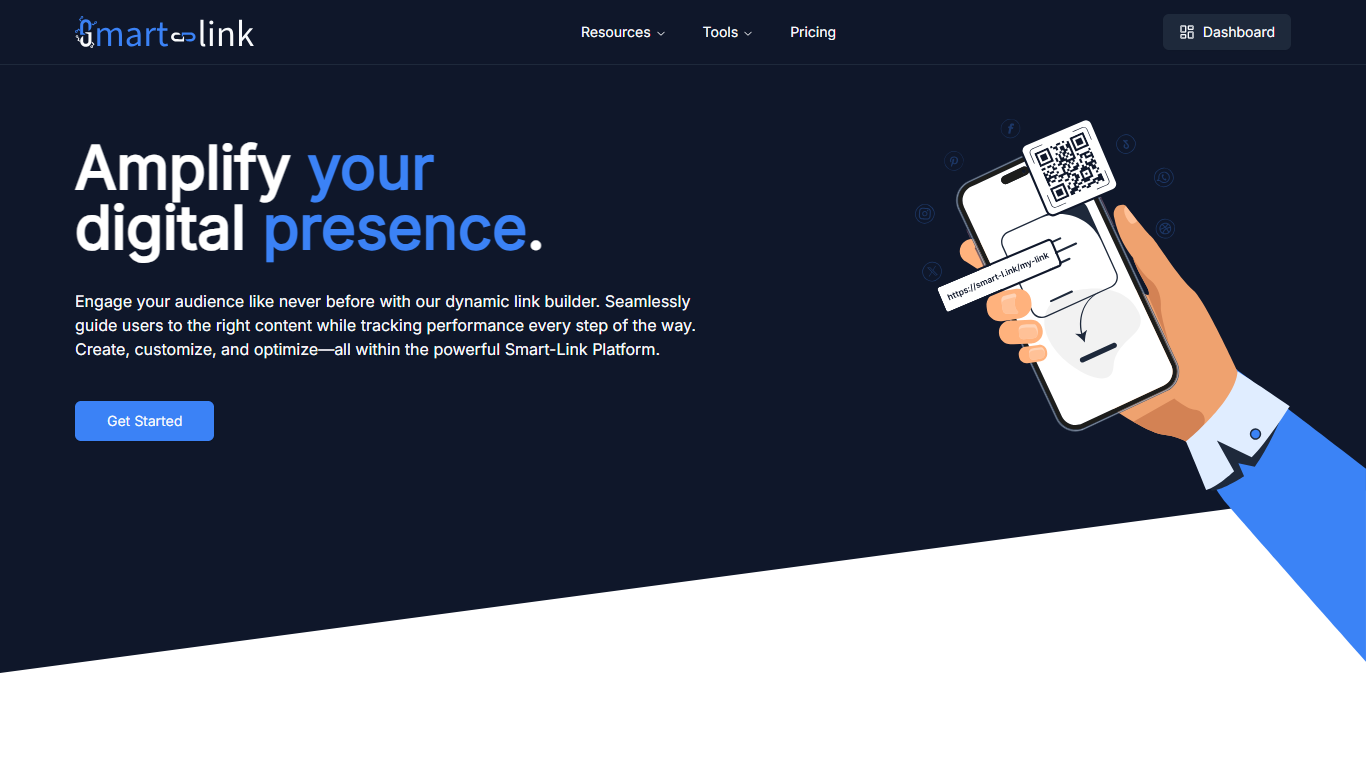

What is Smart-Link?
Smart-Link is a link management platform for shortening URLs, publishing branded landing pages, and sending visitors to the right destination. You create short links on domains like smart-l.ink or jl.mk, track performance, and adjust routing as campaigns change.
The platform combines an admin dashboard with redirect rules, page templates, and CDN delivery. Free on-site tools cover URL shortening, Google review links, AI webpage generation, and Amazon review links without leaving the site.
Smart-Link targets marketers, business owners, and creators who need more than a basic shortener. Click-based paid plans add custom domains, storage, and support when traffic grows.
PDF Candy
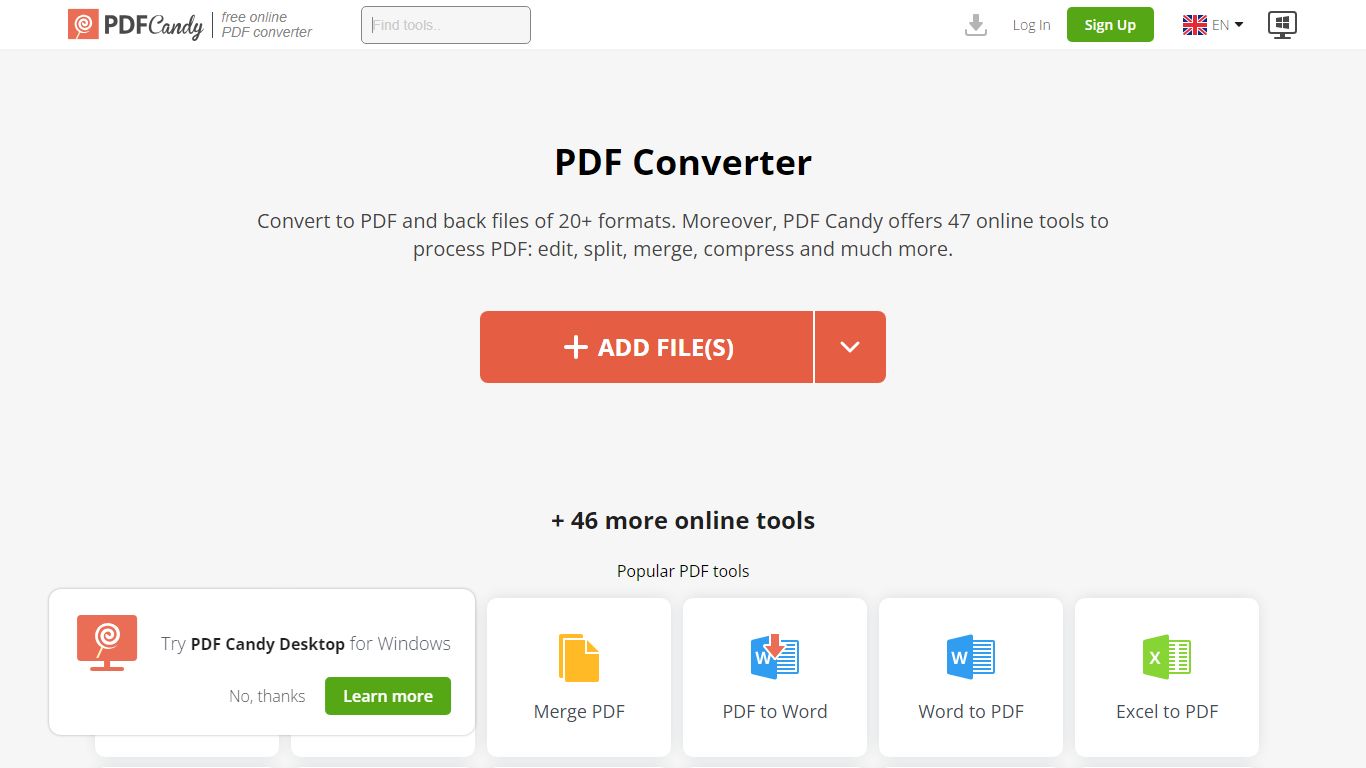
What is PDF Candy?
PDF Candy packs 90+ browser-based PDF tools into one productivity hub for editing, converting, merging, compressing, signing, and protecting documents. Newer additions include AI summarize, chat, and translate workflows alongside classics like PDF to Word and JPG to PDF.
Competing PDF sites usually split free limits across separate pages. PDF Candy keeps a forever-free web tier with no ads and no account required, then sells priority processing, 500 MB uploads, and an offline Windows desktop app with 35 tools. Paid bundles also include Video Candy and Image Candy web access.
Office workers, students, and small businesses reach for PDF Candy when they need a quick conversion without installing software, or when they want batch-friendly desktop processing. Files upload from Dropbox or Google Drive, and the site deletes uploads within two hours under GDPR rules.
Smart-Link Upvotes
PDF Candy Upvotes
Smart-Link Top Features
Shorten links on domains like smart-l.ink, jl.mk, or lj.mk with a custom back-half
Route clicks by device, location, time, or A/B test so visitors hit the right page
Open mobile links in the native app with deep-linking instead of the browser
Pick redirect status codes from 301, 302, 307, or 308 on each link
Generate AI webpages, Google review links, and Amazon review links from free on-site tools
PDF Candy Top Features
Offers 90+ online PDF tools covering edit, convert, merge, split, compress, and sign workflows
AI tools summarize PDFs, chat with document content, and translate PDF text in the browser
Forever free web tier works without signup and shows no ads
Paid web plans raise uploads to 500 MB per task with no hourly limits
Desktop + Web Yearly plan costs $4 per month and includes offline Windows software with 35 tools
Lifetime Desktop + Web license is a one-time $99 payment
Site supports 18 localized language versions from English to Korean
Smart-Link Category
- Productivity
PDF Candy Category
- Productivity
Smart-Link Pricing Type
- Freemium
PDF Candy Pricing Type
- Freemium