Smartcat vs Transcript Download
In the contest of Smartcat vs Transcript Download, which AI Translation tool is the champion? We evaluate pricing, alternatives, upvotes, features, reviews, and more.
If you had to choose between Smartcat and Transcript Download, which one would you go for?
When we examine Smartcat and Transcript Download, both of which are AI-enabled translation tools, what unique characteristics do we discover? Both tools are equally favored, as indicated by the identical upvote count. Your vote matters! Help us decide the winner among aitools.fyi users by casting your vote.
Not your cup of tea? Upvote your preferred tool and stir things up!
Smartcat
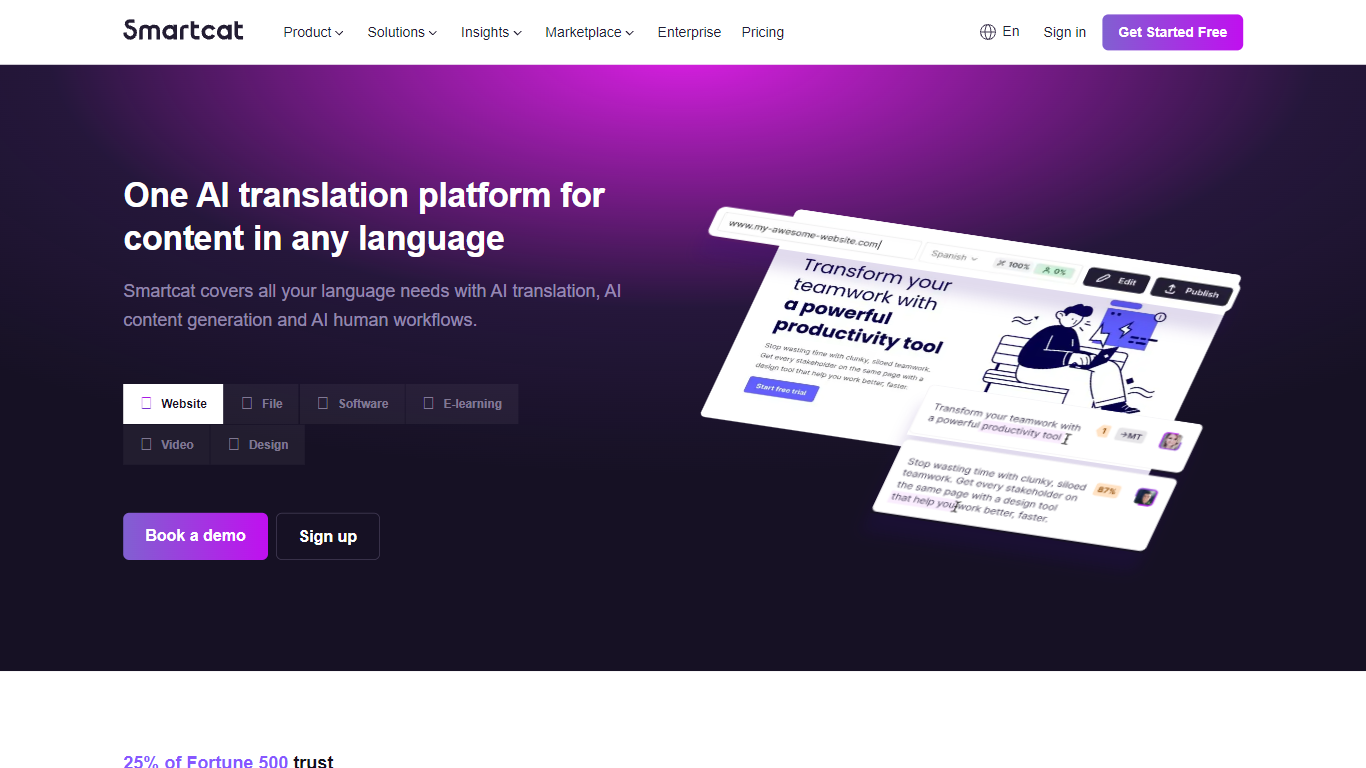

What is Smartcat?
Smartcat runs translation and localization workflows through expert-trained AI coworkers that adapt websites, software strings, documents, and video into 280+ languages from one platform. Marketing, L&D, and product teams connect Smartcat to tools like Figma, Contentful, WordPress, and Git so content updates sync without rebuilding export pipelines. Named agents such as AI Content Translator and AI Linguist handle drafting, translation, and review while a Chief of Staff coworker coordinates tasks across markets. Enterprise customers cite 70% cost cuts and 400% faster turnaround when replacing manual vendor handoffs.
Most TMS tools stop at project management and file handoffs to agencies. Smartcat pairs unlimited user seats with a 500,000+ linguist marketplace, payment automation, and AI that learns from your translation memory edits. The trade-off is price: annual coworker plans start at $1,200 and enterprise tiers reach $60,000+, so it targets teams with serious global content volume rather than one-off document jobs.
Localization managers use Smartcat as a CAT tool and TMS rolled into one workspace. Marketers and L&D leads without localization backgrounds spin up website or course translations through the Website Translator and file upload flows. LSPs and agencies tap the marketplace to source linguists under a single payment agreement.
Transcript Download
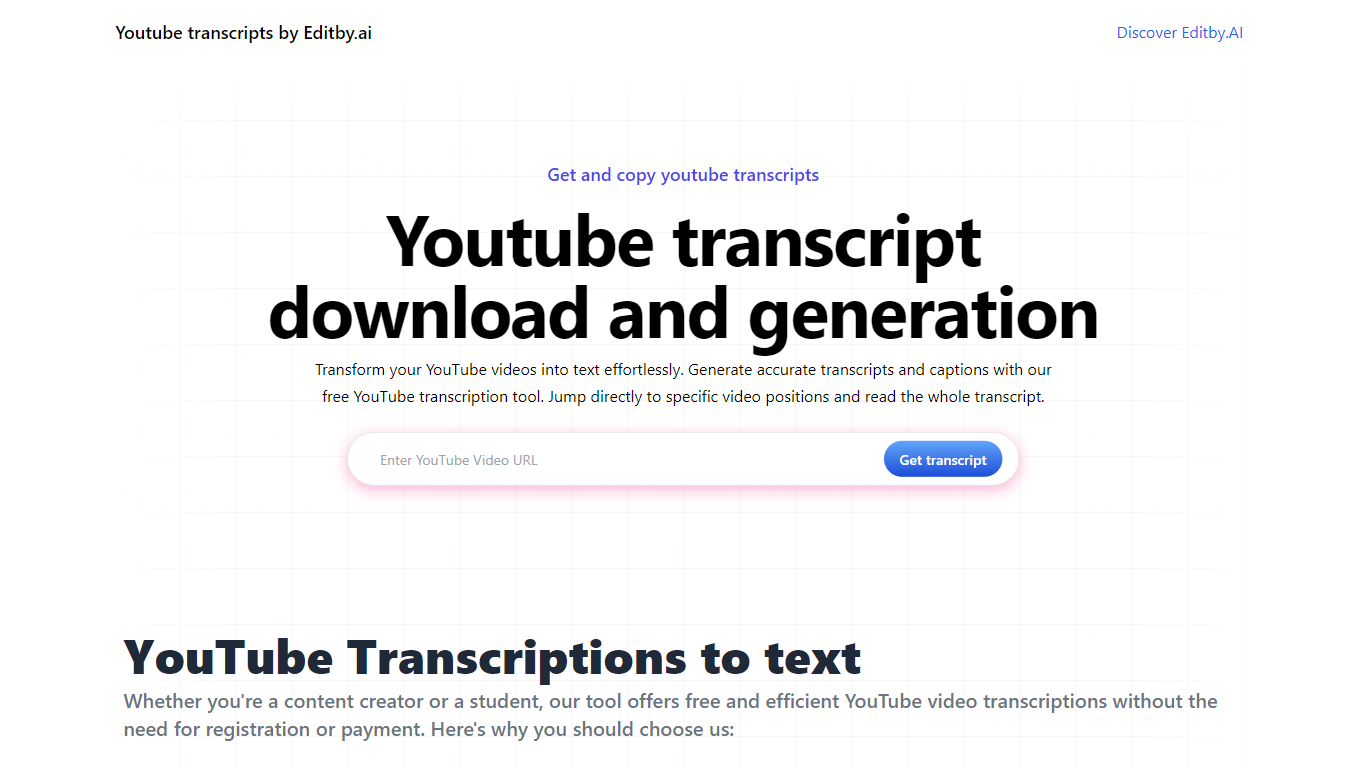
What is Transcript Download?
Unlock the full potential of your YouTube videos with Editby.AI's YouTube Transcription Tool. Our user-friendly platform caters to a range of users including students, researchers, content creators, and SEO professionals by providing an efficient way to generate accurate transcripts and captions. With our tool, there's no need for manual transcription. Simply input a YouTube URL and receive instant transcripts. Highlighted search terms, direct video position jumps, auto-scrolling features, and easy clipboard copying and downloading options streamline your workflow. Our commitment to user privacy is unmatched, requiring no sign-up or personal information. Enhance your productivity and save time with Editby.AI's transcription tool, all at no cost.
Smartcat Upvotes
Transcript Download Upvotes
Smartcat Top Features
Translates content into 280+ languages with AI workflows and optional human review from the marketplace
Supports 50+ file formats including DOC, PDF, JSON, XLIFF, and video uploads
Marketplace connects you to 500,000+ translators, editors, proofreaders, and agencies
Adapt plan includes 100K Smartwords and starts at $1,200 per year billed annually
Integrates with Figma, Contentful, WordPress, Git, Slack, Salesforce, and 30+ other tools
Unlimited user seats on all plans so entire marketing and localization teams can collaborate
Transcript Download Top Features
Instant Transcripts: Paste a YouTube URL and receive transcripts instantly.
Downloadable Transcripts: Easily download transcripts with a single click.
Jump to Video Position: Navigate directly to specific video segments from the transcript.
Autoscroll Transcripts: Enjoy synchronized transcripts that auto-scroll as the video plays.
No Registration Needed: Access the transcription tool without any account or personal details.
Smartcat Category
- Translation
Transcript Download Category
- Translation
Smartcat Pricing Type
- Freemium
Transcript Download Pricing Type
- Freemium