SmartCoder vs getEssential.app
In the contest of SmartCoder vs getEssential.app, which AI Code Assistant tool is the champion? We evaluate pricing, alternatives, upvotes, features, reviews, and more.
If you had to choose between SmartCoder and getEssential.app, which one would you go for?
When we examine SmartCoder and getEssential.app, both of which are AI-enabled code assistant tools, what unique characteristics do we discover? The upvote count is neck and neck for both SmartCoder and getEssential.app. Your vote matters! Help us decide the winner among aitools.fyi users by casting your vote.
Disagree with the result? Upvote your favorite tool and help it win!
SmartCoder
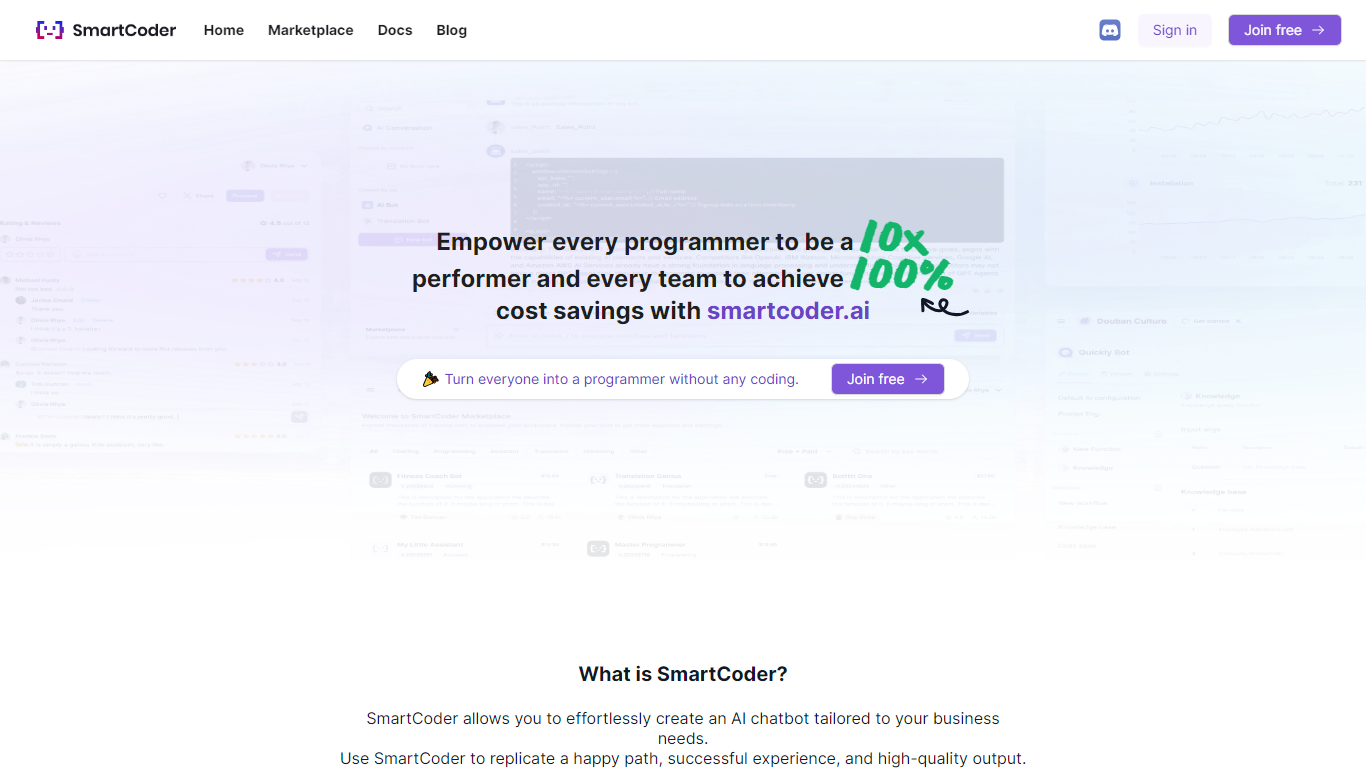

What is SmartCoder?
SmartCoder is your go-to platform for all your coding needs. Whether you're looking to enhance your coding skills, find relevant documentation, or explore a wide array of digital tools, SmartCoder offers a seamless experience. With a user-friendly interface, the platform invites both novices and seasoned developers to sign in or join for free and dive into a diverse marketplace.
The integrated blog section keeps you up-to-date with the latest trends and insights in the coding world. SmartCoder is designed to facilitate easy navigation, ensuring that users reach their desired content with minimal effort. From useful Docs for learning and troubleshooting to a thriving marketplace with numerous options, everything you need is just a click away. Engage with a community of like-minded individuals and leverage the full potential of SmartCoder's offerings to elevate your coding projects to new heights.
getEssential.app
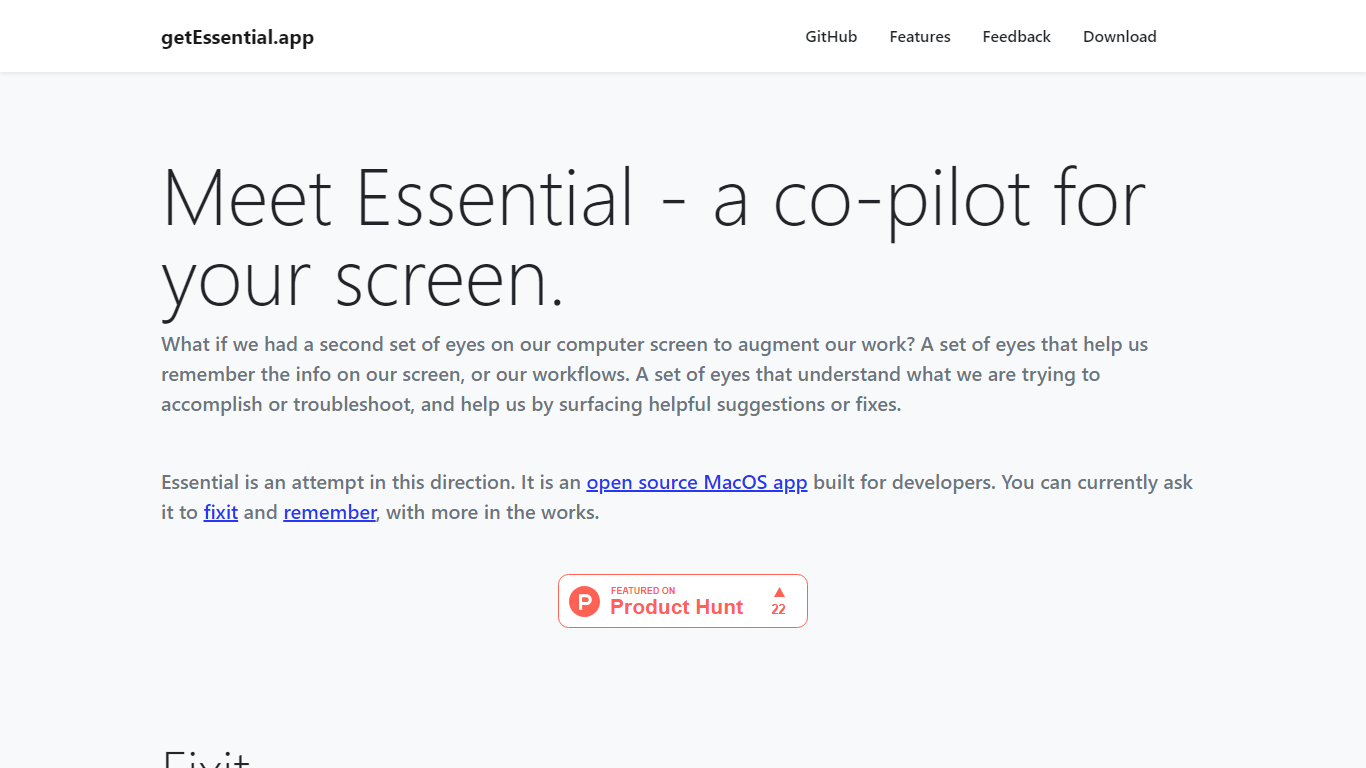
What is getEssential.app?
getEssential.app is an open source macOS companion that watches your screen and helps developers fix errors or save work context. Its Fixit mode keeps the last five minutes of screen activity, reads IDE build failures, terminal stack traces, and browser errors with computer vision plus OpenAI models, then suggests fixes in your project context. Remember mode captures summarized stories with screenshots for later recall using on-device OCR.
Generic ChatGPT tabs force you to copy error text out of your editor. Essential runs locally on the Mac, indexes recent screen history, and surfaces fixes when you Command-tab into the app without pasting logs into a browser. Remember also stores categorized story threads entirely on your machine, which is a different privacy trade-off than cloud note tools.
Mac developers debugging builds, exploring unfamiliar codebases, or documenting troubleshooting steps use Essential as a second set of eyes. The project is open source on GitHub and distributed as a direct Mac download from getessential.app.
SmartCoder Upvotes
getEssential.app Upvotes
SmartCoder Top Features
Easy Navigation: Straightforward access to marketplace, documentation, and blog.
Free Sign-In and Membership: Quick sign-in or joining options, available for free.
Diverse Marketplace: A wide range of tools and resources for coders.
Educational Docs: Comprehensive documentation for learning and problem-solving.
Engaging Blog: Stay informed with articles on the latest coding trends and tips.
getEssential.app Top Features
Fixit mode tracks the last 5 minutes of screen activity for contextual error help
Suggests fixes for IDE build failures, terminal stack traces, and browser errors
Remember mode saves summarized stories with screenshots via on-device OCR
Open source Mac app with source code on GitHub
All Remember data stays on your Mac with no cloud upload
Command-tab workflow without copying error text into a separate chat window
SmartCoder Category
- Code Assistant
getEssential.app Category
- Code Assistant
SmartCoder Pricing Type
- Freemium
getEssential.app Pricing Type
- Free