SnapGPT vs SumlyAI
In the battle of SnapGPT vs SumlyAI, which AI Summarizer tool comes out on top? We compare reviews, pricing, alternatives, upvotes, features, and more.
Between SnapGPT and SumlyAI, which one is superior?
Upon comparing SnapGPT with SumlyAI, which are both AI-powered summarizer tools, The upvote count reveals a draw, with both tools earning the same number of upvotes. Every vote counts! Cast yours and contribute to the decision of the winner.
Feeling rebellious? Cast your vote and shake things up!
SnapGPT
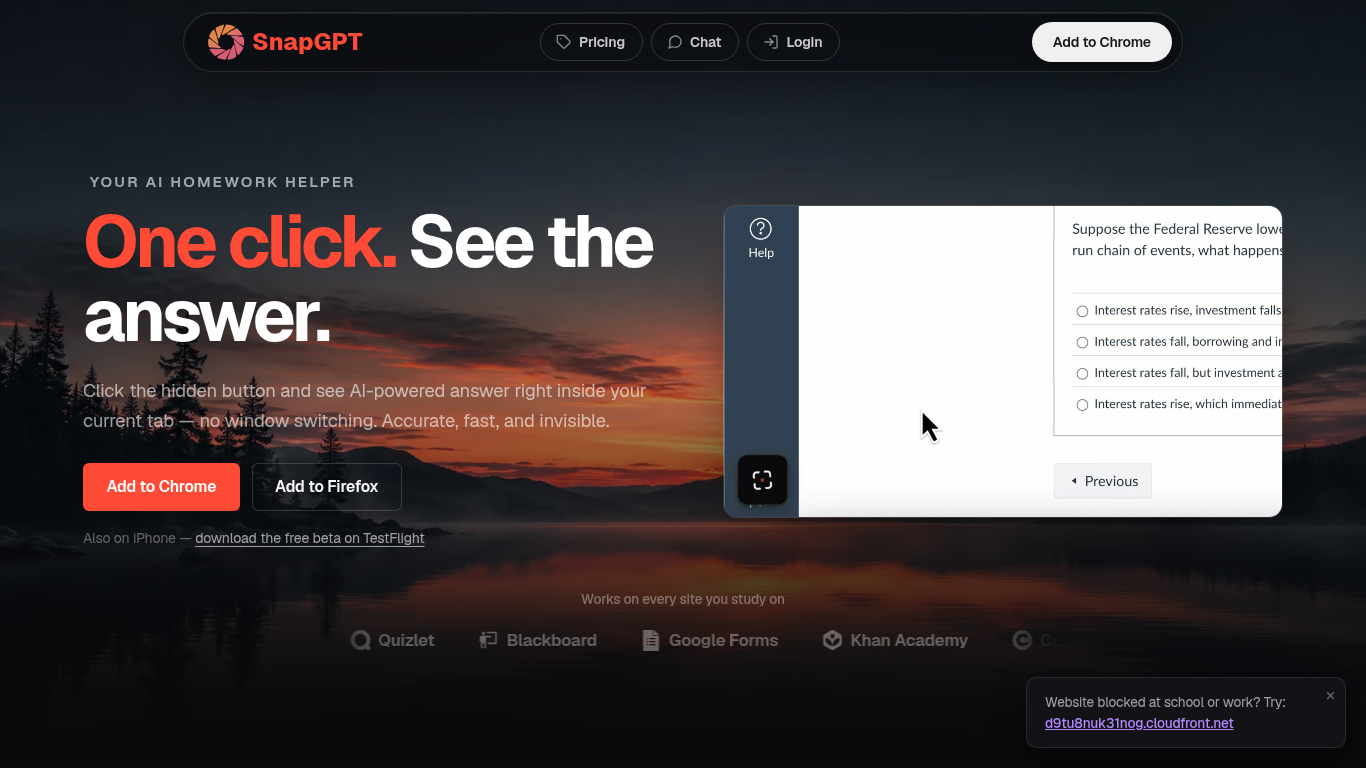

What is SnapGPT?
SnapGPT is a browser homework helper that reads questions on your screen and surfaces AI answers without switching tabs. Install the Chrome or Firefox extension, click once on a quiz or worksheet, and get screenshot-based answers plus step-by-step explanations. Students use it on Canvas, Quizlet, Blackboard, and Google Forms when they want fast help inside the page they are already on.
Generic chatbots make you copy questions into a separate window. SnapGPT runs as a hidden overlay in your current tab with Subtle Mode and URL-bar answers for discreet use. Its Autopilot mode can click through an entire quiz, and Plus unlocks unlimited screenshots, which is a different workflow than standalone AI chat sites.
The free tier includes 5 screenshot answers and 5 chat messages daily. Plus adds unlimited requests, reasoning models, flashcards, and Autopilot at $7.49 per month when billed annually.
SumlyAI
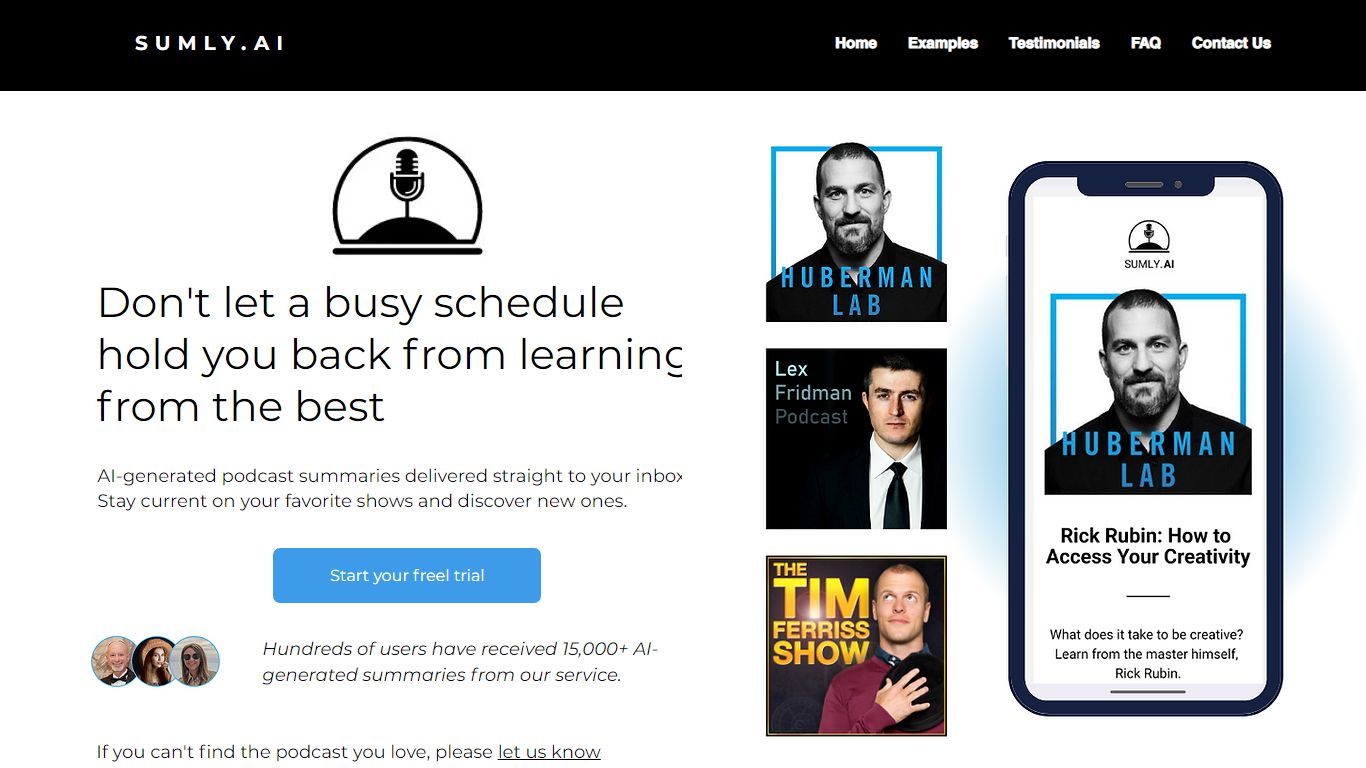
What is SumlyAI?
SumlyAI sends personalized podcast summaries to your inbox after new episodes drop. You build a profile with your interests and goals, pick shows to follow, and receive takeaways framed for your context instead of generic bullet recaps.
Most summarizers compress episodes into the same highlights for every listener. SumlyAI filters for mental models and actionable advice tied to your profile, delivers within 12 hours of release, and targets a morning briefing workflow so you can skim a 3 minute note instead of a 2 hour episode.
It fits founders, operators, and lifelong learners who subscribe to long-form shows but forget details by the next week. The homepage lists 1,017+ users, a free plan with no credit card required, and a 14 day free trial on the Premium Starter tier.
SnapGPT Upvotes
SumlyAI Upvotes
SnapGPT Top Features
Screenshot any on-screen question for instant AI answers in your tab
Chrome and Firefox extensions plus iPhone TestFlight beta app
Autopilot mode clicks through and solves entire quizzes automatically
Free tier includes 5 screenshot answers and 5 chat messages daily
Plus plan at $7.49 per month billed annually for unlimited access
SmartScan handles free-response and essay questions with streaming answers
Works on Canvas, Quizlet, Blackboard, Khan Academy, and Google Forms
SumlyAI Top Features
New episode summaries arrive in your inbox within 12 hours of release
Homepage cites a 14 day free trial on Premium with no credit card required
Free plan requires no credit card according to the pricing section
Profile setup captures interests, goals, and challenges before summarizing
Example flow references a 2 hour 15 minute episode condensed to about 3 minutes
Team plan launch pricing shows $49 per month marked coming soon on the homepage
SnapGPT Category
- Summarizer
SumlyAI Category
- Summarizer
SnapGPT Pricing Type
- Freemium
SumlyAI Pricing Type
- Freemium