
Last updated 08-15-2026
Category:
Reviews:
Join thousands of AI enthusiasts in the World of AI!
SnapGPT
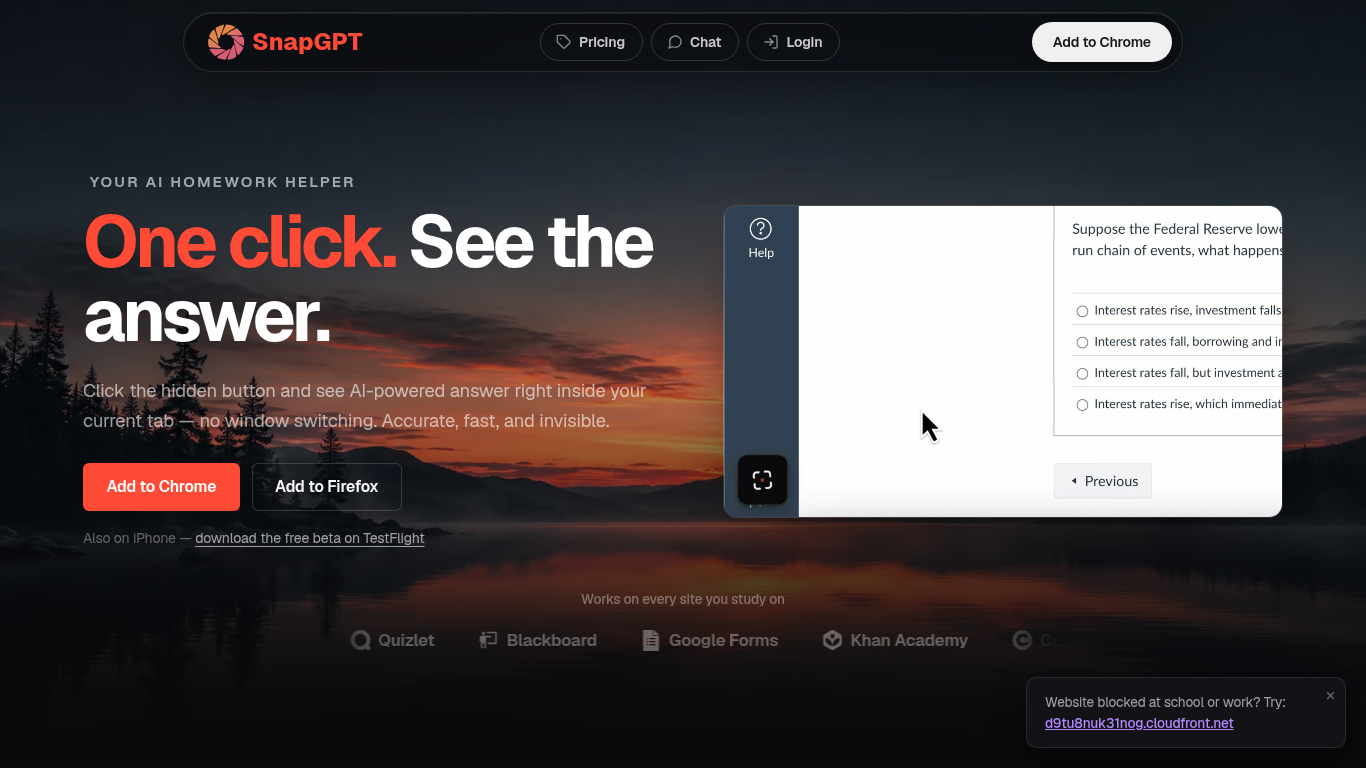
SnapGPT is a browser homework helper that reads questions on your screen and surfaces AI answers without switching tabs. Install the Chrome or Firefox extension, click once on a quiz or worksheet, and get screenshot-based answers plus step-by-step explanations. Students use it on Canvas, Quizlet, Blackboard, and Google Forms when they want fast help inside the page they are already on.
Generic chatbots make you copy questions into a separate window. SnapGPT runs as a hidden overlay in your current tab with Subtle Mode and URL-bar answers for discreet use. Its Autopilot mode can click through an entire quiz, and Plus unlocks unlimited screenshots, which is a different workflow than standalone AI chat sites.
The free tier includes 5 screenshot answers and 5 chat messages daily. Plus adds unlimited requests, reasoning models, flashcards, and Autopilot at $7.49 per month when billed annually.
Screenshot any on-screen question for instant AI answers in your tab
Chrome and Firefox extensions plus iPhone TestFlight beta app
Autopilot mode clicks through and solves entire quizzes automatically
Free tier includes 5 screenshot answers and 5 chat messages daily
Plus plan at $7.49 per month billed annually for unlimited access
SmartScan handles free-response and essay questions with streaming answers
Works on Canvas, Quizlet, Blackboard, Khan Academy, and Google Forms
Answers appear inside your current tab without switching to another app.
Works on major LMS platforms via screenshot rather than page parsing.
Autopilot mode can solve an entire quiz automatically on Plus.
Free tier requires no credit card to start.
Free plan limits to 5 screenshot answers and 5 chat messages daily.
Desktop support limited to Chrome and Firefox extensions.
iPhone app is a TestFlight beta, not a full App Store release.
Original snapgptai.com domain now redirects to an unrelated site.
Is SnapGPT free to use?
SnapGPT offers a free plan at $0 with 5 screenshot answers and 5 chat messages per day. SnapGPT Plus unlocks unlimited screenshot requests, chat, explanations, and Autopilot mode.
How does SnapGPT read questions on my screen?
SnapGPT captures a screenshot of your browser tab or a selected area, then uses AI to analyze the question and return an answer overlay without leaving the page you are on.
What browsers does SnapGPT support?
SnapGPT offers Chrome and Firefox extensions for desktop. An iPhone beta is available through TestFlight, and the web chat works at snapgpt.me/chat in any browser.
How much does SnapGPT Plus cost?
SnapGPT Plus costs $7.49 per month when billed annually at $89.99 per year. Weekly and monthly options are $7.99 per week and $9.99 per month respectively.
What is SnapGPT Autopilot mode?
SnapGPT Autopilot starts from your current quiz page and automatically clicks through answers for you, solving the entire quiz without manual screenshot clicks on each question.
Which learning platforms work with SnapGPT?
SnapGPT works on Canvas, Quizlet, Blackboard, Google Forms, Khan Academy, Coursera, Moodle, Kahoot, and AP Classroom because it screenshots the screen rather than reading page code.