TLDRai.com vs SnapGPT
When comparing TLDRai.com vs SnapGPT, which AI Summarizer tool shines brighter? We look at pricing, alternatives, upvotes, features, reviews, and more.
In a comparison between TLDRai.com and SnapGPT, which one comes out on top?
When we put TLDRai.com and SnapGPT side by side, both being AI-powered summarizer tools, There's no clear winner in terms of upvotes, as both tools have received the same number. Join the aitools.fyi users in deciding the winner by casting your vote.
Feeling rebellious? Cast your vote and shake things up!
TLDRai.com

What is TLDRai.com?
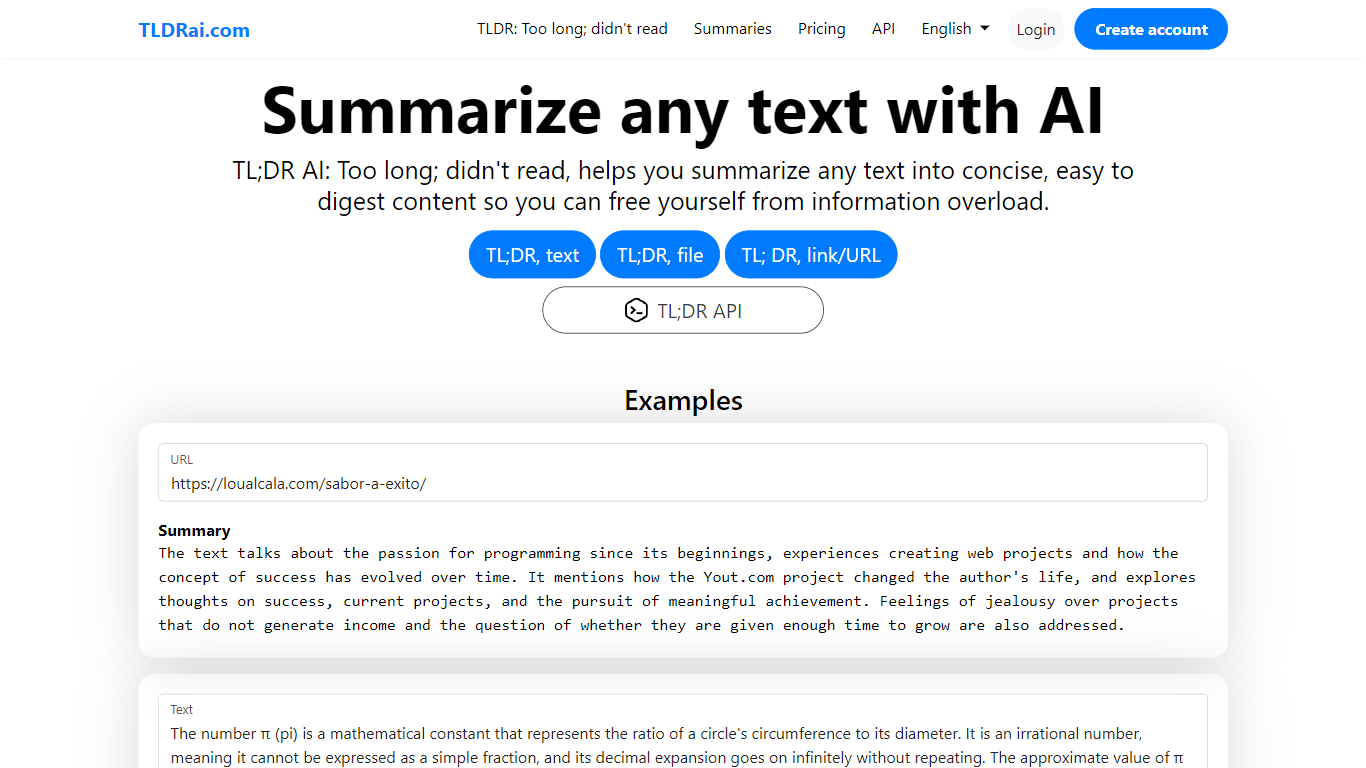
TLDRai.com is a text summarizer that turns long articles, documents, and pasted copy into short TL;DR style summaries. You can paste text directly, upload a file, or point it at a website URL, and the tool returns a condensed version meant to cut through information overload.
Unlike general chatbots that answer questions in a sidebar, TLDRai.com is built around one job: compressing text fast. The paid plan removes summary limits and unlocks every conversion tool, while a separate TLDWai.com sister product handles video summaries. The trade-off is a narrow feature set compared to research assistants that also cite sources or rewrite in multiple styles.
Students, researchers, and busy readers use TLDRai.com to skim news articles, policy PDFs, and long emails. Developers can call the REST API at api.tldrai.com/v1 with an account API key to add summarization to their own apps.
SnapGPT
What is SnapGPT?
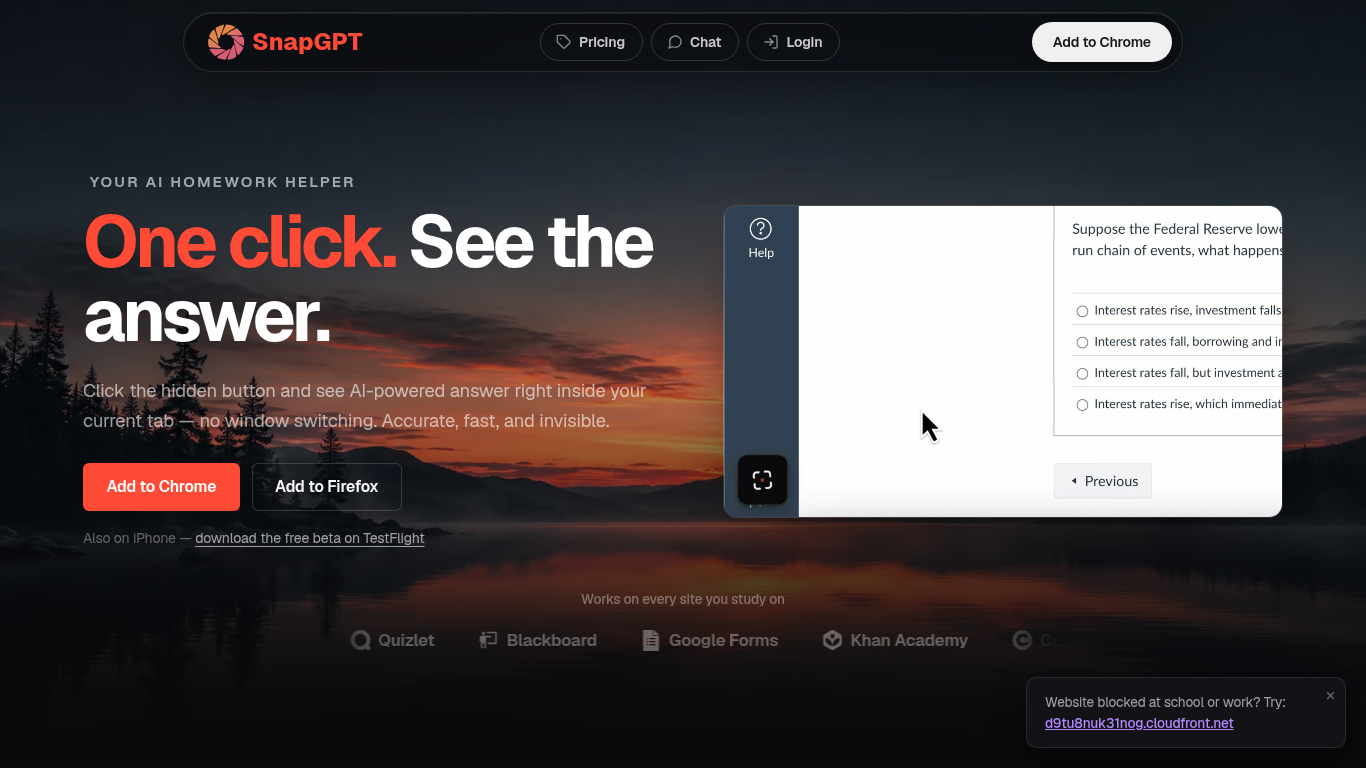
SnapGPT is a browser homework helper that reads questions on your screen and surfaces AI answers without switching tabs. Install the Chrome or Firefox extension, click once on a quiz or worksheet, and get screenshot-based answers plus step-by-step explanations. Students use it on Canvas, Quizlet, Blackboard, and Google Forms when they want fast help inside the page they are already on.
Generic chatbots make you copy questions into a separate window. SnapGPT runs as a hidden overlay in your current tab with Subtle Mode and URL-bar answers for discreet use. Its Autopilot mode can click through an entire quiz, and Plus unlocks unlimited screenshots, which is a different workflow than standalone AI chat sites.
The free tier includes 5 screenshot answers and 5 chat messages daily. Plus adds unlimited requests, reasoning models, flashcards, and Autopilot at $7.49 per month when billed annually.
TLDRai.com Upvotes
SnapGPT Upvotes
TLDRai.com Top Features
Summarize pasted text, uploaded files, or content pulled from a website URL
Paid plan at $7 per user per month with no text summary limit
Annual billing is $70 per year, equal to $5.83 per user per month
REST API at https://api.tldrai.com/v1/ with per-account API keys
Multilingual interface via language parameters on tldrai.com
Sister product TLDWai.com handles Too Long; Didn't Watch video summaries
Built with Django and operated by VPS.org LLC
SnapGPT Top Features
Screenshot any on-screen question for instant AI answers in your tab
Chrome and Firefox extensions plus iPhone TestFlight beta app
Autopilot mode clicks through and solves entire quizzes automatically
Free tier includes 5 screenshot answers and 5 chat messages daily
Plus plan at $7.49 per month billed annually for unlimited access
SmartScan handles free-response and essay questions with streaming answers
Works on Canvas, Quizlet, Blackboard, Khan Academy, and Google Forms
TLDRai.com Category
- Summarizer
SnapGPT Category
- Summarizer
TLDRai.com Pricing Type
- Freemium
SnapGPT Pricing Type
- Freemium