YouTube Summarizer vs SnapGPT
When comparing YouTube Summarizer vs SnapGPT, which AI Summarizer tool shines brighter? We look at pricing, alternatives, upvotes, features, reviews, and more.
In a comparison between YouTube Summarizer and SnapGPT, which one comes out on top?
When we put YouTube Summarizer and SnapGPT side by side, both being AI-powered summarizer tools, Interestingly, both tools have managed to secure the same number of upvotes. Every vote counts! Cast yours and contribute to the decision of the winner.
Feeling rebellious? Cast your vote and shake things up!
YouTube Summarizer

What is YouTube Summarizer?
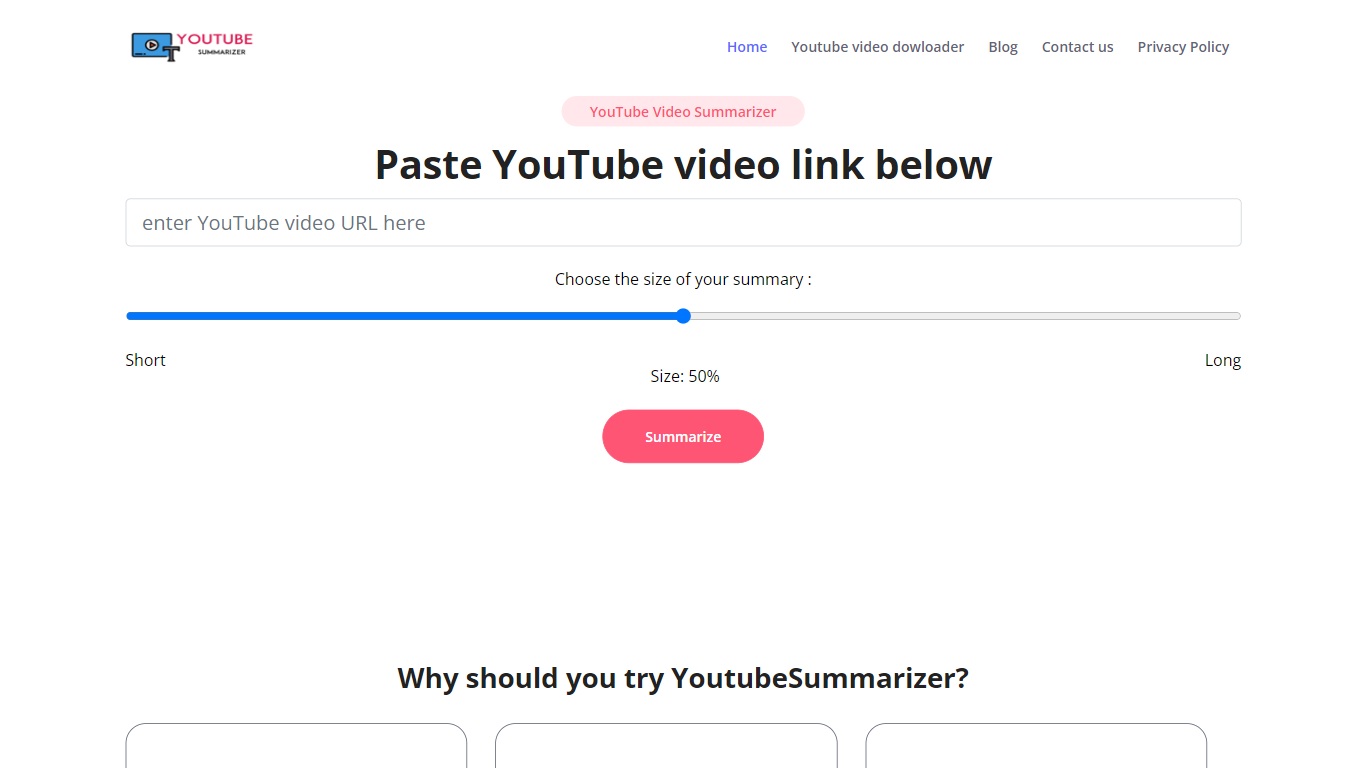
YouTube Summarizer turns long videos into structured notes without making you watch every minute. Paste a link from YouTube, Vimeo, TikTok, or Dailymotion and it pulls the transcript, then returns key points, detailed summaries, or timestamped outlines in under 10 seconds. The free tier works with no account, though registering unlocks 30 lifetime credits beyond the daily limit.
Most video summarizers stop at bullet points. This one layers mind maps, flashcards, and an AI chat that answers questions about the video content. Pro users get a searchable summary library, email digests for subscribed channels, and a Chrome extension for one-click summaries. That study-tool stack sets it apart from transcript-only utilities.
Students use it to condense lecture recordings and generate flashcards before exams. Content creators and researchers skim competitor videos and conference talks without watching them end to end. Professionals pull action items from training videos and share TXT or PDF exports with their teams.
SnapGPT
What is SnapGPT?
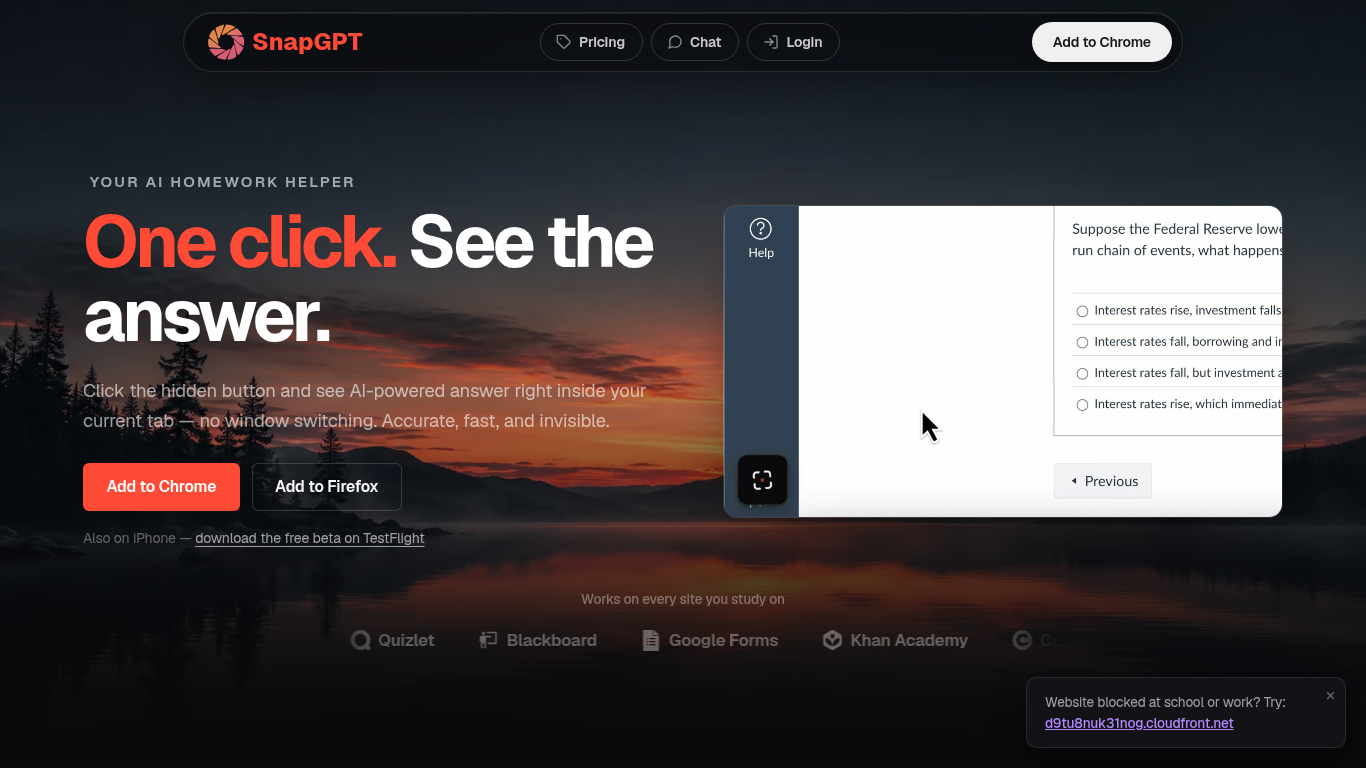
SnapGPT is a browser homework helper that reads questions on your screen and surfaces AI answers without switching tabs. Install the Chrome or Firefox extension, click once on a quiz or worksheet, and get screenshot-based answers plus step-by-step explanations. Students use it on Canvas, Quizlet, Blackboard, and Google Forms when they want fast help inside the page they are already on.
Generic chatbots make you copy questions into a separate window. SnapGPT runs as a hidden overlay in your current tab with Subtle Mode and URL-bar answers for discreet use. Its Autopilot mode can click through an entire quiz, and Plus unlocks unlimited screenshots, which is a different workflow than standalone AI chat sites.
The free tier includes 5 screenshot answers and 5 chat messages daily. Plus adds unlimited requests, reasoning models, flashcards, and Autopilot at $7.49 per month when billed annually.
YouTube Summarizer Upvotes
SnapGPT Upvotes
YouTube Summarizer Top Features
10 free summarization requests per day without an account, or 30 lifetime credits after free registration
Outputs key points, detailed notes, and timestamped outlines, plus mind maps and flashcards on paid plans
Works with YouTube, Vimeo, TikTok, and Dailymotion videos that have captions in 50+ languages
Full transcript view with clickable timestamps that jump to the exact moment in the source video
Pro plan at $7.99 per month includes chat with video, a summary library, and a Chrome extension
SnapGPT Top Features
Screenshot any on-screen question for instant AI answers in your tab
Chrome and Firefox extensions plus iPhone TestFlight beta app
Autopilot mode clicks through and solves entire quizzes automatically
Free tier includes 5 screenshot answers and 5 chat messages daily
Plus plan at $7.49 per month billed annually for unlimited access
SmartScan handles free-response and essay questions with streaming answers
Works on Canvas, Quizlet, Blackboard, Khan Academy, and Google Forms
YouTube Summarizer Category
- Summarizer
SnapGPT Category
- Summarizer
YouTube Summarizer Pricing Type
- Freemium
SnapGPT Pricing Type
- Freemium