Social Comments GPT vs Bubble
When comparing Social Comments GPT vs Bubble, which AI Social Media Assistant tool shines brighter? We look at pricing, alternatives, upvotes, features, reviews, and more.
In a comparison between Social Comments GPT and Bubble, which one comes out on top?
When we put Social Comments GPT and Bubble side by side, both being AI-powered social media assistant tools, With more upvotes, Bubble is the preferred choice. Bubble has garnered 7 upvotes, and Social Comments GPT has garnered 6 upvotes.
You don't agree with the result? Cast your vote to help us decide!
Social Comments GPT
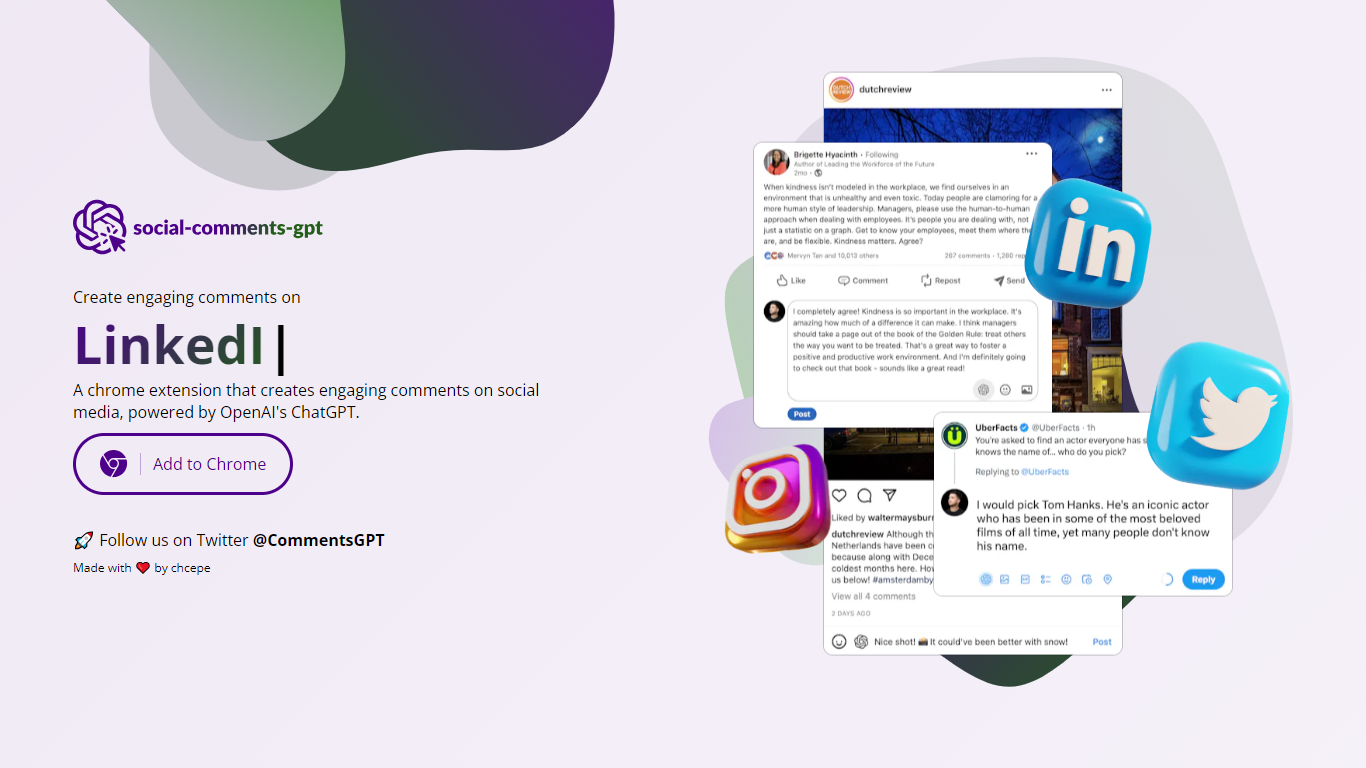

What is Social Comments GPT?
Social Comments GPT is a Google Chrome extension that drafts comments for social media posts using OpenAI's ChatGPT. Install it from the Chrome Web Store via the Add to Chrome button on the homepage, then generate comment suggestions while browsing social feeds.
The extension works on Instagram, LinkedIn, and X (Twitter), based on platform screenshots shown on the site. You provide your own OpenAI API key in the extension options. According to the privacy policy, the key is stored locally on your device and is not transmitted to the extension's servers.
The project is maintained by chcepe. Updates and announcements are shared on X at @CommentsGPT.
Bubble
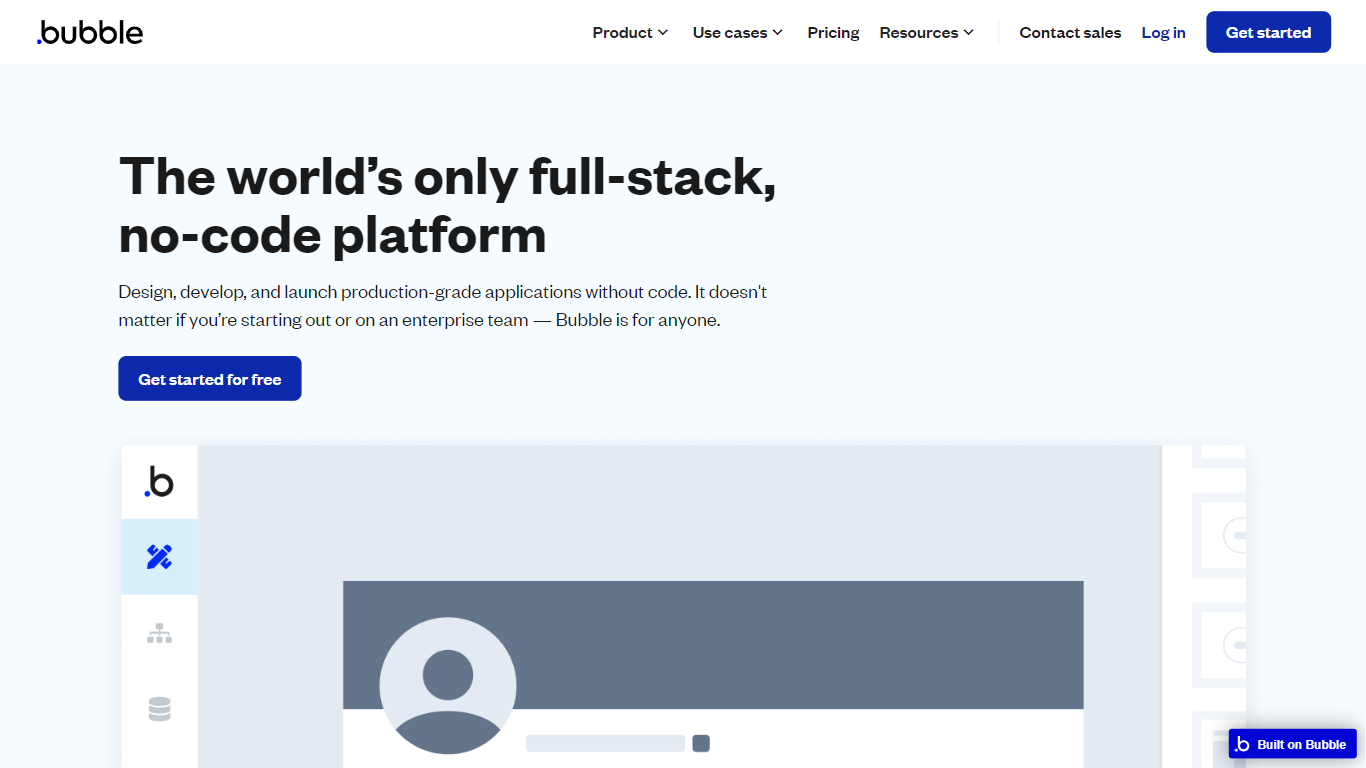
What is Bubble?
Bubble lets you build full-stack web and mobile applications without writing traditional code. Start from an AI prompt or a blank canvas, then switch to a visual editor to shape design, database structure, workflows, and privacy rules on one hosted platform.
Where AI coding tools hand you source files and leave deployment to you, Bubble keeps the entire stack in one place: UI, backend, hosting, and App Store publishing for native iOS and Android builds. That trade-off favors founders and teams who want production apps without stitching together a separate database, auth layer, and hosting provider.
Bubble fits startup founders validating an MVP, agencies building client apps, and enterprise teams spinning up internal tools or customer portals. The platform reports 6 million builders and 8 million apps created, with customers including Amazon, Unity, and Seagate using it for production workloads.
Social Comments GPT Upvotes
Bubble Upvotes
Social Comments GPT Top Features
Install from the Chrome Web Store with a one-click Add to Chrome button
Draft comments for Instagram, LinkedIn, and X using OpenAI's ChatGPT
Stores your OpenAI API key locally on your device, not on external servers
Generates comments in context of the social post you are viewing
Project updates and announcements shared on X at @CommentsGPT
Bubble Top Features
Switch between AI app generation and a drag-and-drop visual editor on the same project
Publish native iOS and Android apps from one platform alongside responsive web apps
Built-in database, workflow logic, API connector, and Stripe integrations without external backend setup
Free plan includes 50K workload units per month and one app editor for development
Growth plan adds premium version control with 10 custom branches and two-factor authentication
Marketplace with 8,000+ plugins plus templates for SaaS, marketplaces, and internal tools
Enterprise tier offers SOC 2 compliance, SSO, and custom hosting locations
Social Comments GPT Category
- Social Media Assistant
Bubble Category
- Social Media Assistant
Social Comments GPT Pricing Type
- Free
Bubble Pricing Type
- Freemium