Social Comments GPT vs Feedbird
Compare Social Comments GPT vs Feedbird and see which AI Social Media Assistant tool is better when we compare features, reviews, pricing, alternatives, upvotes, etc.
Which one is better? Social Comments GPT or Feedbird?
When we compare Social Comments GPT with Feedbird, which are both AI-powered social media assistant tools, Neither tool takes the lead, as they both have the same upvote count. Join the aitools.fyi users in deciding the winner by casting your vote.
Disagree with the result? Upvote your favorite tool and help it win!
Social Comments GPT

What is Social Comments GPT?
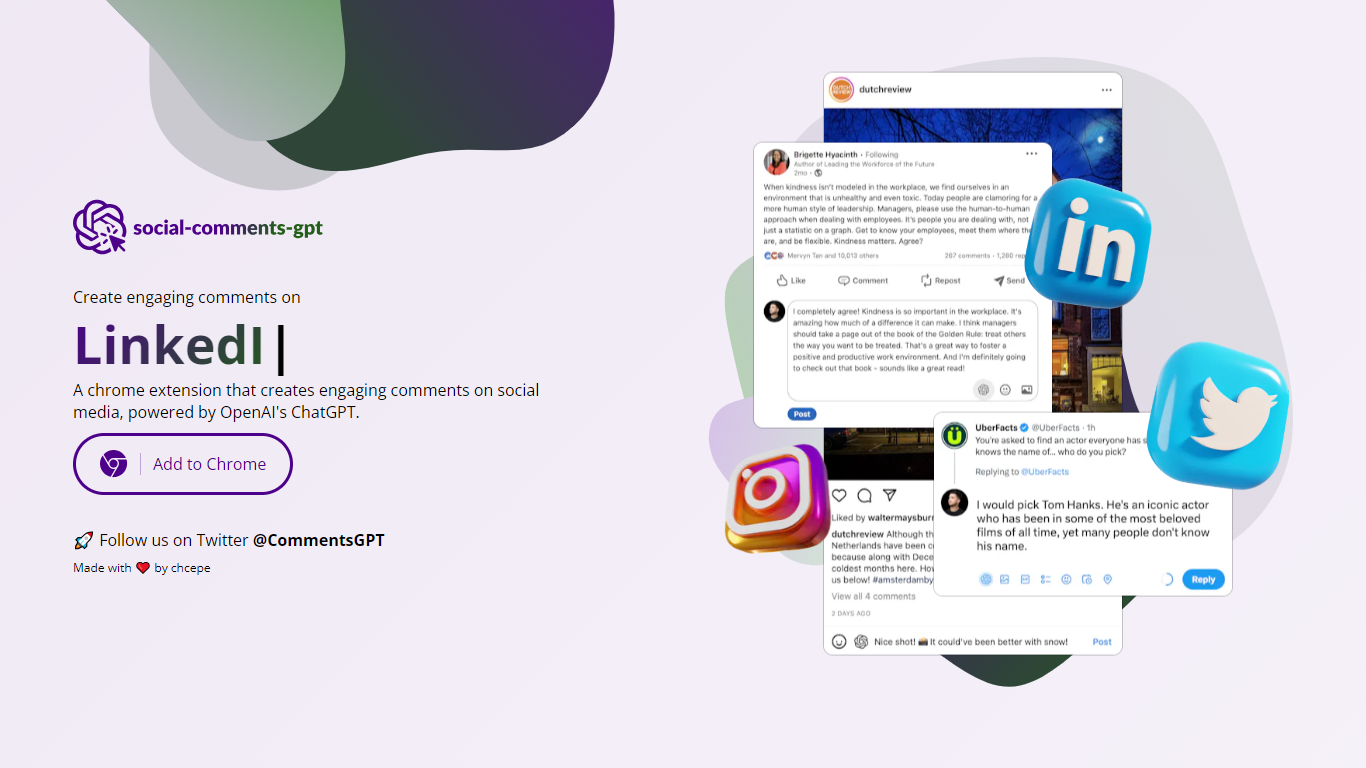
Social Comments GPT is a Google Chrome extension that drafts comments for social media posts using OpenAI's ChatGPT. Install it from the Chrome Web Store via the Add to Chrome button on the homepage, then generate comment suggestions while browsing social feeds.
The extension works on Instagram, LinkedIn, and X (Twitter), based on platform screenshots shown on the site. You provide your own OpenAI API key in the extension options. According to the privacy policy, the key is stored locally on your device and is not transmitted to the extension's servers.
The project is maintained by chcepe. Updates and announcements are shared on X at @CommentsGPT.
Feedbird

What is Feedbird?
Feedbird is a social media assistant that turns a YouTube or podcast URL into LinkedIn posts, tweets, and blog drafts written from your perspective. You paste a link, it extracts insights and screenshots, then generates original text in your voice rather than a transcript summary.
Most repurposing tools assume you already publish video. Feedbird targets people who consume industry talks and want to post their take without spending 20 minutes fighting a generic ChatGPT workflow. Voice calibration learns from 2 to 3 of your past posts, and perspective steering can push a hot take, tactical breakdown, or personal story angle.
Founders, marketers, and agencies use it to post consistently from content they already watch. The homepage cites 1,200+ users and promises a first post in about 60 seconds, with screenshot extraction for slides and diagrams embedded in blog output.
Social Comments GPT Upvotes
Feedbird Upvotes
Social Comments GPT Top Features
Install from the Chrome Web Store with a one-click Add to Chrome button
Draft comments for Instagram, LinkedIn, and X using OpenAI's ChatGPT
Stores your OpenAI API key locally on your device, not on external servers
Generates comments in context of the social post you are viewing
Project updates and announcements shared on X at @CommentsGPT
Feedbird Top Features
Paste any public YouTube or podcast URL and generate content in under 60 seconds
Free plan includes 3 videos per month and 15 content pieces per video
Pro plan at $29 per month raises limits to 15 videos and 30 pieces per video
Voice calibration matches tone from 2 to 3 pasted sample posts during onboarding
Outputs LinkedIn posts, Twitter threads, and long-form blog articles from one video
Smart screenshot extraction pulls slides, diagrams, and charts into blog drafts
Social Comments GPT Category
- Social Media Assistant
Feedbird Category
- Social Media Assistant
Social Comments GPT Pricing Type
- Free
Feedbird Pricing Type
- Freemium