Social Comments GPT vs TweetStorm.ai
When comparing Social Comments GPT vs TweetStorm.ai, which AI Social Media Assistant tool shines brighter? We look at pricing, alternatives, upvotes, features, reviews, and more.
In a comparison between Social Comments GPT and TweetStorm.ai, which one comes out on top?
When we put Social Comments GPT and TweetStorm.ai side by side, both being AI-powered social media assistant tools, The upvote count is neck and neck for both Social Comments GPT and TweetStorm.ai. Join the aitools.fyi users in deciding the winner by casting your vote.
Disagree with the result? Upvote your favorite tool and help it win!
Social Comments GPT


What is Social Comments GPT?
Social Comments GPT is a Google Chrome extension that drafts comments for social media posts using OpenAI's ChatGPT. Install it from the Chrome Web Store via the Add to Chrome button on the homepage, then generate comment suggestions while browsing social feeds.
The extension works on Instagram, LinkedIn, and X (Twitter), based on platform screenshots shown on the site. You provide your own OpenAI API key in the extension options. According to the privacy policy, the key is stored locally on your device and is not transmitted to the extension's servers.
The project is maintained by chcepe. Updates and announcements are shared on X at @CommentsGPT.
TweetStorm.ai
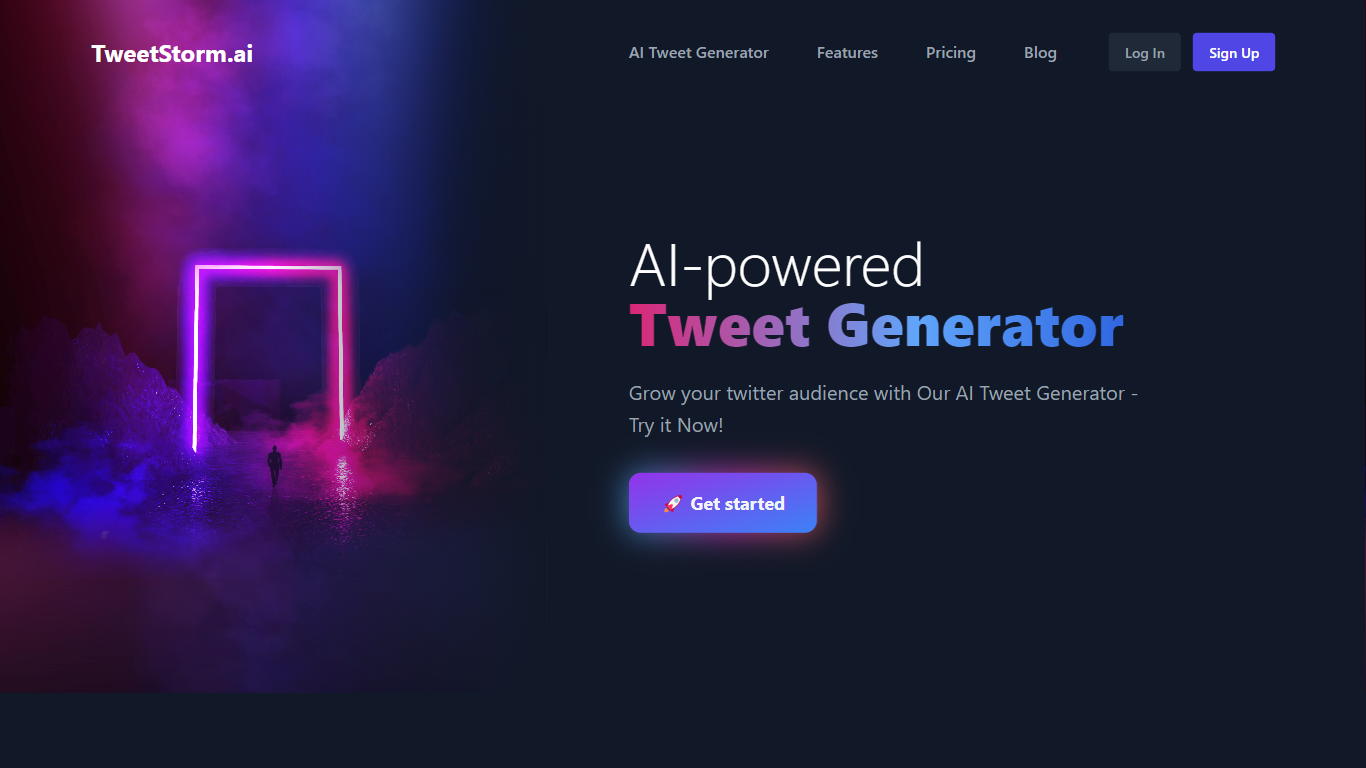
What is TweetStorm.ai?
TweetStorm.ai is a social media assistant built around X (Twitter). It combines AI generators for tweets, bios, hashtags, and handles with bulk cleanup tools, a tweet scheduler, and browser extensions that run inside the X interface. The site lists 5,200+ users and packages everything under a monthly credit system rather than per-tool pricing.
Most X writing tools stop at drafting posts. TweetStorm.ai pairs generation with account maintenance: bulk delete tweets, mass unlike or retweet, advanced search with saved queries, and a separate bulk-action Chrome extension with filters for keywords, dates, and engagement. That mix targets people who want to grow a feed and prune an old one from the same dashboard.
Creators, marketers, and small agencies are the clearest fit. Free users get 20 credits per month on one X account; paid tiers raise credits, scheduler limits, and connected accounts. Medium and long tweet formats (up to about 1,000 and 2,500 characters) sit behind paid plans for Premium X-style posts.
Social Comments GPT Upvotes
TweetStorm.ai Upvotes
Social Comments GPT Top Features
Install from the Chrome Web Store with a one-click Add to Chrome button
Draft comments for Instagram, LinkedIn, and X using OpenAI's ChatGPT
Stores your OpenAI API key locally on your device, not on external servers
Generates comments in context of the social post you are viewing
Project updates and announcements shared on X at @CommentsGPT
TweetStorm.ai Top Features
Free plan includes 20 credits per month on one X account with no credit card required
Tweet lengths: short up to 280 characters, medium about 1,000, long about 2,500 (medium and long on paid plans)
Credit costs: 1 for short tweets, hashtags, bios, and handles; 3 for medium tweets; 6 for long tweets
Chrome extensions generate tweets and replies on X.com and run bulk deletes, likes, follows, and retweets with keyword and date filters
Advanced X search UI saves queries by date, user, location, and engagement
Paid Professional plan at $12 per month includes 250 credits, 100 scheduled tweets, and 2 X accounts
Agency tier at $29 per month offers 700 credits, unlimited bulk actions, and 5 X accounts
Social Comments GPT Category
- Social Media Assistant
TweetStorm.ai Category
- Social Media Assistant
Social Comments GPT Pricing Type
- Free
TweetStorm.ai Pricing Type
- Freemium