Social Comments GPT vs Tweet Writer (AI) (formerly Twitter AI)
In the battle of Social Comments GPT vs Tweet Writer (AI) (formerly Twitter AI), which AI Social Media Assistant tool comes out on top? We compare reviews, pricing, alternatives, upvotes, features, and more.
Between Social Comments GPT and Tweet Writer (AI) (formerly Twitter AI), which one is superior?
Upon comparing Social Comments GPT with Tweet Writer (AI) (formerly Twitter AI), which are both AI-powered social media assistant tools, Interestingly, both tools have managed to secure the same number of upvotes. Be a part of the decision-making process. Your vote could determine the winner.
Want to flip the script? Upvote your favorite tool and change the game!
Social Comments GPT

What is Social Comments GPT?
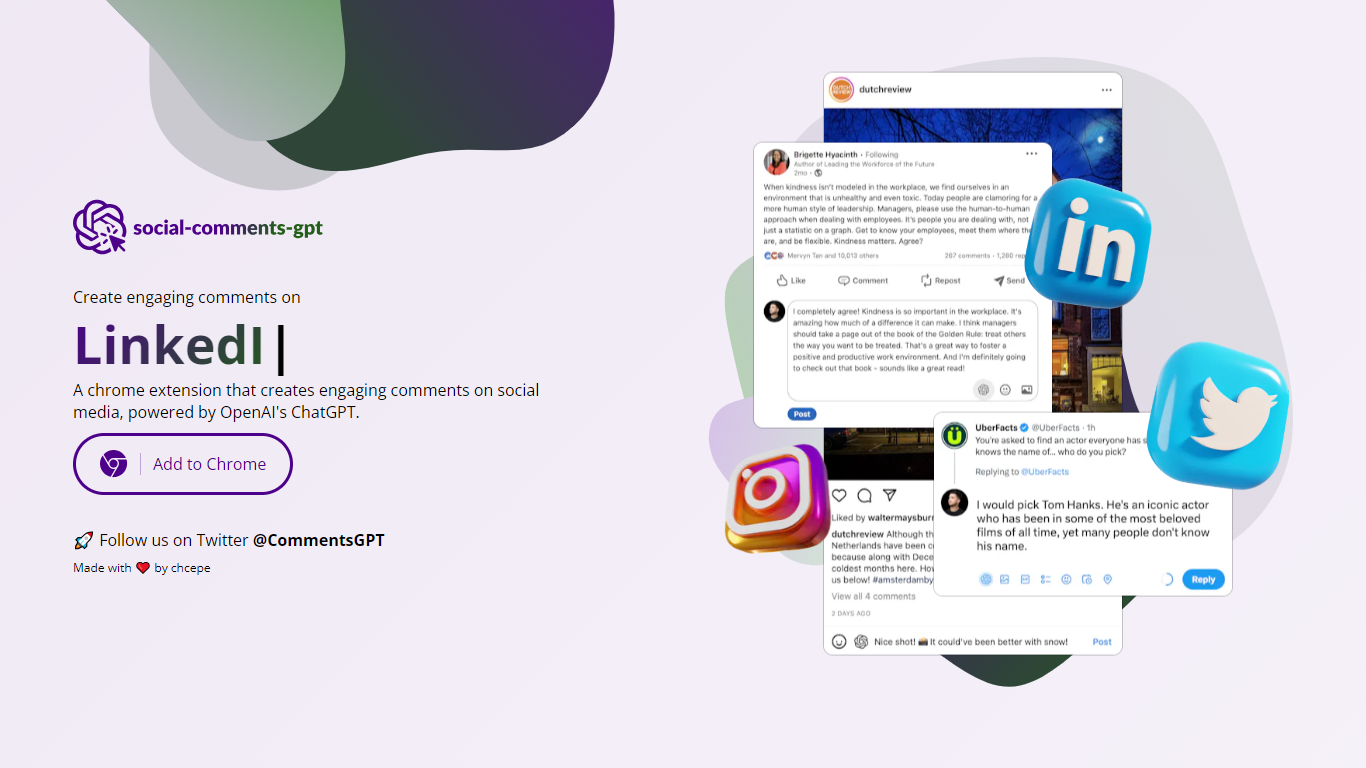
Social Comments GPT is a Google Chrome extension that drafts comments for social media posts using OpenAI's ChatGPT. Install it from the Chrome Web Store via the Add to Chrome button on the homepage, then generate comment suggestions while browsing social feeds.
The extension works on Instagram, LinkedIn, and X (Twitter), based on platform screenshots shown on the site. You provide your own OpenAI API key in the extension options. According to the privacy policy, the key is stored locally on your device and is not transmitted to the extension's servers.
The project is maintained by chcepe. Updates and announcements are shared on X at @CommentsGPT.
Tweet Writer (AI) (formerly Twitter AI)
What is Tweet Writer (AI) (formerly Twitter AI)?
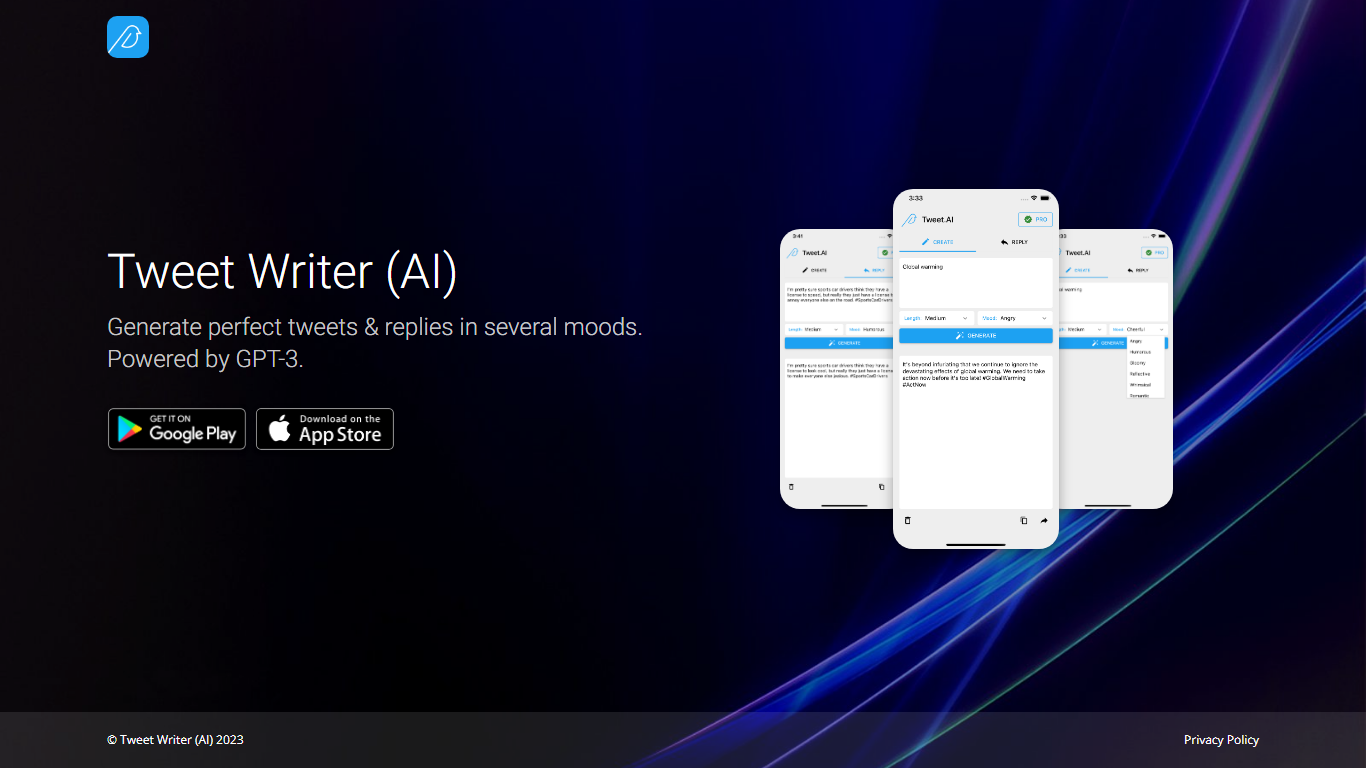
Tweet Writer (AI) is a social media assistant built around one job: drafting tweets and replies on X (formerly Twitter) when you already know the gist but not the wording. The landing page pitches mood-based generation powered by GPT-3, so you pick a tone and get short post text back instead of staring at a blank compose box.
Most X writing tools chase scheduling, analytics, or thread builders. This one stays narrow. It focuses on single tweets and replies with explicit mood selection, and it pushes you to the iOS and Android apps rather than offering a full web editor on the site itself.
It fits people who post from their phone and want quick phrasing help for personal accounts, small brands, or side projects. If you need campaign calendars, team approval flows, or deep engagement stats, you will want a broader social suite instead.
Social Comments GPT Upvotes
Tweet Writer (AI) (formerly Twitter AI) Upvotes
Social Comments GPT Top Features
Install from the Chrome Web Store with a one-click Add to Chrome button
Draft comments for Instagram, LinkedIn, and X using OpenAI's ChatGPT
Stores your OpenAI API key locally on your device, not on external servers
Generates comments in context of the social post you are viewing
Project updates and announcements shared on X at @CommentsGPT
Tweet Writer (AI) (formerly Twitter AI) Top Features
Generates tweets and replies in several selectable moods from the app
Powered by GPT-3 according to the product homepage tagline
iOS app listed at Apple App Store id1667161514
Android app listed on Google Play as com.twitteraiapp
Landing page highlights screenshot previews of the mobile compose flow
Social Comments GPT Category
- Social Media Assistant
Tweet Writer (AI) (formerly Twitter AI) Category
- Social Media Assistant
Social Comments GPT Pricing Type
- Free
Tweet Writer (AI) (formerly Twitter AI) Pricing Type
- Freemium