SpeechGPT vs Audioread
When comparing SpeechGPT vs Audioread, which AI Audio Generation tool shines brighter? We look at pricing, alternatives, upvotes, features, reviews, and more.
Between SpeechGPT and Audioread, which one is superior?
When we put SpeechGPT and Audioread side by side, both being AI-powered audio generation tools, Neither tool takes the lead, as they both have the same upvote count. Be a part of the decision-making process. Your vote could determine the winner.
Disagree with the result? Upvote your favorite tool and help it win!
SpeechGPT


What is SpeechGPT?
SpeechGPT lets you hold voice conversations in the browser using your own OpenAI API key. You type or record messages, send them through a chat interface, and hear spoken replies without installing desktop software.
Unlike hosted TTS services that bundle model costs into a subscription, SpeechGPT runs in the browser and bills you only through the OpenAI, Azure Speech Services, or Amazon Polly accounts you connect. That makes it a lightweight option for developers and language learners who already have API access and want a simple voice chat front end.
The interface supports English, Spanish, and Chinese UI labels, includes a record button for speech input, and stores session data locally in the browser. It suits developers testing voice chat flows, language learners practicing spoken prompts, and anyone who wants a minimal ChatGPT voice client on mobile or desktop.
Audioread
What is Audioread?
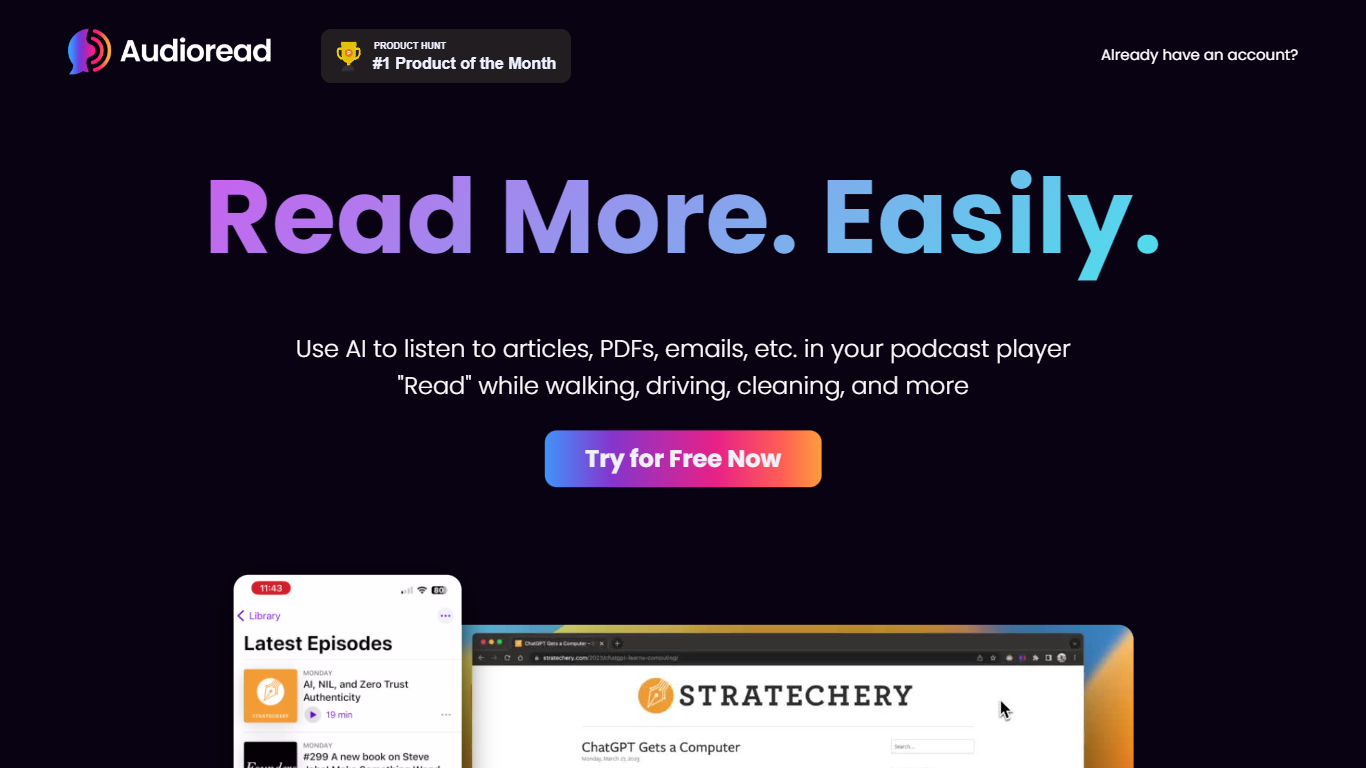
Audioread converts articles, PDFs, emails, and RSS feeds into spoken audio you can stream in a browser or sync to any podcast player. Paste a link, upload a document, forward a newsletter, or subscribe to a feed, and the platform builds a private playlist plus podcast feed for offline listening.
Where most read-aloud tools keep audio inside one browser tab, Audioread publishes each conversion to a private RSS feed. That lets you finish long articles in Apple Podcasts, Spotify, or Pocket Casts with downloads and playback speed controls, instead of leaving a tab open on your phone.
The service targets commuters, graduate students, researchers, and anyone with a reading backlog they want to clear while walking, cooking, or exercising. Browser extensions for Chrome, Edge, and Brave, native iOS and Android apps, email forwarding, and Slack digests cover most input workflows without extra setup.
SpeechGPT Upvotes
Audioread Upvotes
SpeechGPT Top Features
Chat interface accepts typed messages or recorded speech input with Enter to send
Requires your OpenAI API key in settings before the app will run conversations
Optional Azure Speech Services or Amazon Polly access keys for alternate text-to-speech backends
UI available in English, Spanish, and Chinese from the in-app language selector
Shift plus Enter inserts a newline without sending the message
Runs as a web app on Vercel with no separate desktop install required
Audioread Top Features
Nearly 1,000 AI voices across 150+ languages with region-specific options
Private podcast feed syncs to Apple Podcasts, Spotify, and Pocket Casts
Free tier includes 3 articles per month with 1,000 characters per conversion
Pro plan includes 1 million characters per month for $9.99
Chrome, Edge, and Brave extensions for one-click article conversion
Native iOS and Android apps plus Safari Shortcuts and an Android PWA
Privacy Mode auto-deletes uploads after 30 days with no content sharing
SpeechGPT Category
- Audio Generation
Audioread Category
- Audio Generation
SpeechGPT Pricing Type
- Free
Audioread Pricing Type
- Freemium