SpeechGPT vs GetSound.ai
Explore the showdown between SpeechGPT vs GetSound.ai and find out which AI Audio Generation tool wins. We analyze upvotes, features, reviews, pricing, alternatives, and more.
In a face-off between SpeechGPT and GetSound.ai, which one takes the crown?
When we contrast SpeechGPT with GetSound.ai, both of which are exceptional AI-operated audio generation tools, and place them side by side, we can spot several crucial similarities and divergences. The upvote count reveals a draw, with both tools earning the same number of upvotes. You can help us determine the winner by casting your vote and tipping the scales in favor of one of the tools.
Think we got it wrong? Cast your vote and show us who's boss!
SpeechGPT


What is SpeechGPT?
SpeechGPT lets you hold voice conversations in the browser using your own OpenAI API key. You type or record messages, send them through a chat interface, and hear spoken replies without installing desktop software.
Unlike hosted TTS services that bundle model costs into a subscription, SpeechGPT runs in the browser and bills you only through the OpenAI, Azure Speech Services, or Amazon Polly accounts you connect. That makes it a lightweight option for developers and language learners who already have API access and want a simple voice chat front end.
The interface supports English, Spanish, and Chinese UI labels, includes a record button for speech input, and stores session data locally in the browser. It suits developers testing voice chat flows, language learners practicing spoken prompts, and anyone who wants a minimal ChatGPT voice client on mobile or desktop.
GetSound.ai
What is GetSound.ai?
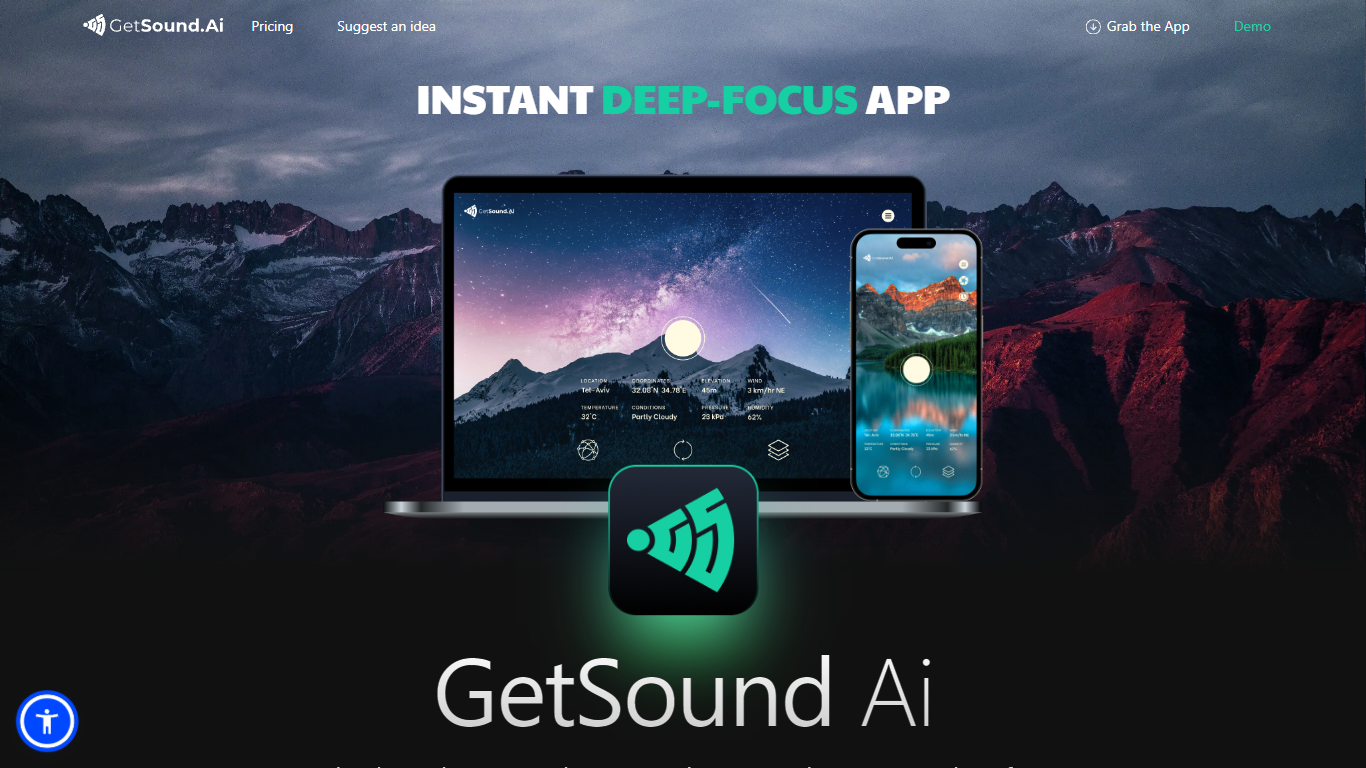
GetSound.ai generates real-time ambient soundscapes meant to help you focus, study, or unwind. Its desktop apps for macOS, Windows, and Linux, plus a mobile app, play deep-focus music and background layers that change with your location, weather, light, and wind conditions. Each session produces a fresh soundscape rather than looping the same track.
Unlike static focus playlists, GetSound.ai ties audio to your environment through what it calls RTS technology and weather-reactive layers. That means rustling leaves or flowing water can shift when the weather changes outside. The trade-off is you need the app running and location access for the reactive effect, not just a simple offline playlist.
GetSound.ai targets students, remote workers, and teams in offices, libraries, coworking spaces, or schools who want ambient audio without picking tracks manually. Businesses with multiple rooms can control sound per zone, according to the about page. Support is available at [email protected], and the site links to a knowledge base, idea suggestions, and Medium articles.
SpeechGPT Upvotes
GetSound.ai Upvotes
SpeechGPT Top Features
Chat interface accepts typed messages or recorded speech input with Enter to send
Requires your OpenAI API key in settings before the app will run conversations
Optional Azure Speech Services or Amazon Polly access keys for alternate text-to-speech backends
UI available in English, Spanish, and Chinese from the in-app language selector
Shift plus Enter inserts a newline without sending the message
Runs as a web app on Vercel with no separate desktop install required
GetSound.ai Top Features
Real-time soundscapes generated fresh each session via RTS technology
Weather-reactive audio based on location, weather, light, and wind
Desktop apps for macOS, Windows, and Linux plus a mobile app
Free plan with limited daily usage, ambient layers, and location switches
Personal plan adds unlimited refresh, session timer, and removes ads
Business controls for separate ambient sound in multiple rooms or zones
SpeechGPT Category
- Audio Generation
GetSound.ai Category
- Audio Generation
SpeechGPT Pricing Type
- Free
GetSound.ai Pricing Type
- Freemium