SpeechGPT vs Splash Pro
In the battle of SpeechGPT vs Splash Pro, which AI Audio Generation tool comes out on top? We compare reviews, pricing, alternatives, upvotes, features, and more.
Between SpeechGPT and Splash Pro, which one is superior?
Upon comparing SpeechGPT with Splash Pro, which are both AI-powered audio generation tools, Both tools are equally favored, as indicated by the identical upvote count. You can help us determine the winner by casting your vote and tipping the scales in favor of one of the tools.
Think we got it wrong? Cast your vote and show us who's boss!
SpeechGPT


What is SpeechGPT?
SpeechGPT lets you hold voice conversations in the browser using your own OpenAI API key. You type or record messages, send them through a chat interface, and hear spoken replies without installing desktop software.
Unlike hosted TTS services that bundle model costs into a subscription, SpeechGPT runs in the browser and bills you only through the OpenAI, Azure Speech Services, or Amazon Polly accounts you connect. That makes it a lightweight option for developers and language learners who already have API access and want a simple voice chat front end.
The interface supports English, Spanish, and Chinese UI labels, includes a record button for speech input, and stores session data locally in the browser. It suits developers testing voice chat flows, language learners practicing spoken prompts, and anyone who wants a minimal ChatGPT voice client on mobile or desktop.
Splash Pro
What is Splash Pro?
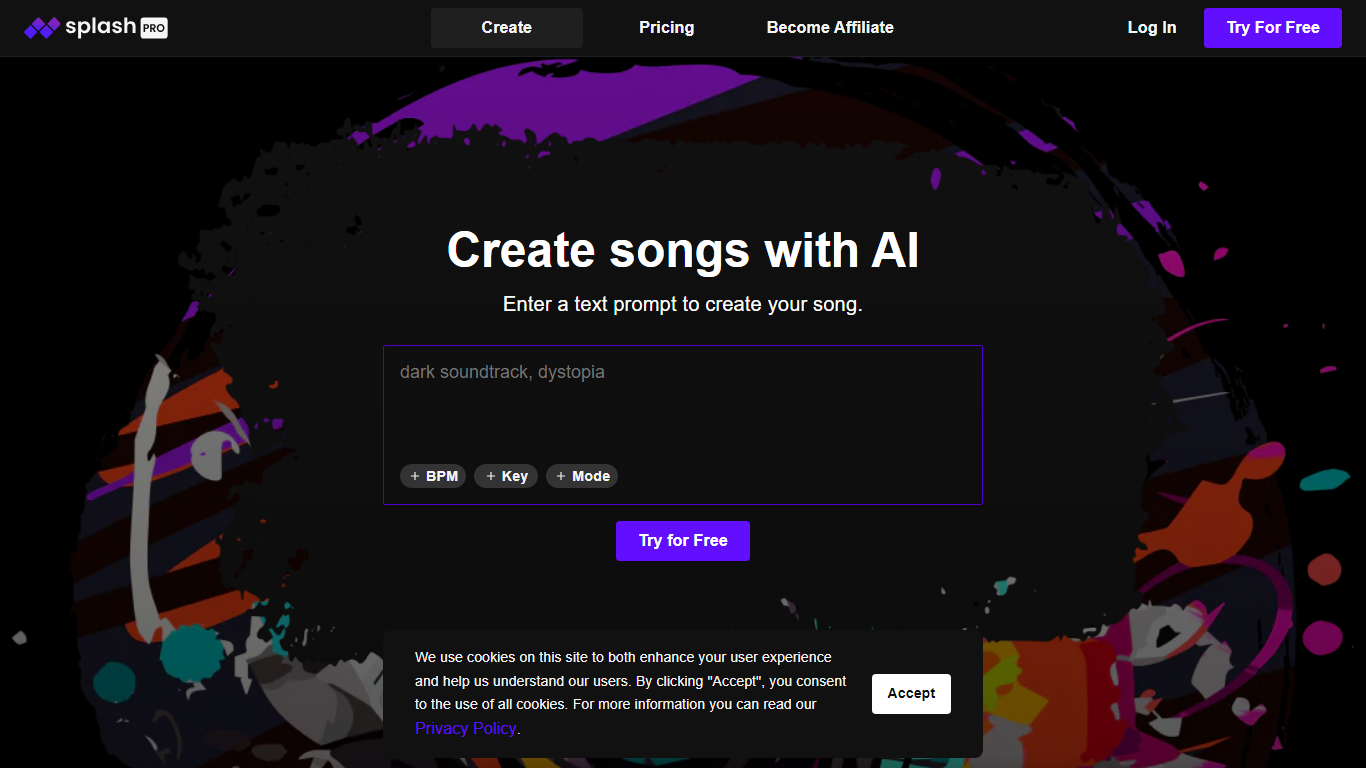
Welcome to the innovative world of Splash Pro, the next-generation AI music creation platform. Dive into an intuitive interface where you can craft songs utilizing a cutting-edge generative model that’s designed to learn and improve continuously. Start by entering a text prompt, and watch as Splash Pro transforms your ideas into unique musical pieces with options to specify BPM, Key, and Mode to match your creative vision.
Splash Pro Gen-2 is the heart of our music generation, capable of producing unexpected yet high-quality results that can surprise and inspire. The platform's versatility extends to adding custom vocals: With our Text-to-Vocals feature, users can integrate singing or rap into their compositions, bringing a new level of personalization to both Gen-1 and Gen-2 generated songs.
Music enthusiasts, from producers to hobbyists, looking to explore the boundaries of AI-assisted music creation will find Splash Pro an invaluable tool. Whether you are just getting started or are curious to understand more about our platform, Splash Pro offers resources and prompts to guide your journey, ensuring a seamless and educational user experience. Try Splash Pro for free today and imagine the music you can create with the help of generative AI.
SpeechGPT Upvotes
Splash Pro Upvotes
SpeechGPT Top Features
Chat interface accepts typed messages or recorded speech input with Enter to send
Requires your OpenAI API key in settings before the app will run conversations
Optional Azure Speech Services or Amazon Polly access keys for alternate text-to-speech backends
UI available in English, Spanish, and Chinese from the in-app language selector
Shift plus Enter inserts a newline without sending the message
Runs as a web app on Vercel with no separate desktop install required
Splash Pro Top Features
AI-Driven Music Generation: Utilize Splash Pro's generative model to create unique songs from text prompts.
Custom Vocals: Add singing or rap to your AI-generated music with the Text-to-Vocals feature.
User-Friendly Interface: Easily specify BPM Key and Mode for tailor-made compositions.
Continuous Learning: Splash Pro's Gen-2 model is always improving offering an evolving music creation experience.
Educational Resources: Learn more about Splash Pro's capabilities and how to use them to enhance your music production.
SpeechGPT Category
- Audio Generation
Splash Pro Category
- Audio Generation
SpeechGPT Pricing Type
- Free
Splash Pro Pricing Type
- Freemium