SpeechGPT vs vid2txt
Dive into the comparison of SpeechGPT vs vid2txt and discover which AI Audio Generation tool stands out. We examine alternatives, upvotes, features, reviews, pricing, and beyond.
In a comparison between SpeechGPT and vid2txt, which one comes out on top?
When we compare SpeechGPT and vid2txt, two exceptional audio generation tools powered by artificial intelligence, and place them side by side, several key similarities and differences come to light. vid2txt is the clear winner in terms of upvotes. The upvote count for vid2txt is 7, and for SpeechGPT it's 6.
Does the result make you go "hmm"? Cast your vote and turn that frown upside down!
SpeechGPT


What is SpeechGPT?
SpeechGPT lets you hold voice conversations in the browser using your own OpenAI API key. You type or record messages, send them through a chat interface, and hear spoken replies without installing desktop software.
Unlike hosted TTS services that bundle model costs into a subscription, SpeechGPT runs in the browser and bills you only through the OpenAI, Azure Speech Services, or Amazon Polly accounts you connect. That makes it a lightweight option for developers and language learners who already have API access and want a simple voice chat front end.
The interface supports English, Spanish, and Chinese UI labels, includes a record button for speech input, and stores session data locally in the browser. It suits developers testing voice chat flows, language learners practicing spoken prompts, and anyone who wants a minimal ChatGPT voice client on mobile or desktop.
vid2txt
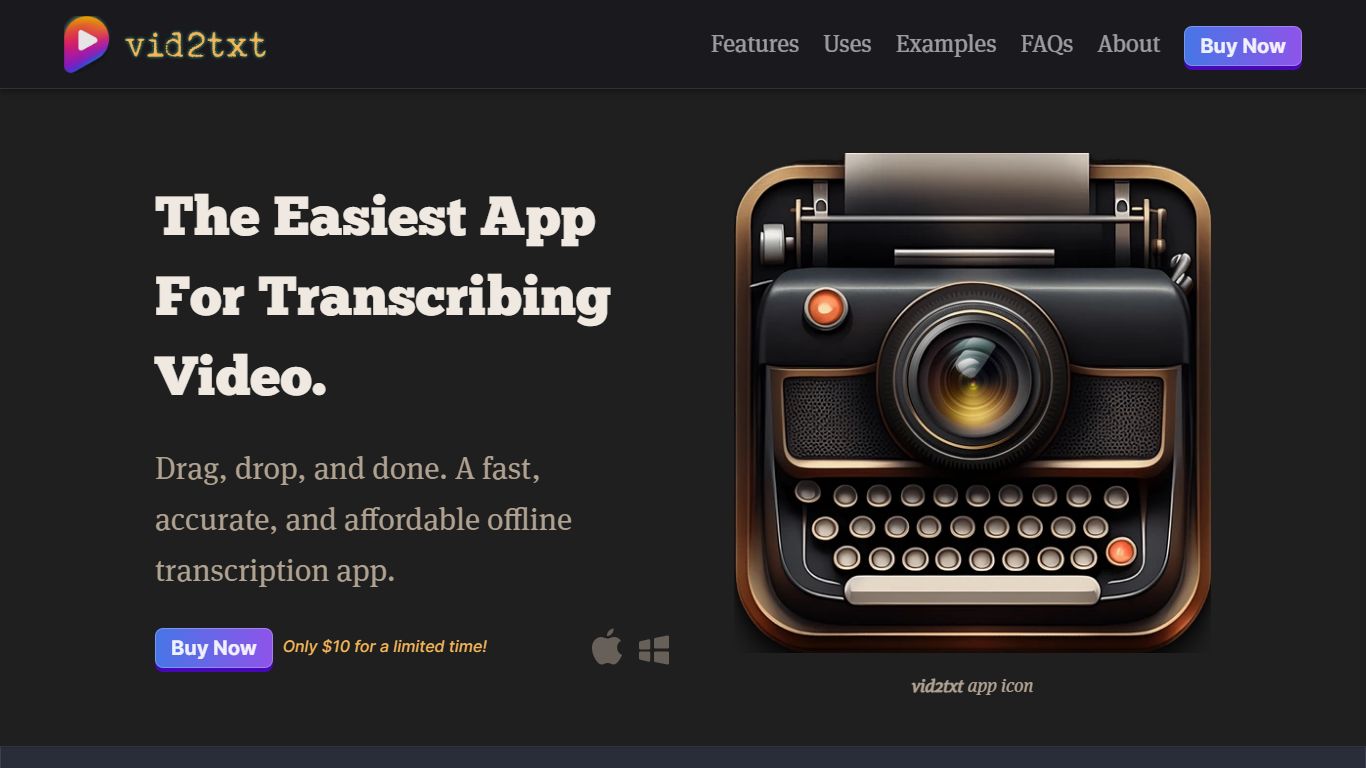
What is vid2txt?
vid2txt transcribes video and audio files on your computer without sending them to the cloud. Drag a file onto the app, and it writes .txt, .srt, and .vtt outputs locally. Content creators, journalists, and students use it when they need captions or searchable text from recordings they already have on disk.
Cloud transcription services charge monthly and route your media through remote servers. vid2txt runs offline on macOS 13+ or Windows 10+, charges a one-time purchase instead of a subscription, and keeps transcripts on your machine. The trade-off is English-only transcription today and no free trial, though the site posts raw sample outputs so you can judge accuracy before buying.
Podcasters chasing SEO-friendly transcripts, reporters converting voice memos, and students turning lecture recordings into editable notes all benefit from support for mp4, mov, wmv, mkv, avi, flv, wav, mp3, and m4a. Hearing-impaired users and researchers who need searchable meeting archives get the same drag-and-drop workflow without quota counters.
SpeechGPT Upvotes
vid2txt Upvotes
SpeechGPT Top Features
Chat interface accepts typed messages or recorded speech input with Enter to send
Requires your OpenAI API key in settings before the app will run conversations
Optional Azure Speech Services or Amazon Polly access keys for alternate text-to-speech backends
UI available in English, Spanish, and Chinese from the in-app language selector
Shift plus Enter inserts a newline without sending the message
Runs as a web app on Vercel with no separate desktop install required
vid2txt Top Features
Transcribes mp4, mov, wmv, mkv, avi, flv, wav, mp3, and m4a files offline
Outputs .txt, .srt, and .vtt files from each transcription job
One-time purchase at $10 with unlimited transcriptions and no quotas
Runs on macOS 13+ and Windows 10+ with zero data collection
Example 30-second clip transcribed in about 2 seconds on the demo page
Refund policy covers purchases if transcription fails to work
SpeechGPT Category
- Audio Generation
vid2txt Category
- Audio Generation
SpeechGPT Pricing Type
- Free
vid2txt Pricing Type
- Paid