Sprite Fusion vs Zoviz
In the clash of Sprite Fusion vs Zoviz, which AI Design tool emerges victorious? We assess reviews, pricing, alternatives, features, upvotes, and more.
When we put Sprite Fusion and Zoviz head to head, which one emerges as the victor?
Let's take a closer look at Sprite Fusion and Zoviz, both of which are AI-driven design tools, and see what sets them apart. Both tools have received the same number of upvotes from aitools.fyi users. Every vote counts! Cast yours and contribute to the decision of the winner.
Don't agree with the result? Cast your vote and be a part of the decision-making process!
Sprite Fusion

What is Sprite Fusion?
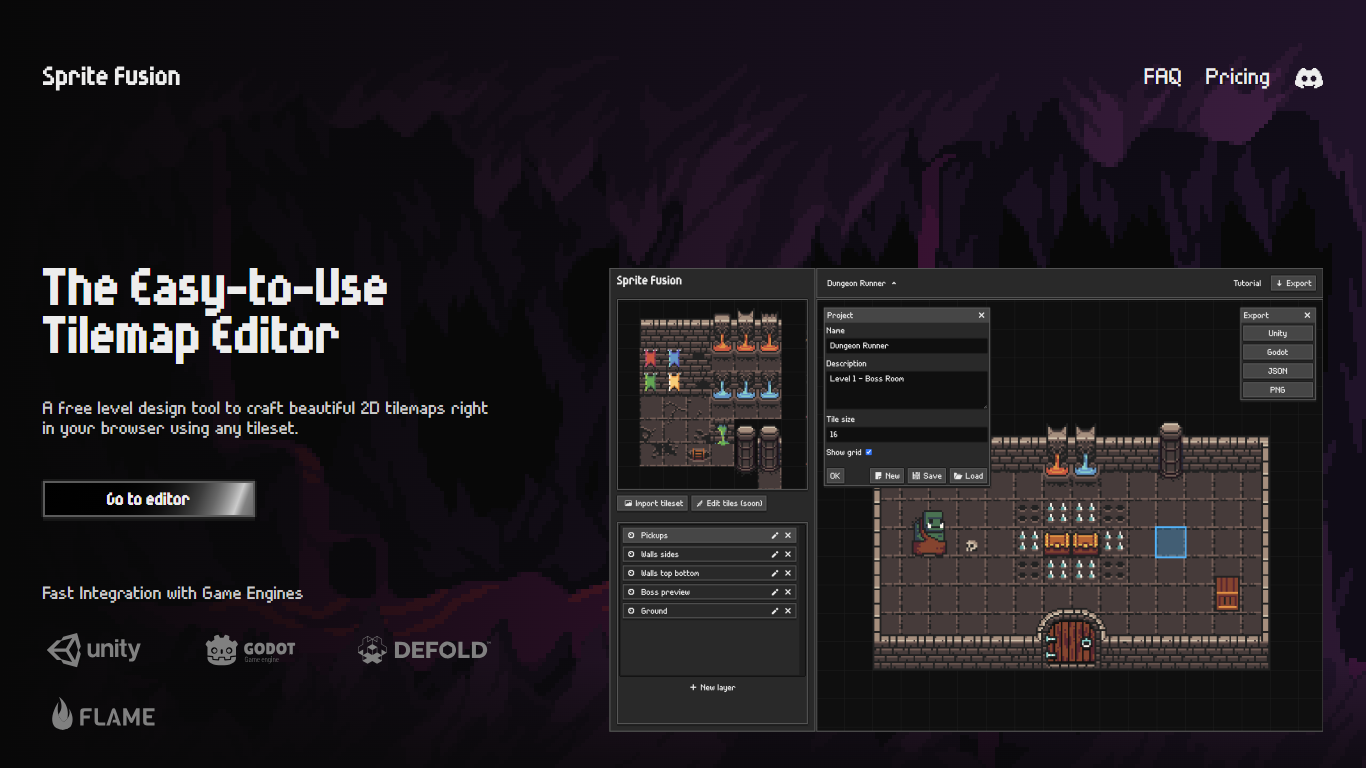
Discover Sprite Fusion, your ultimate free tilemap editor accessible online, designed with simplicity and artwork in mind for game developers and enthusiasts. With Sprite Fusion, you can create intricate 2D tilemaps using a straightforward web-based interface. It allows you to easily design levels for your game without any cost.
Drag and drop your tilesets, draw with tiles, and take advantage of auto-tiling to design terrain swiftly. Sprite Fusion supports seamless integration with leading game engines like Unity, Godot, and Defold, enabling one-click exports that make your level design process as efficient as possible. This tool is perfect for creating maps for mobile games, retro games, and more, boasting compatibility with GB Studio for Game Boy game design.
Sprite Fusion does not require any downloads or logins, and supports collaboration with the capability to save, load, and share your tilemap as a compact JSON file for maximum convenience. Whether for personal or commercial use, Sprite Fusion is built to work on all modern devices, including both Mac and Windows systems, without the necessity of a gaming laptop.
Zoviz
What is Zoviz?
Zoviz: AI-Powered Logo and Brand Kit Design Made Simple
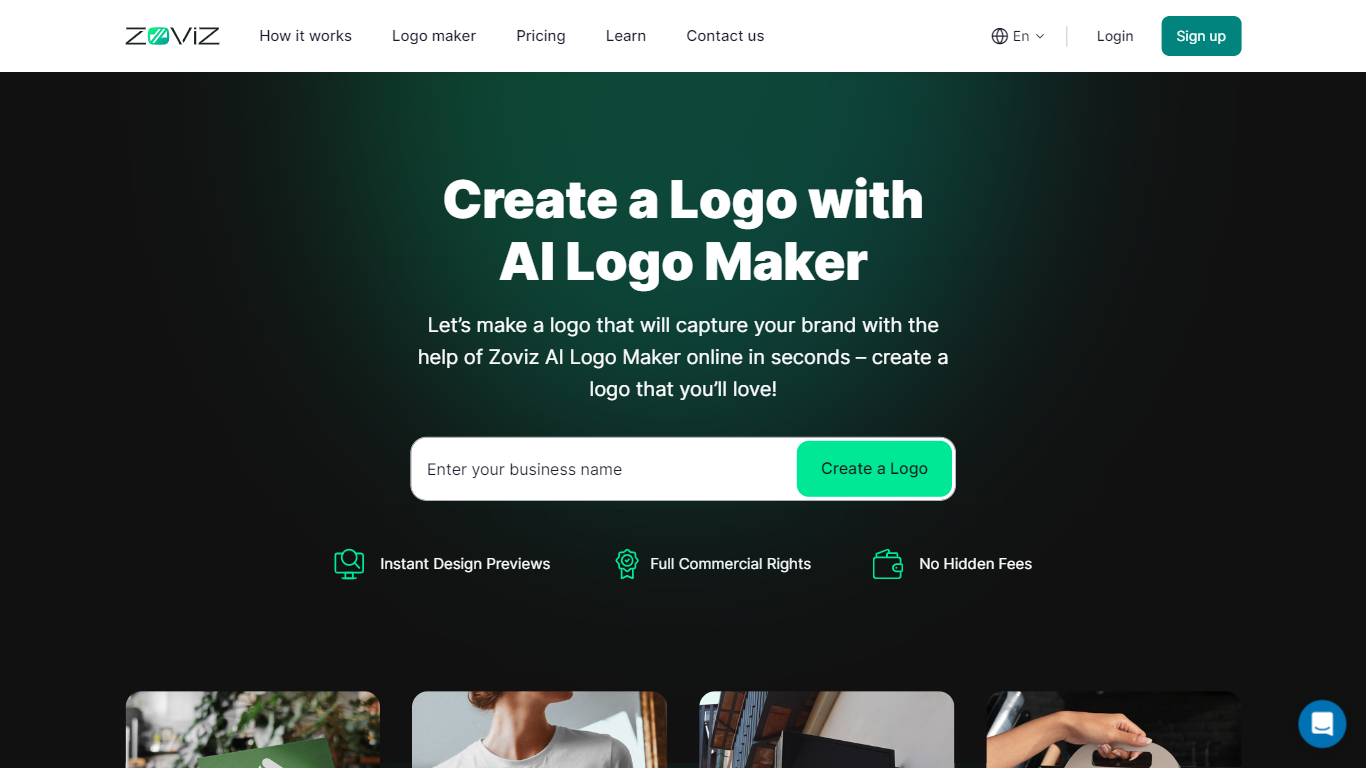
Zoviz revolutionizes the process of logo and brand kit creation with its AI-driven design tools. Catering to businesses of all sizes, Zoviz simplifies branding with a three-step process that ensures you get a professional and personalized logo without the usual hassle and time commitment.
How Zoviz Works:
- Input Your Brand Name: Start by entering your company name, industry specifics, and an optional slogan. This basic information sets the foundation for designs that resonate with your business identity.
- Choose Your Design Preferences: Next, select your desired style, color schemes, and additional visual elements. Zoviz’s advanced AI engine processes this information to generate a variety of logo options that match your specifications.
- Customize and Download Your Brand Assets: Once Zoviz presents you with logo options, pick the one that captures your brand’s essence. You can fine-tune your choice by adjusting fonts, colors, and layout. After perfecting your logo, download the brand assets tailored to your needs.
What Zoviz Offers:
Zoviz provides a comprehensive suite of branding materials to ensure your business presents a cohesive and professional image across all platforms:
- Over 30 different logo files for various uses.
- Customizable social media profiles and cover images.
- Professionally designed business cards.
- Coordinated letterheads.
- An email signature that aligns with your brand style.
- A favicon for your website.
- A detailed brand book that guides you on how to consistently use your new branding elements.
With Zoviz, you have everything you need to launch or refresh your brand, backed by the power of artificial intelligence. Whether you’re starting a new venture or revamping an existing one, Zoviz makes branding straightforward, fast, and effective.
Sprite Fusion Upvotes
Zoviz Upvotes
Sprite Fusion Top Features
Drag-and-Drop Interface: Import tilesets with ease, making the map-building process fast and straightforward.
Multi-Engine Export: Directly export your tilemaps as a Unity package, Godot scene, or Defold assets with a single click.
Auto-Tiling System: Sprite Fusion comes with a built-in auto-tiling feature for quick and efficient terrain mapping.
Shareable Projects: Save, load, and share your projects in a compact JSON format to collaborate with others or transfer between devices.
Free and Accessible: No costs, no account creation, works on major browsers, and suitable for both personal and commercial projects.
Zoviz Top Features
AI-Driven Design: Generate logos tailored to your brand profile using an AI-powered logo maker.
Intuitive Customization: Use a custom logo designer to modify fonts, colors, and symbols to perfect your logo.
Immediate Downloads: Access quick, top-quality downloads of your logo designs in a variety of formats.
Brand Kit Essentials: Obtain a complete brand kit, including business cards and social media profiles, for cohesive branding.
Comprehensive Support: Benefit from professional assistance and unlimited logo changes for an optimal branding experience.
Sprite Fusion Category
- Design
Zoviz Category
- Design
Sprite Fusion Pricing Type
- Freemium
Zoviz Pricing Type
- Paid