SQL Builder vs AI Query
In the face-off between SQL Builder vs AI Query, which AI SQL tool takes the crown? We scrutinize features, alternatives, upvotes, reviews, pricing, and more.
In a face-off between SQL Builder and AI Query, which one takes the crown?
If we were to analyze SQL Builder and AI Query, both of which are AI-powered sql tools, what would we find? Interestingly, both tools have managed to secure the same number of upvotes. Since other aitools.fyi users could decide the winner, the ball is in your court now to cast your vote and help us determine the winner.
Feeling rebellious? Cast your vote and shake things up!
SQL Builder
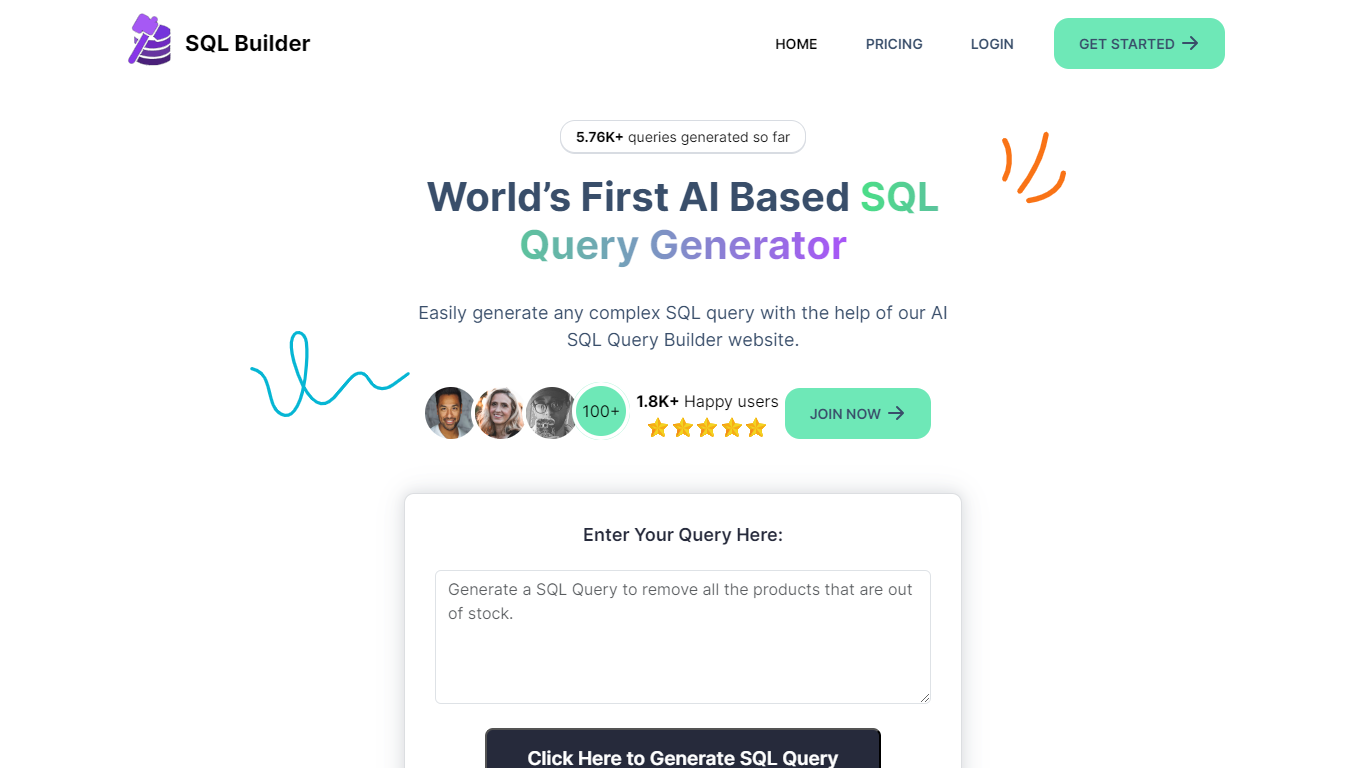

What is SQL Builder?
SQL Builder is an AI-powered platform that helps users generate complex SQL queries without needing to write code. It supports both technical and non-technical users by providing a no-code SQL builder that simplifies data exploration, report generation, and insight extraction. The tool also includes a SQL Syntax Explainer that breaks down queries step-by-step, making it easier to understand complex SQL statements. Additionally, SQL Builder offers an AI-driven SQL Optimizer that analyzes queries and suggests improvements to speed up execution and enhance efficiency. Users can also clean up their SQL code with the SQL Formatter, which organizes and beautifies queries for better readability. To reduce errors, the SQL Syntax Validator scans queries for syntax mistakes and provides detailed feedback to help users fix issues quickly. Beyond SQL, the platform supports NoSQL databases with a no-code query builder that simplifies interactions with databases like MongoDB. SQL Builder supports multiple natural languages for user prompts, broadening accessibility. It also offers an API for integration with existing systems. The platform is designed to boost productivity and accuracy in database operations, catering to a wide range of database types and user skill levels.
AI Query
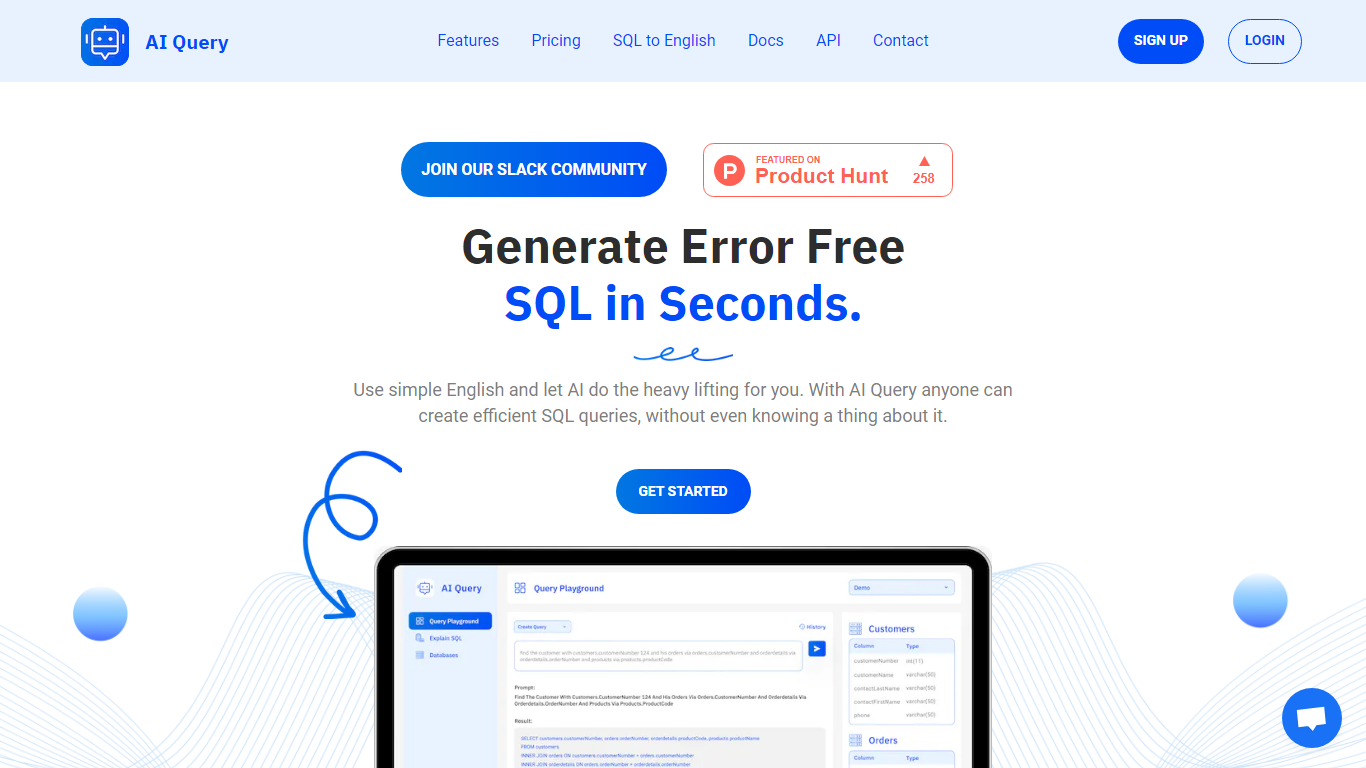
What is AI Query?
AI Query writes SQL from plain English prompts and explains existing queries back in everyday language. You define your database schema in the dashboard, describe what data you need, and the tool returns queries tuned to PostgreSQL, MySQL, BigQuery, Snowflake, Oracle, and other supported engines. Analysts and developers who know the business question but not the syntax use it to skip manual query drafting.
Unlike generic chatbots that guess table names, AI Query starts from schemas you upload and keeps a history of generated queries you can save and share. The SQL-to-English translator runs the other direction when you inherit a complex statement and need a readable breakdown. Yearly billing also advertises faster response speeds and priority feature access compared to monthly Pro.
Data teams, product managers, and junior developers are the core audience. The Pro plan unlocks unlimited generation, explanations, schema definitions, saved queries, and history through app.aiquery.co, with docs and an API for teams that want to embed the workflow.
SQL Builder Upvotes
AI Query Upvotes
SQL Builder Top Features
🛠️ No-Code SQL Builder lets anyone create complex queries easily
🔍 SQL Syntax Explainer breaks down queries for clear understanding
⚡ SQL Optimizer speeds up queries by suggesting performance improvements
🎨 SQL Formatter cleans and organizes code for better readability
✅ SQL Syntax Validator finds errors and guides quick fixes
AI Query Top Features
Converts plain English prompts into SQL for PostgreSQL, MySQL, BigQuery, Snowflake, Oracle, and more
Pro plan costs $10 per month or $100 per year with two months free on annual billing
SQL-to-English translator explains complex statements in readable language
Dashboard lets you define database tables and schemas before generating queries
Saves query history and supports sharing generated SQL with teammates
Yearly Pro tier advertises faster AI response speeds and priority feature access
SQL Builder Category
- SQL
AI Query Category
- SQL
SQL Builder Pricing Type
- Freemium
AI Query Pricing Type
- Paid