SQL Genius vs DB Sensei
Compare SQL Genius vs DB Sensei and see which AI SQL tool is better when we compare features, reviews, pricing, alternatives, upvotes, etc.
Which one is better? SQL Genius or DB Sensei?
When we compare SQL Genius with DB Sensei, which are both AI-powered sql tools, The upvote count reveals a draw, with both tools earning the same number of upvotes. Join the aitools.fyi users in deciding the winner by casting your vote.
Disagree with the result? Upvote your favorite tool and help it win!
SQL Genius

What is SQL Genius?
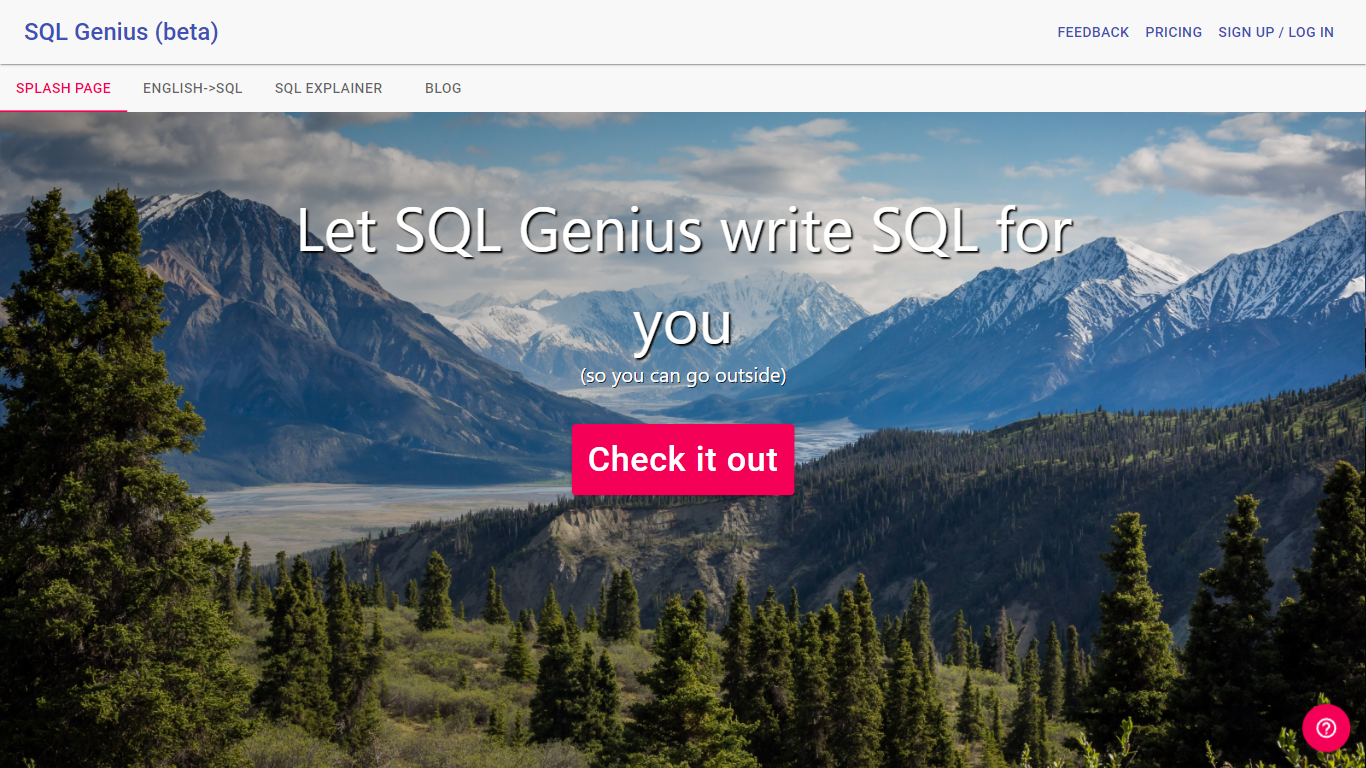
Type an English question into SQL Genius and it returns a Postgres SQL query built from the table schemas you define on the page. You add one or more tables with column names and types, describe the result you want in plain language, and hit Write SQL to generate the statement. A separate SQL Explainer panel lets you paste existing SQL and read a plain-language breakdown of what each clause does.
Dedicated text-to-SQL tools usually assume you already know your schema. SQL Genius keeps schema editing in the same workspace as query generation, with sample hospital tables like patients, doctors, and admissions preloaded so you can test queries immediately. The Advanced SQL Type selector targets Postgres SQL specifically, which narrows the output compared with generators that claim every database dialect.
Analysts, researchers, and junior developers who know their data model but not SQL syntax use it to draft queries faster and sanity-check statements before running them in a database client. The site labels the product as beta and routes English-to-SQL, SQL Explainer, and a blog from the top navigation.
DB Sensei
What is DB Sensei?
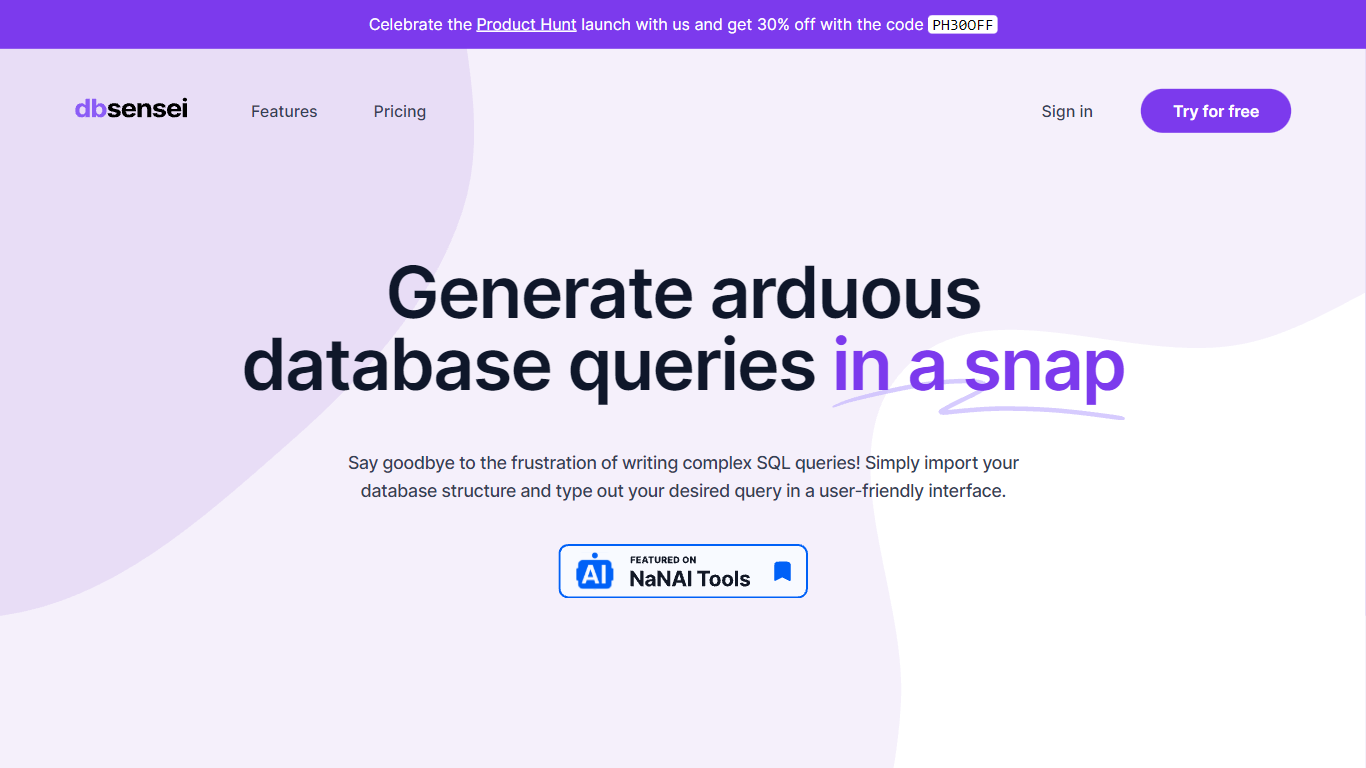
DB Sensei is the revolutionary tool designed to transform the way database professionals work with SQL. This powerful, AI-powered software makes it easier than ever to generate, fix, explain, and format SQL queries. Import your database structure, outline your requirements, and let DB Sensei handle the complexities of query formulation with a user-friendly interface.
Take advantage of DB Sensei's launch on Product Hunt and get an exclusive 30% discount with the code PH30OFF. Maximize your productivity and minimize manual coding errors with features like an intelligent Query Generator, Query Fixer, Query Explainer, and Query Formatter. DB Sensei is not just a tool; it's an indispensable ally for anyone working with databases, from novices to experienced SQL developers.
SQL Genius Upvotes
DB Sensei Upvotes
SQL Genius Top Features
Define multiple table schemas with column names and data types before generating SQL
English-to-SQL writer targets Postgres SQL via the Advanced SQL Type selector
SQL Explainer panel formats pasted queries and returns plain-language explanations
Preloaded sample tables include patients, doctors, and admissions schemas
Add New Table button builds multi-table joins without leaving the editor
Sign Up and Log In accounts gate access beyond the public demo workspace
DB Sensei Top Features
AI Powered: Utilize artificial intelligence to craft debug and understand complex SQL queries.
SQL is no longer a barrier: Simplify the process of writing SQL code with tools designed for convenience.
Query Generator: Generate intricate SQL queries effortlessly with the help of AI.
Query Fixer: Easily identify and correct errors in your SQL queries.
Query Formatter: Automatically format your SQL queries for better readability and maintainability.
SQL Genius Category
- SQL
DB Sensei Category
- SQL
SQL Genius Pricing Type
- Freemium
DB Sensei Pricing Type
- Freemium