Sqlephant vs SQL Genius
In the contest of Sqlephant vs SQL Genius, which AI SQL tool is the champion? We evaluate pricing, alternatives, upvotes, features, reviews, and more.
If you had to choose between Sqlephant and SQL Genius, which one would you go for?
When we examine Sqlephant and SQL Genius, both of which are AI-enabled sql tools, what unique characteristics do we discover? The upvote count reveals a draw, with both tools earning the same number of upvotes. Be a part of the decision-making process. Your vote could determine the winner.
Don't agree with the result? Cast your vote and be a part of the decision-making process!
Sqlephant

What is Sqlephant?
Sqlephant is a desktop SQL development companion from Kawansoft that turns short schema definitions into typed database code. You describe tables with a compact notation, and it predicts column types, builds DTOs, fixes broken SQL statements, and generates language-specific wrappers plus CRUD functions for C#, Java, PHP, and Python.
Where most SQL assistants stop at query completion, Sqlephant focuses on the codegen layer around your schema. Its patent-pending SQL injection fixer runs in Batch Mode so you can submit every application file in one click, and the tool works only on metadata so corporate row data never leaves your machine.
Backend and full-stack developers who maintain multi-language codebases get the most from Sqlephant. Windows, macOS, and Linux builds install without admin or root privileges, and the full-featured version is free with no credit card required.
SQL Genius
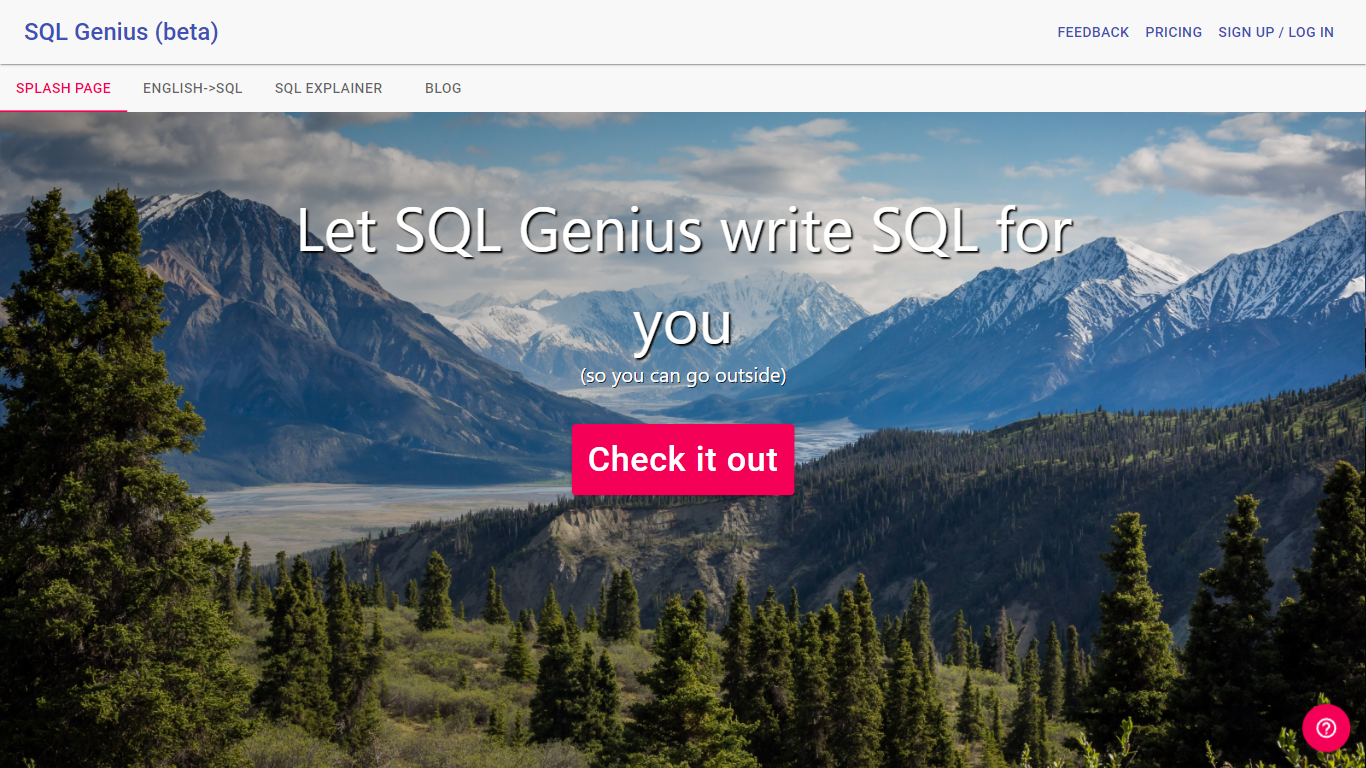
What is SQL Genius?
Type an English question into SQL Genius and it returns a Postgres SQL query built from the table schemas you define on the page. You add one or more tables with column names and types, describe the result you want in plain language, and hit Write SQL to generate the statement. A separate SQL Explainer panel lets you paste existing SQL and read a plain-language breakdown of what each clause does.
Dedicated text-to-SQL tools usually assume you already know your schema. SQL Genius keeps schema editing in the same workspace as query generation, with sample hospital tables like patients, doctors, and admissions preloaded so you can test queries immediately. The Advanced SQL Type selector targets Postgres SQL specifically, which narrows the output compared with generators that claim every database dialect.
Analysts, researchers, and junior developers who know their data model but not SQL syntax use it to draft queries faster and sanity-check statements before running them in a database client. The site labels the product as beta and routes English-to-SQL, SQL Explainer, and a blog from the top navigation.
Sqlephant Upvotes
SQL Genius Upvotes
Sqlephant Top Features
Compact schema language uses t for CREATE TABLE, * for primary keys, and nn for NOT NULL while inferring column types automatically
Generates SQL wrappers with DTO mapping for C#, Java, PHP, and Python from queries dropped into the editor
Patent-pending SQL injection fixer includes Batch Mode to scan all application files with one click
CRUD generation produces Create, Read, Update, and Delete functions plus matching DTOs from a selected SQL table
Runs on Windows, macOS, and Linux without admin or root privileges
Processes only database metadata; requests are discarded after completion and corporate data is not sent
SQL Genius Top Features
Define multiple table schemas with column names and data types before generating SQL
English-to-SQL writer targets Postgres SQL via the Advanced SQL Type selector
SQL Explainer panel formats pasted queries and returns plain-language explanations
Preloaded sample tables include patients, doctors, and admissions schemas
Add New Table button builds multi-table joins without leaving the editor
Sign Up and Log In accounts gate access beyond the public demo workspace
Sqlephant Category
- SQL
SQL Genius Category
- SQL
Sqlephant Pricing Type
- Free
SQL Genius Pricing Type
- Freemium