SQLFlash vs SQL Genius
Dive into the comparison of SQLFlash vs SQL Genius and discover which AI SQL tool stands out. We examine alternatives, upvotes, features, reviews, pricing, and beyond.
When comparing SQLFlash and SQL Genius, which one rises above the other?
When we compare SQLFlash and SQL Genius, two exceptional sql tools powered by artificial intelligence, and place them side by side, several key similarities and differences come to light. The upvote count shows a clear preference for SQLFlash. SQLFlash has been upvoted 8 times by aitools.fyi users, and SQL Genius has been upvoted 6 times.
Want to flip the script? Upvote your favorite tool and change the game!
SQLFlash
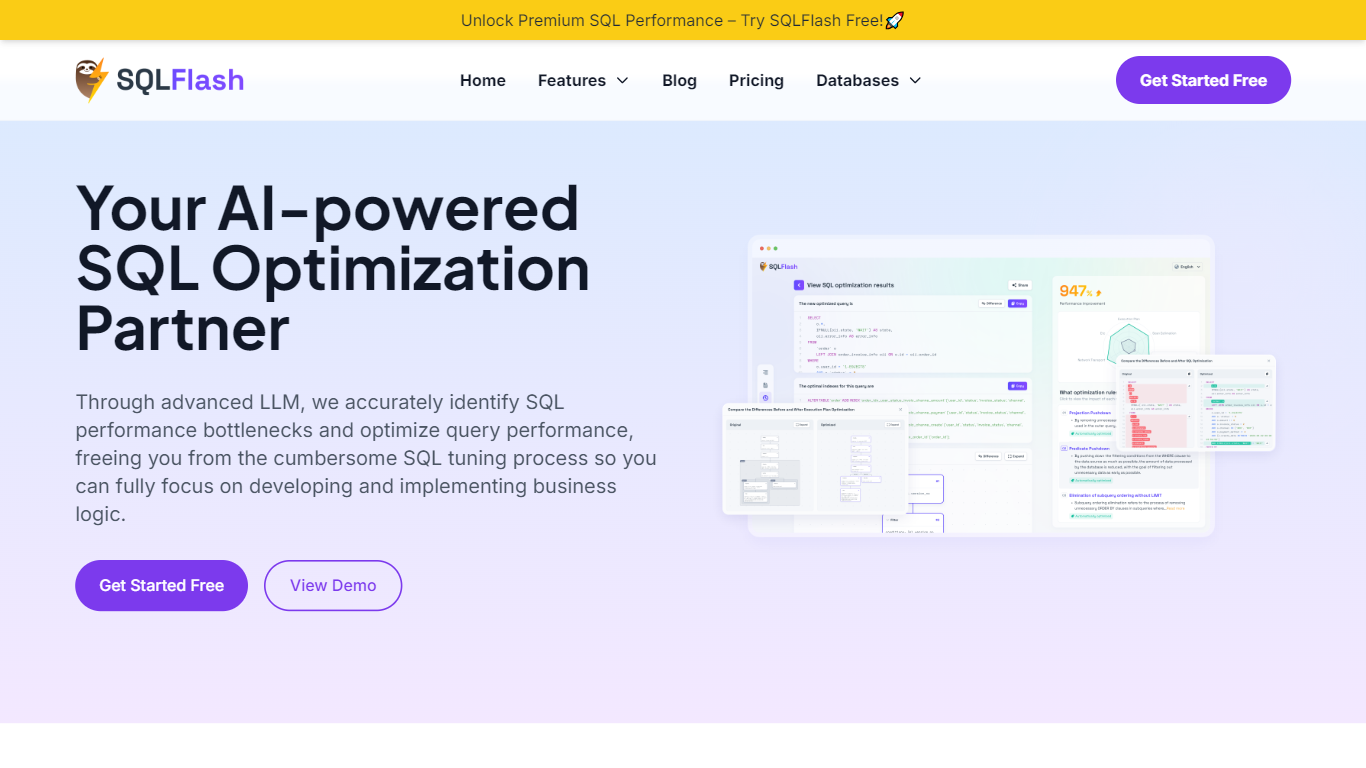

What is SQLFlash?
SQLFlash rewrites slow queries, recommends indexes, and explains every change in plain language. You paste a statement or upload a MyBatis XML mapping, and it returns an optimized version with a diff viewer, query plan breakdown, and performance score. It supports MySQL, PostgreSQL, Oracle, SQL Server, MariaDB, TiDB, and other relational engines without needing database credentials.
Most SQL tuners either need live access to your database or hand you a rewritten query with no context. SQLFlash takes the opposite approach: it works on the text alone, uses a two-stage rule filter to match optimization patterns, and documents each rewrite step in a journal you can audit. That trade-off means you validate results in your own test environment, but you never grant read access to production data.
Developers, DBAs, and platform teams use SQLFlash when legacy queries slow down apps, when MyBatis XML files pile up without review, or when a database migration changes execution plans overnight. Case studies on the site cover e-commerce product pages, banking dashboards, restaurant order history, and school course progress queries.
SQL Genius
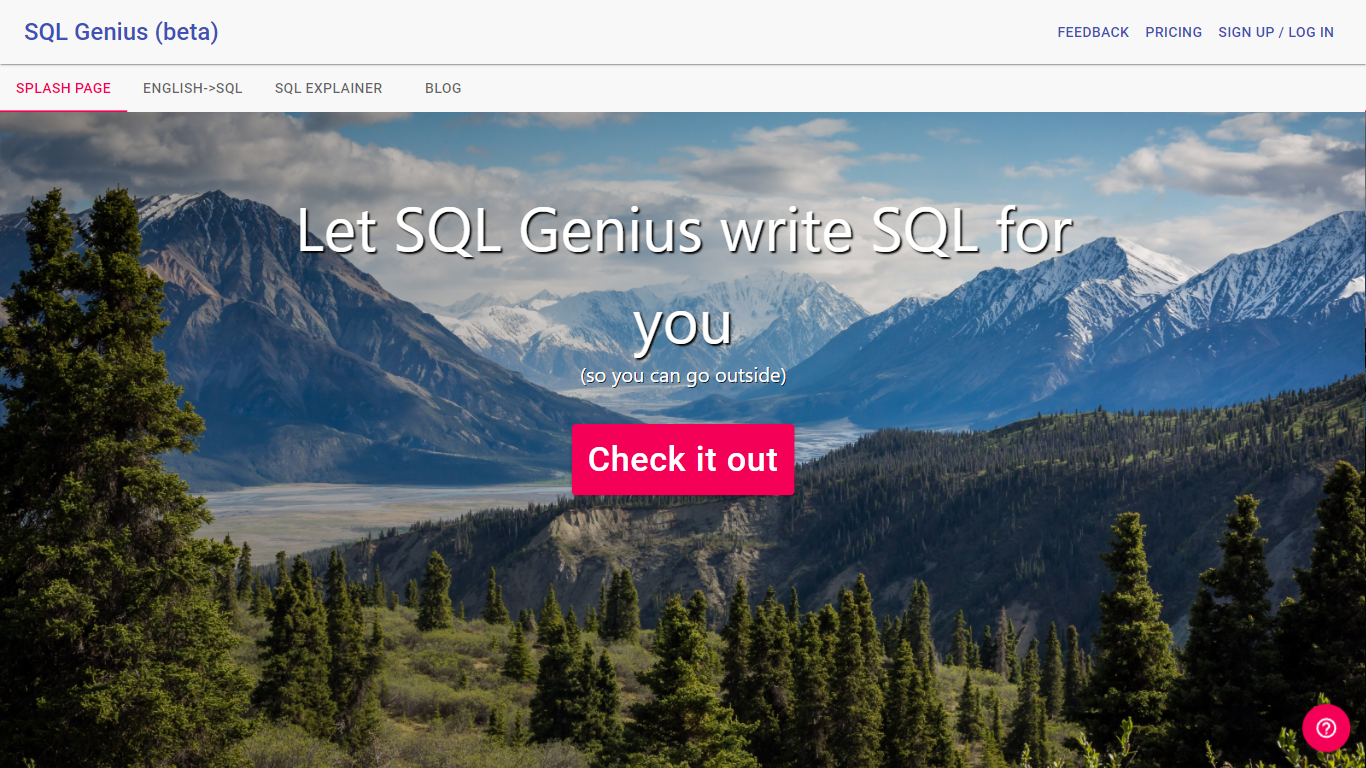
What is SQL Genius?
Type an English question into SQL Genius and it returns a Postgres SQL query built from the table schemas you define on the page. You add one or more tables with column names and types, describe the result you want in plain language, and hit Write SQL to generate the statement. A separate SQL Explainer panel lets you paste existing SQL and read a plain-language breakdown of what each clause does.
Dedicated text-to-SQL tools usually assume you already know your schema. SQL Genius keeps schema editing in the same workspace as query generation, with sample hospital tables like patients, doctors, and admissions preloaded so you can test queries immediately. The Advanced SQL Type selector targets Postgres SQL specifically, which narrows the output compared with generators that claim every database dialect.
Analysts, researchers, and junior developers who know their data model but not SQL syntax use it to draft queries faster and sanity-check statements before running them in a database client. The site labels the product as beta and routes English-to-SQL, SQL Explainer, and a blog from the top navigation.
SQLFlash Upvotes
SQL Genius Upvotes
SQLFlash Top Features
Optimize any SQL statement in two steps with zero database configuration
Two-stage intelligent filter applies 31+ optimization rules across MySQL, PostgreSQL, Oracle, and SQL Server
Dual-pane SQL diff viewer with query plan explainer and optimization step journal
MyBatis XML auto-rewrite for teams running Java persistence layers
Starter plan covers 20 SQL queries and 10 XML files per month at $18.80
Free tier includes 1 SQL query and 1 XML file per month with no credit card
SQL Genius Top Features
Define multiple table schemas with column names and data types before generating SQL
English-to-SQL writer targets Postgres SQL via the Advanced SQL Type selector
SQL Explainer panel formats pasted queries and returns plain-language explanations
Preloaded sample tables include patients, doctors, and admissions schemas
Add New Table button builds multi-table joins without leaving the editor
Sign Up and Log In accounts gate access beyond the public demo workspace
SQLFlash Category
- SQL
SQL Genius Category
- SQL
SQLFlash Pricing Type
- Freemium
SQL Genius Pricing Type
- Freemium