Starlens vs GitBook
Dive into the comparison of Starlens vs GitBook and discover which AI Developer tool stands out. We examine alternatives, upvotes, features, reviews, pricing, and beyond.
When comparing Starlens and GitBook , which one rises above the other?
When we compare Starlens and GitBook , two exceptional developer tools powered by artificial intelligence, and place them side by side, several key similarities and differences come to light. The users have made their preference clear, Starlens leads in upvotes. The upvote count for Starlens is 7, and for GitBook it's 6.
Think we got it wrong? Cast your vote and show us who's boss!
Starlens
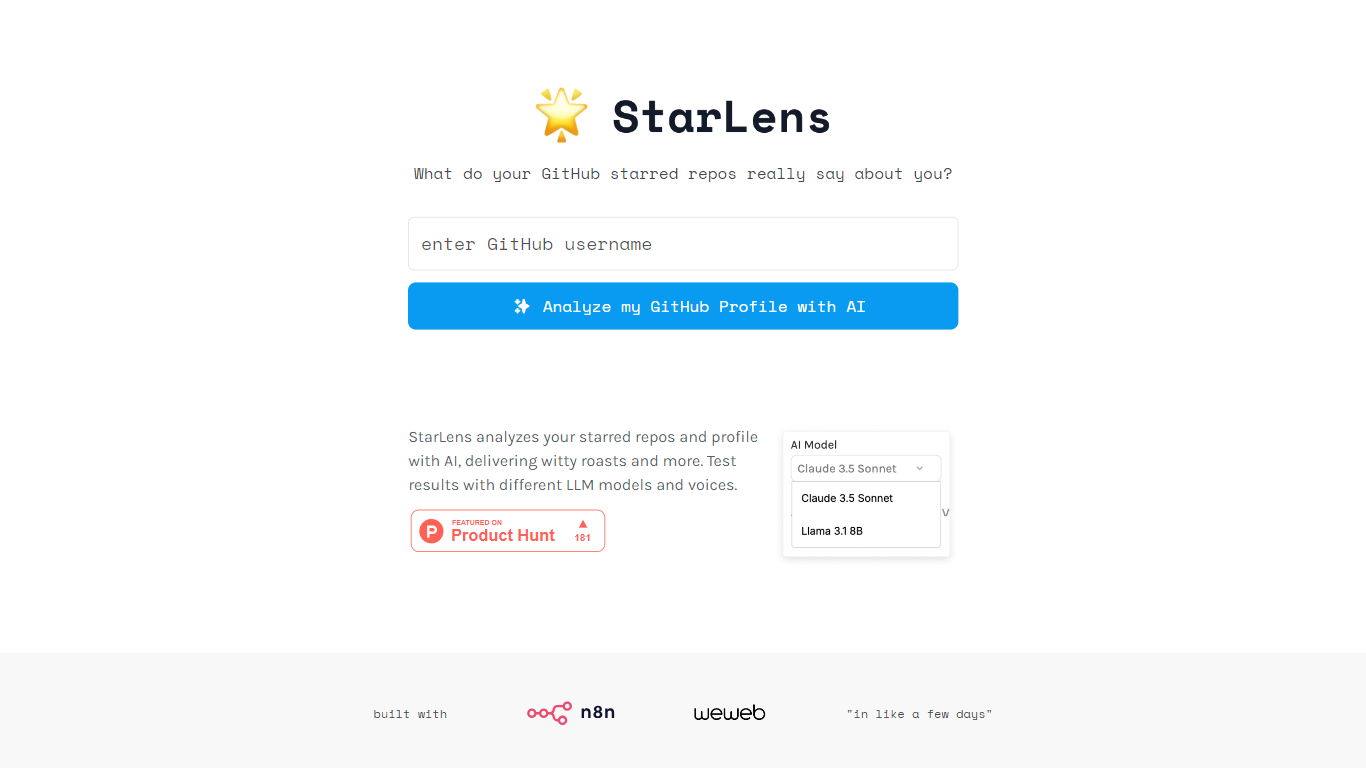

What is Starlens?
The website offers a comprehensive platform designed to enhance productivity and streamline workflows for professionals across various industries. Its core functionality revolves around task management, collaboration tools, and performance tracking, making it an essential tool for teams looking to optimize their operations. The target audience includes project managers, team leaders, and organizations seeking to improve efficiency and communication within their teams. The unique value proposition lies in its user-friendly interface combined with powerful features that cater to both small businesses and large enterprises. Key differentiators include real-time collaboration capabilities, customizable dashboards, and integration with popular third-party applications, setting it apart from competitors in the productivity software market.
GitBook
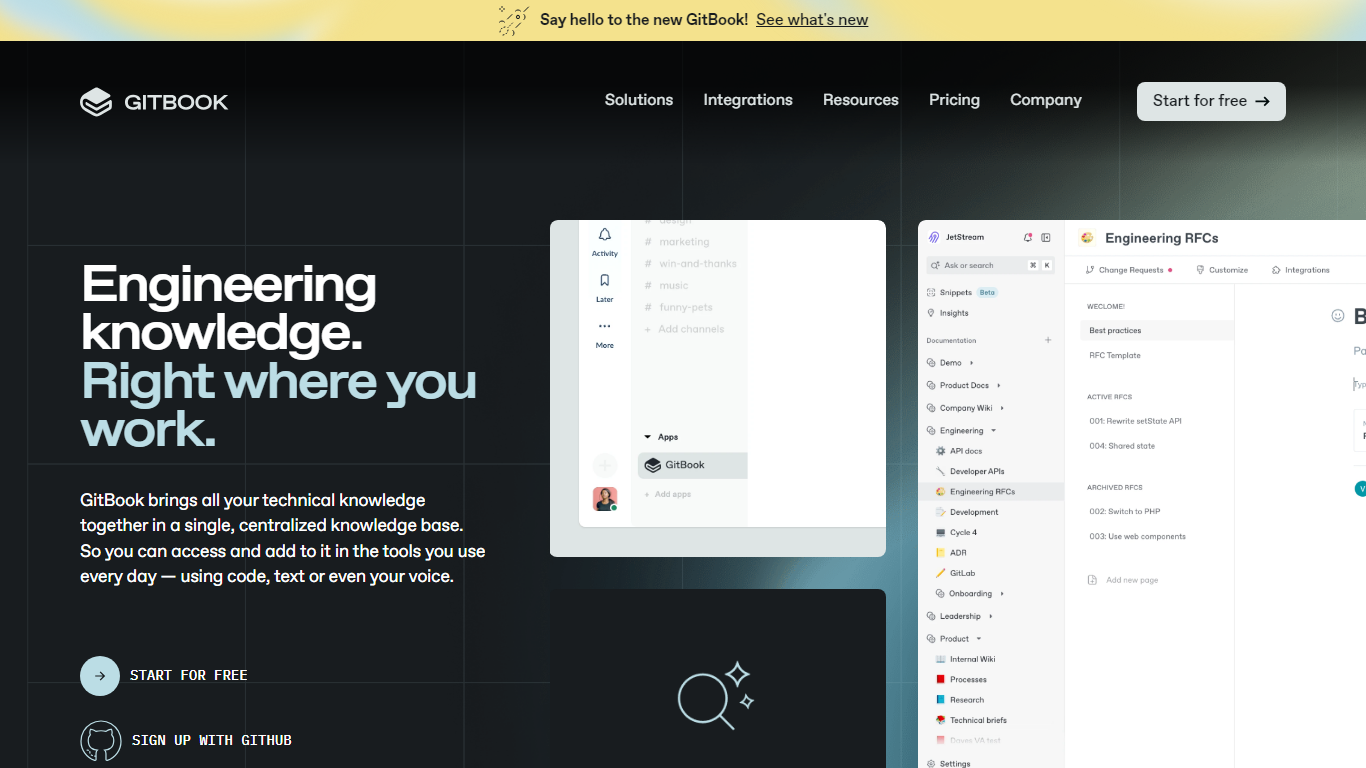
What is GitBook ?
GitBook hosts product and API documentation with a block editor, GitHub and GitLab sync, and interactive API playgrounds. Teams publish branded docs sites, preview deployments, and add LLM optimizations so AI tools can cite accurate answers from your content.
Most doc tools stop at publishing pages. GitBook layers an AI Assistant sidebar on Ultimate plans, AI insights that flag knowledge gaps, and a GitBook Agent that writes and updates docs from Slack, Linear, and GitHub. Its MCP server at mcp.gitbook.com also lets coding agents publish docs directly from your IDE.
Engineering and product teams use it for public docs, developer portals, and help centers. The free plan covers individuals with Git sync and API playgrounds, while Premium starts at $65 per site per month plus $12 per user on annual billing.
Starlens Upvotes
GitBook Upvotes
Starlens Top Features
Real-Time Collaboration: Enables team members to work together simultaneously on projects, enhancing communication and reducing delays.
Customizable Dashboards: Users can tailor their dashboards to display relevant metrics and tasks, improving focus and efficiency.
Integration with Third-Party Applications: Seamlessly connects with tools like Slack, Google Drive, and Trello, allowing for a unified workflow.
Performance Tracking: Provides analytics and reporting features to monitor team performance and project progress, facilitating data-driven decision-making.
User-Friendly Interface: Designed with simplicity in mind, ensuring that users can navigate the platform easily without extensive training.
GitBook Top Features
Free plan includes GitHub and GitLab sync with interactive API playgrounds
Premium starts at $65 per site per month plus $12 per user on annual billing
Ultimate adds an AI Assistant sidebar and GitBook Agent for $249 per site per month
GitBook MCP server lets coding agents publish docs from Cursor, Claude, and Codex
Block editor supports custom blocks, preview deployments, and LLM optimizations
Ultimate plan includes adaptive content and authenticated access controls
Enterprise adds SAML SSO, white-glove migration, and dedicated support
Starlens Category
- Developer
GitBook Category
- Developer
Starlens Pricing Type
- Freemium
GitBook Pricing Type
- Freemium