StudyCrumb vs Writer's brew
In the clash of StudyCrumb vs Writer's brew, which AI Writing Assistant tool emerges victorious? We assess reviews, pricing, alternatives, features, upvotes, and more.
If you had to choose between StudyCrumb and Writer's brew, which one would you go for?
Let's take a closer look at StudyCrumb and Writer's brew, both of which are AI-driven writing assistant tools, and see what sets them apart. The upvote count shows a clear preference for StudyCrumb. StudyCrumb has been upvoted 6 times by aitools.fyi users, and Writer's brew has been upvoted 4 times.
Feeling rebellious? Cast your vote and shake things up!
StudyCrumb
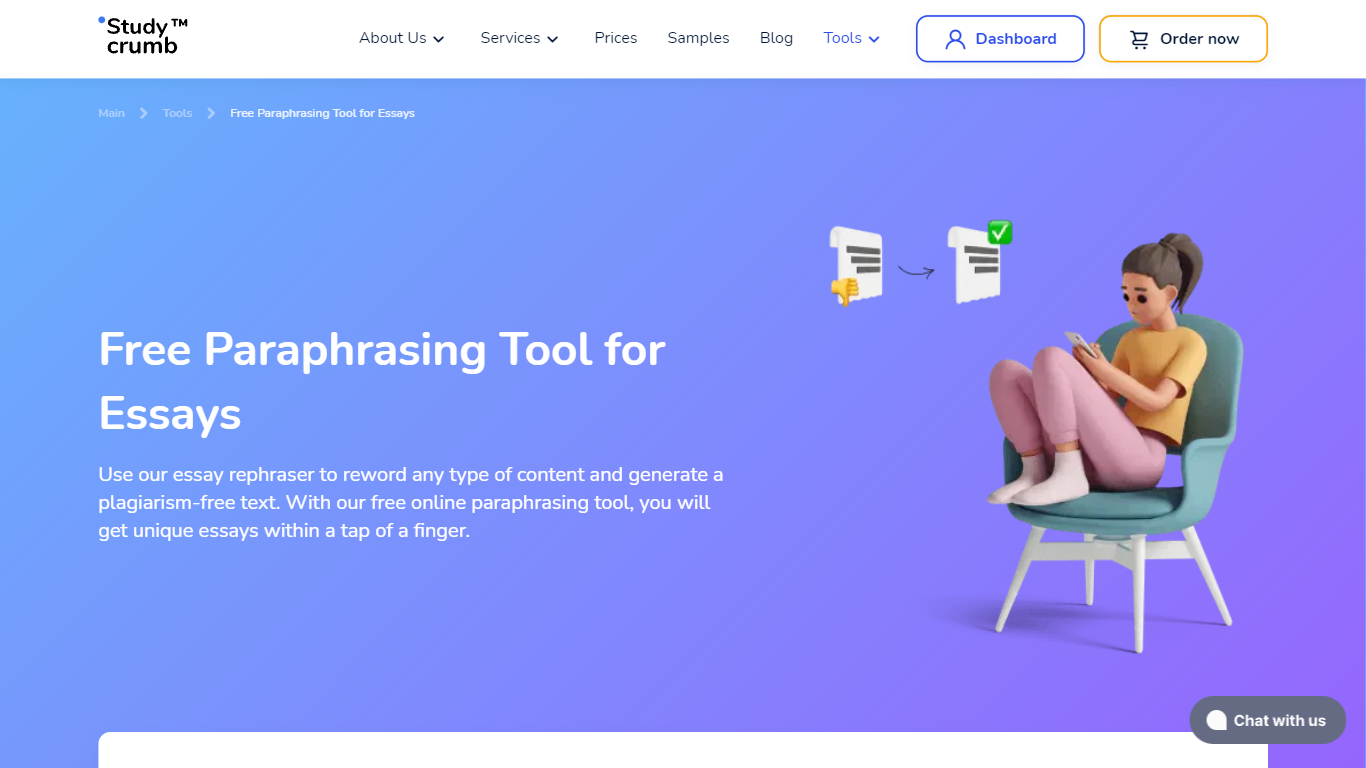

What is StudyCrumb?
StudyCrumb's free paraphrasing tool rewrites essays, paragraphs, sentences, and research papers while keeping the original meaning intact. You paste up to 2,500 words, click Paraphrase, and get a new version in about one second with no account required.
Most paraphrasers either cap daily usage or bury the tool behind signup walls. StudyCrumb keeps the rewriter unlimited and free, then offers paid human writers when you need a paper built from scratch rather than reworded.
Students, teachers, editors, and authors use it to refresh drafts, avoid repetitive phrasing, and generate alternate wording samples for classes. The same site also runs a full essay writing service with expert revisions, but the paraphraser itself stays free.
Writer's brew
What is Writer's brew?
Writer's brew is a macOS writing assistant that rewrites, summarizes, translates, and replies to text you highlight in any app. It runs from the menu bar, a Spotlight-style popup, or keyboard shortcuts, and includes snippets, 15+ text utilities, and OCR that pulls words from images before sending them to AI. You bring your own OpenAI API key, so usage costs go to OpenAI rather than a monthly SaaS bill.
Most writing assistants live inside one browser tab or web editor. Writer's brew works system-wide on macOS 15.0 or later, which suits people who jump between Notes, email, Slack, and docs all day. The trade-off is it is Mac-only, requires your own OpenAI key, and skips the managed cloud workflow that all-in-one web tools provide.
Product managers, founders, and students who draft in multiple native Mac apps are the core audience. Power users pair it with Raycast or PopClip extensions for one-click rewrites, while snippet forms with placeholders like {date} and {clipboard} handle repetitive replies.
StudyCrumb Upvotes
Writer's brew Upvotes
StudyCrumb Top Features
Rewrites up to 2,500 words per submission with results in about 1 second
Unlimited free paraphrasing with no registration or credit card required
Handles sentences, paragraphs, essays, articles, and research papers
AI algorithms preserve original meaning while changing wording and structure
Simple paste-and-paraphrase interface with no distracting extra features
Optional paid expert rewriting when automated paraphrasing is not enough
Writer's brew Top Features
30+ AI writing tools plus 50+ community presets for rewrite, summarize, translate, and reply tasks
Works across any macOS app via menu bar, Spotlight-style popup, or custom keyboard shortcuts
Snippet engine with smart placeholders like {date}, {clipboard}, and custom form fields
OCR extracts text from images anywhere on macOS before running AI transforms
Raycast and PopClip integrations add one-click presets from selected text
Pro license covers 2 devices for $29 with lifetime use and requires your own OpenAI API key
Translates highlighted text across 15+ languages from the same popup interface
StudyCrumb Category
- Writing Assistant
Writer's brew Category
- Writing Assistant
StudyCrumb Pricing Type
- Freemium
Writer's brew Pricing Type
- Paid