StudyShift vs Lunchbreak AI
Explore the showdown between StudyShift vs Lunchbreak AI and find out which AI Education tool wins. We analyze upvotes, features, reviews, pricing, alternatives, and more.
In a face-off between StudyShift and Lunchbreak AI, which one takes the crown?
When we contrast StudyShift with Lunchbreak AI, both of which are exceptional AI-operated education tools, and place them side by side, we can spot several crucial similarities and divergences. The upvote count favors Lunchbreak AI, making it the clear winner. Lunchbreak AI has garnered 8 upvotes, and StudyShift has garnered 6 upvotes.
Disagree with the result? Upvote your favorite tool and help it win!
StudyShift
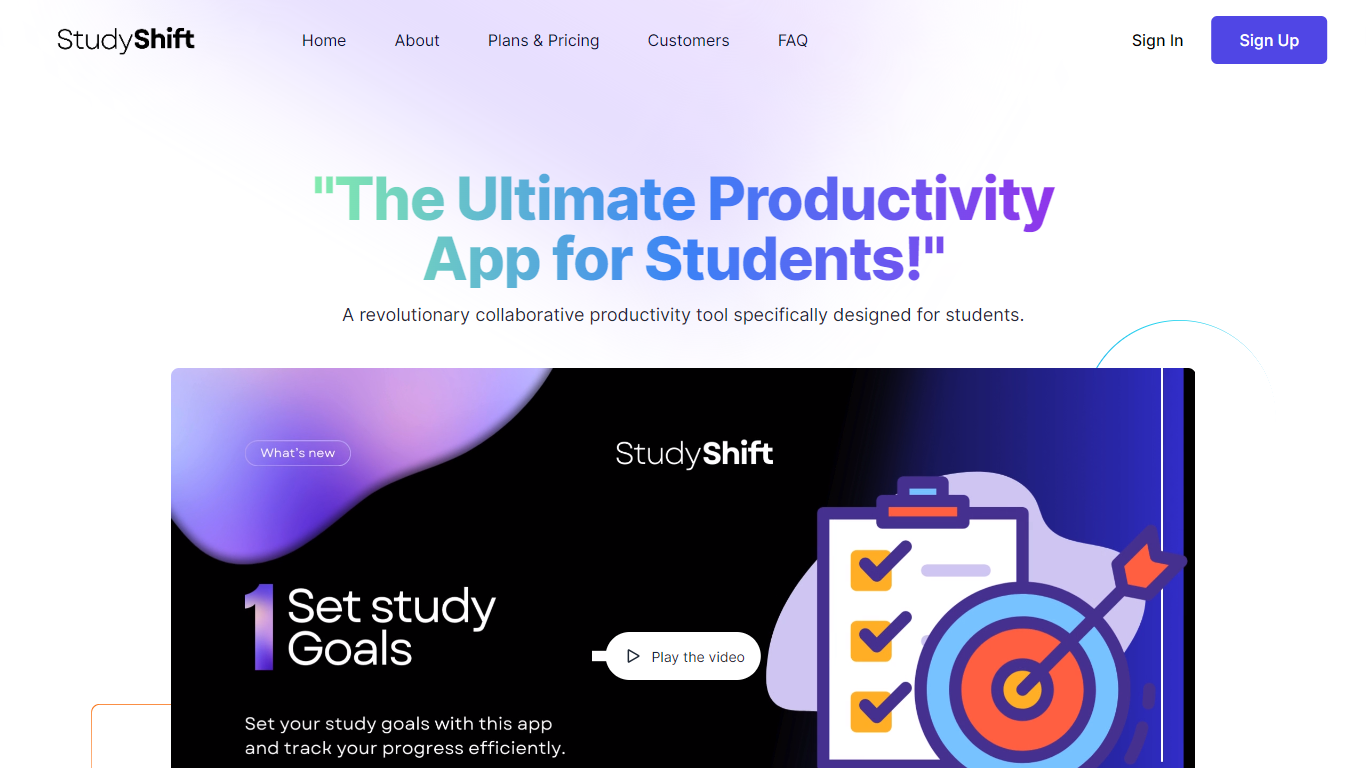

What is StudyShift?
StudyShift remains a versatile productivity app tailored for students, now enhanced with new features to support academic integrity and writing quality. Beyond managing study goals, assignments, and notes, it integrates tools to help students check their work for AI-generated content, reflecting the growing importance of ethical writing practices. The app supports seamless document collaboration and offers a clear overview of study progress across devices. It also provides access to resources that explain university-level AI detection methods, helping users understand how their texts might be evaluated. StudyShift's updated value lies in combining productivity with proactive academic compliance, making it a comprehensive companion for modern students. The platform ensures privacy and data security, with all processing done securely and anonymously. This focus on transparency and user control sets it apart from other study apps. While the core remains user-friendly task and note management, the addition of AI detection awareness tools addresses a critical need in today's academic environment.
Lunchbreak AI
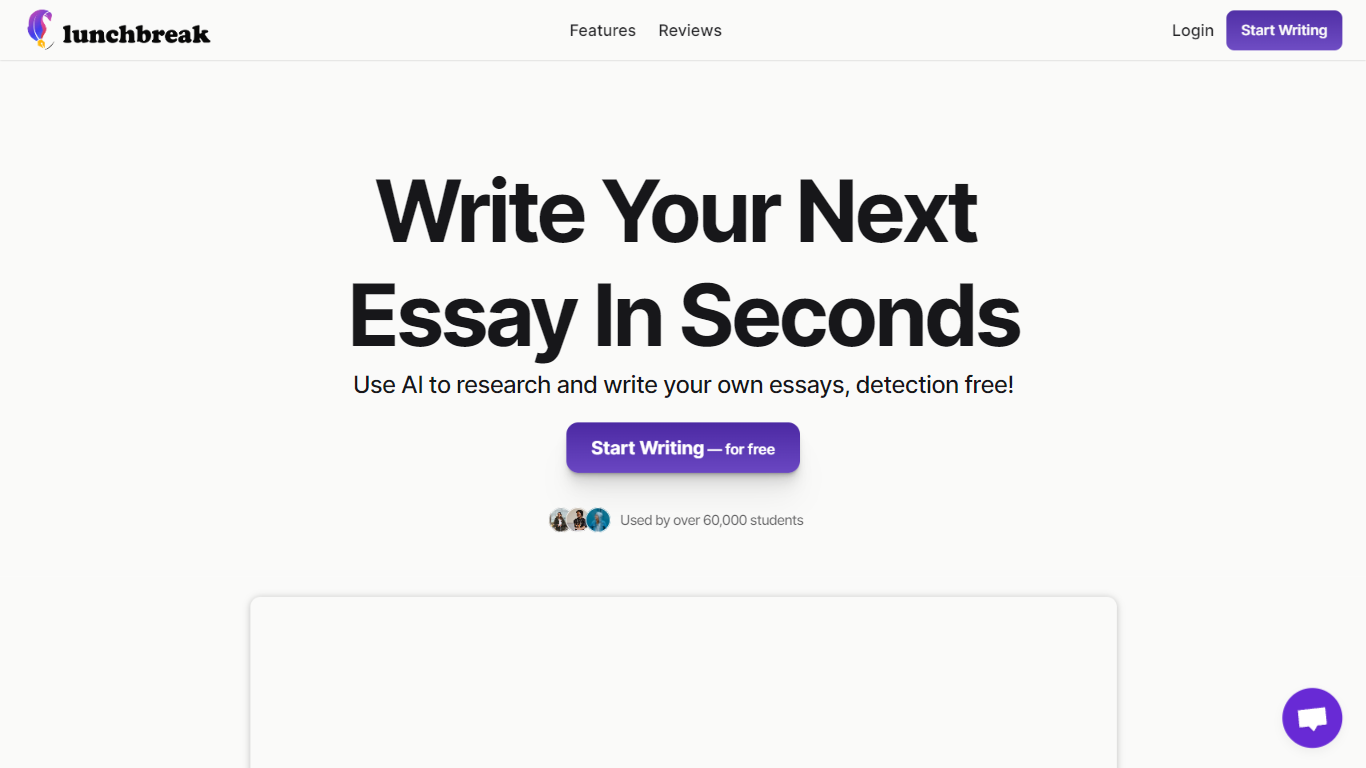
What is Lunchbreak AI?
Lunchbreak AI is an education writing checker that scans drafts for AI detection risk before you submit them. Paste an essay or article and it runs the text past Turnitin, GPTZero, Originality, Copyleaks, Writer, and Sapling in one pass, then shows each score side by side instead of hiding them behind a single number.
Most AI checkers give you one verdict. Lunchbreak shows what each major detector flags separately, then rewrites only the phrasing those models react to and re-checks the result. That two-step loop matters when one detector clears your text while another still marks it, which happens more often than students expect.
Students, graduate researchers, and freelance writers use Lunchbreak to review ChatGPT, Claude, or Gemini drafts before handing work to a professor or client. Checking is free with no credit card, and the app keeps your text private rather than feeding it into any detector training database.
StudyShift Upvotes
Lunchbreak AI Upvotes
StudyShift Top Features
📚 Set and track personalized study goals to stay motivated
📝 Manage assignments with collaborative document editing
🔍 Check texts for AI-generated content to ensure originality
📊 Visual progress reports help monitor study effectiveness
🔒 Secure and anonymous processing protects your data
Lunchbreak AI Top Features
Runs pasted text through 6 detectors: Turnitin, GPTZero, Originality, Copyleaks, Writer, and Sapling
Free checking with no credit card required on the homepage
Rewrites only the phrasing detectors flag, then re-checks so you see updated scores
Works with drafts from ChatGPT, Claude, and Gemini pasted into app.lunchbreak.ai
Privacy policy states your writing is never shared or added to any detector database
Join 400,000+ researchers and students listed on the sign-in page
StudyShift Category
- Education
Lunchbreak AI Category
- Education
StudyShift Pricing Type
- Freemium
Lunchbreak AI Pricing Type
- Freemium