StudyShift vs Paperclips Copilot
Dive into the comparison of StudyShift vs Paperclips Copilot and discover which AI Education tool stands out. We examine alternatives, upvotes, features, reviews, pricing, and beyond.
When comparing StudyShift and Paperclips Copilot, which one rises above the other?
When we compare StudyShift and Paperclips Copilot, two exceptional education tools powered by artificial intelligence, and place them side by side, several key similarities and differences come to light. Both tools are equally favored, as indicated by the identical upvote count. Your vote matters! Help us decide the winner among aitools.fyi users by casting your vote.
Think we got it wrong? Cast your vote and show us who's boss!
StudyShift
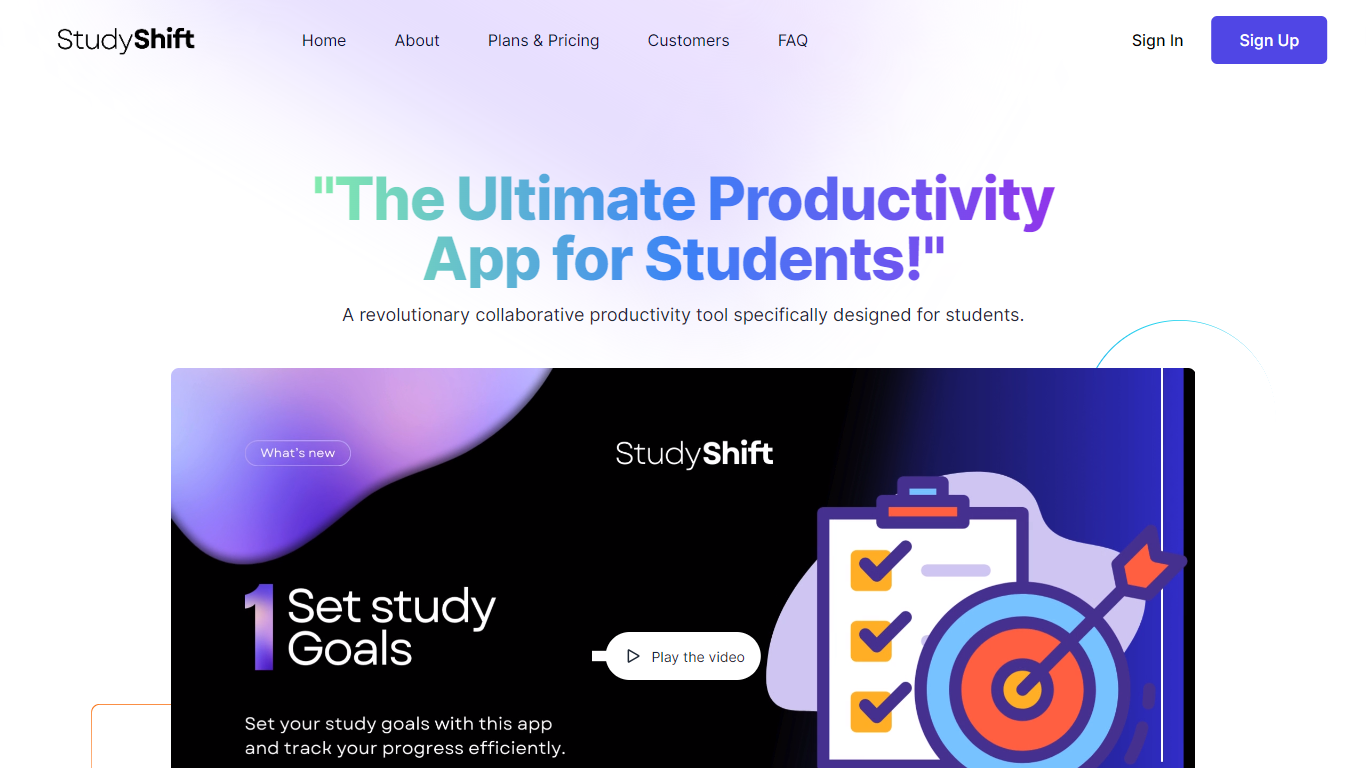

What is StudyShift?
StudyShift remains a versatile productivity app tailored for students, now enhanced with new features to support academic integrity and writing quality. Beyond managing study goals, assignments, and notes, it integrates tools to help students check their work for AI-generated content, reflecting the growing importance of ethical writing practices. The app supports seamless document collaboration and offers a clear overview of study progress across devices. It also provides access to resources that explain university-level AI detection methods, helping users understand how their texts might be evaluated. StudyShift's updated value lies in combining productivity with proactive academic compliance, making it a comprehensive companion for modern students. The platform ensures privacy and data security, with all processing done securely and anonymously. This focus on transparency and user control sets it apart from other study apps. While the core remains user-friendly task and note management, the addition of AI detection awareness tools addresses a critical need in today's academic environment.
Paperclips Copilot
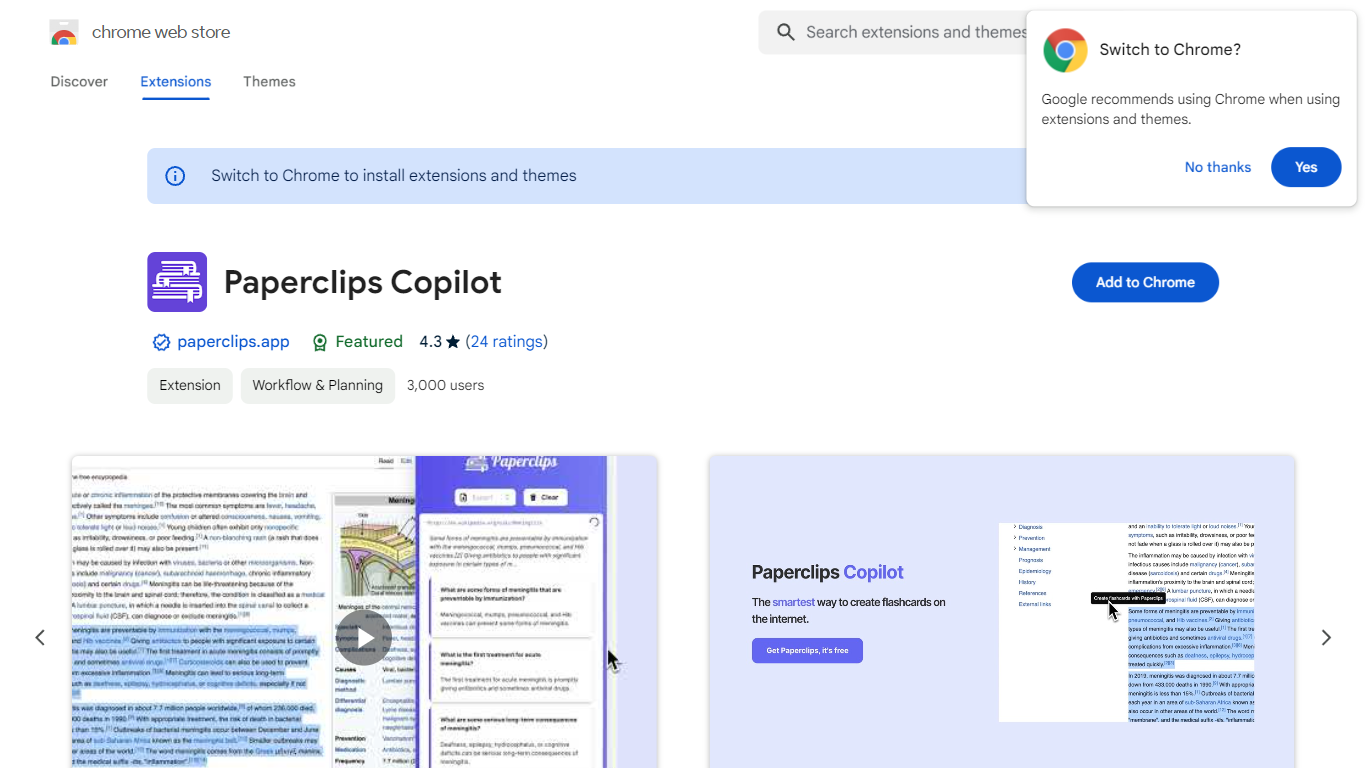
What is Paperclips Copilot?
Paperclips Copilot is a Chrome extension for education that turns highlighted web text into study flashcards without leaving the page you are reading. Select a passage on a course site, research paper, blog post, or news article, click the tooltip that appears, and the extension builds a card you can review later.
Where many flashcard apps expect you to paste notes into a separate web app or build cards by hand, Paperclips Copilot stays inside Chrome and works from live browsing. Cards stay organized in the extension and sync across open tabs, so a reading session on one page can feed a deck you review on another.
The listing targets students who study from online sources and already use spaced-repetition tools. Export paths cover Anki, Quizlet, and other platforms, which matters if your class deck already lives outside the browser.
StudyShift Upvotes
Paperclips Copilot Upvotes
StudyShift Top Features
📚 Set and track personalized study goals to stay motivated
📝 Manage assignments with collaborative document editing
🔍 Check texts for AI-generated content to ensure originality
📊 Visual progress reports help monitor study effectiveness
🔒 Secure and anonymous processing protects your data
Paperclips Copilot Top Features
Highlight web text and click the popup tooltip to create a flashcard in one step
Flashcards stay organized in the extension and sync across all open Chrome tabs
Export decks to Anki, Quizlet, and other study platforms from the extension
Chrome Web Store listing shows version 1.0.4, updated October 10, 2023
Extension size is 2.24 MiB with about 2,000 users on the Chrome Web Store
Works from course notes, research papers, blog posts, and news articles you read online
StudyShift Category
- Education
Paperclips Copilot Category
- Education
StudyShift Pricing Type
- Freemium
Paperclips Copilot Pricing Type
- Freemium