
Last updated 07-30-2026
Category:
Reviews:
Join thousands of AI enthusiasts in the World of AI!
Paperclips Copilot
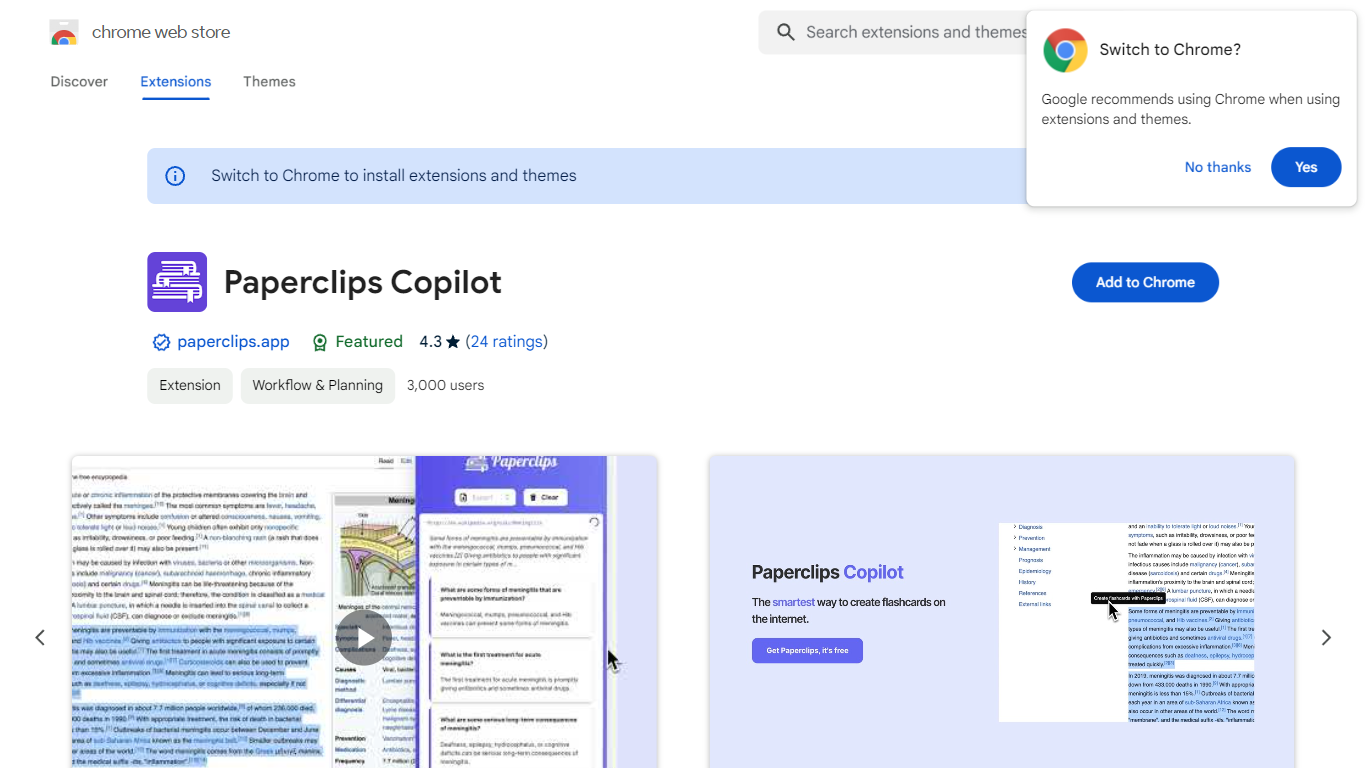
Paperclips Copilot is a Chrome extension for education that turns highlighted web text into study flashcards without leaving the page you are reading. Select a passage on a course site, research paper, blog post, or news article, click the tooltip that appears, and the extension builds a card you can review later.
Where many flashcard apps expect you to paste notes into a separate web app or build cards by hand, Paperclips Copilot stays inside Chrome and works from live browsing. Cards stay organized in the extension and sync across open tabs, so a reading session on one page can feed a deck you review on another.
The listing targets students who study from online sources and already use spaced-repetition tools. Export paths cover Anki, Quizlet, and other platforms, which matters if your class deck already lives outside the browser.
Highlight web text and click the popup tooltip to create a flashcard in one step
Flashcards stay organized in the extension and sync across all open Chrome tabs
Export decks to Anki, Quizlet, and other study platforms from the extension
Chrome Web Store listing shows version 1.0.4, updated October 10, 2023
Extension size is 2.24 MiB with about 2,000 users on the Chrome Web Store
Works from course notes, research papers, blog posts, and news articles you read online
Creates flashcards from highlighted web text without copying into a separate notes app.
Keeps cards synced across Chrome tabs during an active browsing session.
Exports to Anki and Quizlet so decks can move into established study workflows.
Chrome-only distribution with no mobile app listed on the Chrome Web Store.
Premium pricing is not published on the store listing, only noted as in-app purchases.
Last Chrome Web Store update was October 10, 2023, which may lag newer study tools.
Is Paperclips Copilot free to install?
Yes. Paperclips Copilot is free to add from the Chrome Web Store. The listing also notes that the extension offers in-app purchases for additional functionality beyond the free install.
How do you make flashcards with Paperclips Copilot?
Paperclips Copilot creates a card when you highlight text on a webpage and click the tooltip that appears. The extension stores the card in your session and keeps cards synced across open Chrome tabs.
Can Paperclips Copilot export to Anki or Quizlet?
Yes. Paperclips Copilot is built to export generated flashcards to Anki, Quizlet, and other study platforms. That lets you move browser-created cards into the spaced-repetition app you already use.
What is a highlight in Paperclips Copilot?
In Paperclips Copilot, a highlight is the specific text you select on a webpage before clicking the tooltip. The extension uses that selection as the source material for the flashcard it generates.
What data does Paperclips Copilot collect?
Paperclips Copilot discloses collection of personally identifiable information and website content, including text you highlight. The developer states this data is not sold to third parties outside approved use cases.
Does Paperclips Copilot work outside Chrome?
No. Paperclips Copilot is distributed only as a Chrome extension on the Chrome Web Store. It is listed under Workflow and Planning and requires Google Chrome to install and run.