CourseGen vs Paperclips Copilot
In the clash of CourseGen vs Paperclips Copilot, which AI Education tool emerges victorious? We assess reviews, pricing, alternatives, features, upvotes, and more.
When we put CourseGen and Paperclips Copilot head to head, which one emerges as the victor?
Let's take a closer look at CourseGen and Paperclips Copilot, both of which are AI-driven education tools, and see what sets them apart. Both tools have received the same number of upvotes from aitools.fyi users. You can help us determine the winner by casting your vote and tipping the scales in favor of one of the tools.
Think we got it wrong? Cast your vote and show us who's boss!
CourseGen
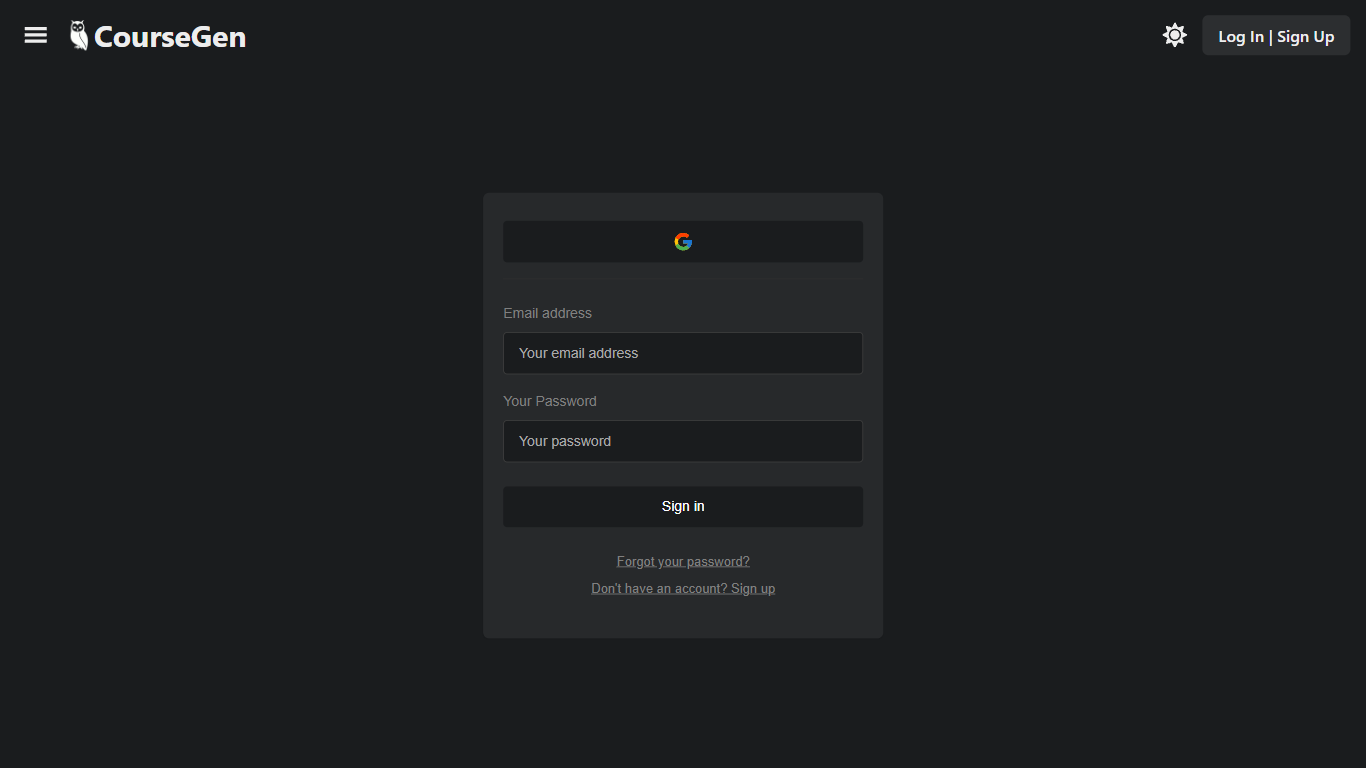

What is CourseGen?
CourseGen is an innovative web platform designed to streamline the process of creating educational courses online. It leverages advanced technology to simplify and enhance the course creation experience for educators and course designers. With a focus on user-friendly design, CourseGen offers a set of tools that make it easy for professionals to develop comprehensive and engaging courses for a variety of subjects. The platform's core objective is to facilitate the creation of high-quality educational content that can be accessed by learners globally. The integration of search engine optimization (SEO) strategies ensures that the courses generated can easily be discovered by interested learners using search engines, thereby increasing the visibility and reach of the educational materials.
Paperclips Copilot
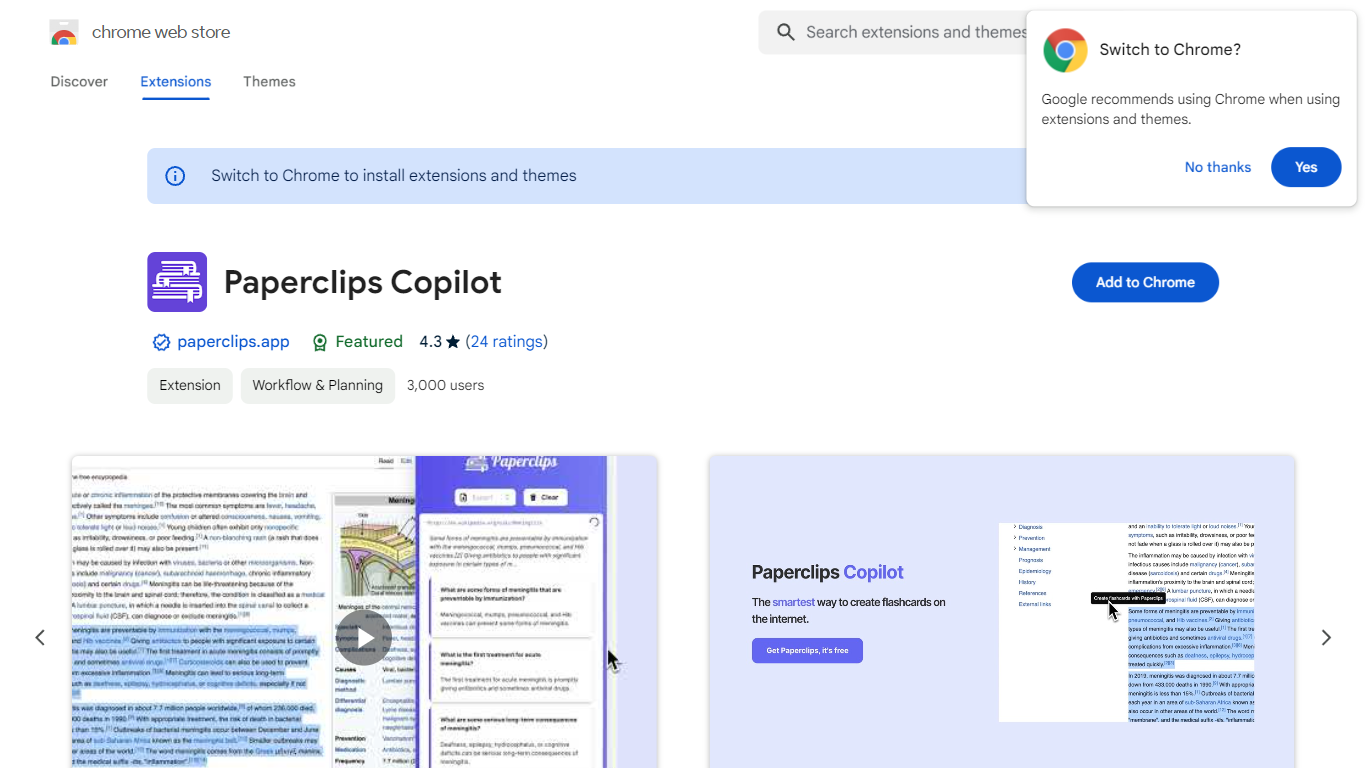
What is Paperclips Copilot?
Paperclips Copilot is a Chrome extension for education that turns highlighted web text into study flashcards without leaving the page you are reading. Select a passage on a course site, research paper, blog post, or news article, click the tooltip that appears, and the extension builds a card you can review later.
Where many flashcard apps expect you to paste notes into a separate web app or build cards by hand, Paperclips Copilot stays inside Chrome and works from live browsing. Cards stay organized in the extension and sync across open tabs, so a reading session on one page can feed a deck you review on another.
The listing targets students who study from online sources and already use spaced-repetition tools. Export paths cover Anki, Quizlet, and other platforms, which matters if your class deck already lives outside the browser.
CourseGen Upvotes
Paperclips Copilot Upvotes
CourseGen Top Features
User-Friendly Design: Intuitive interface to simplify the course creation process.
Educational Tools: A comprehensive suite of tools to develop various types of courses.
Global Reach: Courses designed to be accessible by a global audience.
SEO Optimization: Incorporates SEO strategies to enhance course discoverability.
Quality Content: Supports the creation of high-quality educational materials.
Paperclips Copilot Top Features
Highlight web text and click the popup tooltip to create a flashcard in one step
Flashcards stay organized in the extension and sync across all open Chrome tabs
Export decks to Anki, Quizlet, and other study platforms from the extension
Chrome Web Store listing shows version 1.0.4, updated October 10, 2023
Extension size is 2.24 MiB with about 2,000 users on the Chrome Web Store
Works from course notes, research papers, blog posts, and news articles you read online
CourseGen Category
- Education
Paperclips Copilot Category
- Education
CourseGen Pricing Type
- Freemium
Paperclips Copilot Pricing Type
- Freemium