Paperclips Copilot vs FlashcardX
In the contest of Paperclips Copilot vs FlashcardX, which AI Education tool is the champion? We evaluate pricing, alternatives, upvotes, features, reviews, and more.
If you had to choose between Paperclips Copilot and FlashcardX, which one would you go for?
When we examine Paperclips Copilot and FlashcardX, both of which are AI-enabled education tools, what unique characteristics do we discover? The users have made their preference clear, FlashcardX leads in upvotes. FlashcardX has been upvoted 7 times by aitools.fyi users, and Paperclips Copilot has been upvoted 6 times.
Not your cup of tea? Upvote your preferred tool and stir things up!
Paperclips Copilot

What is Paperclips Copilot?
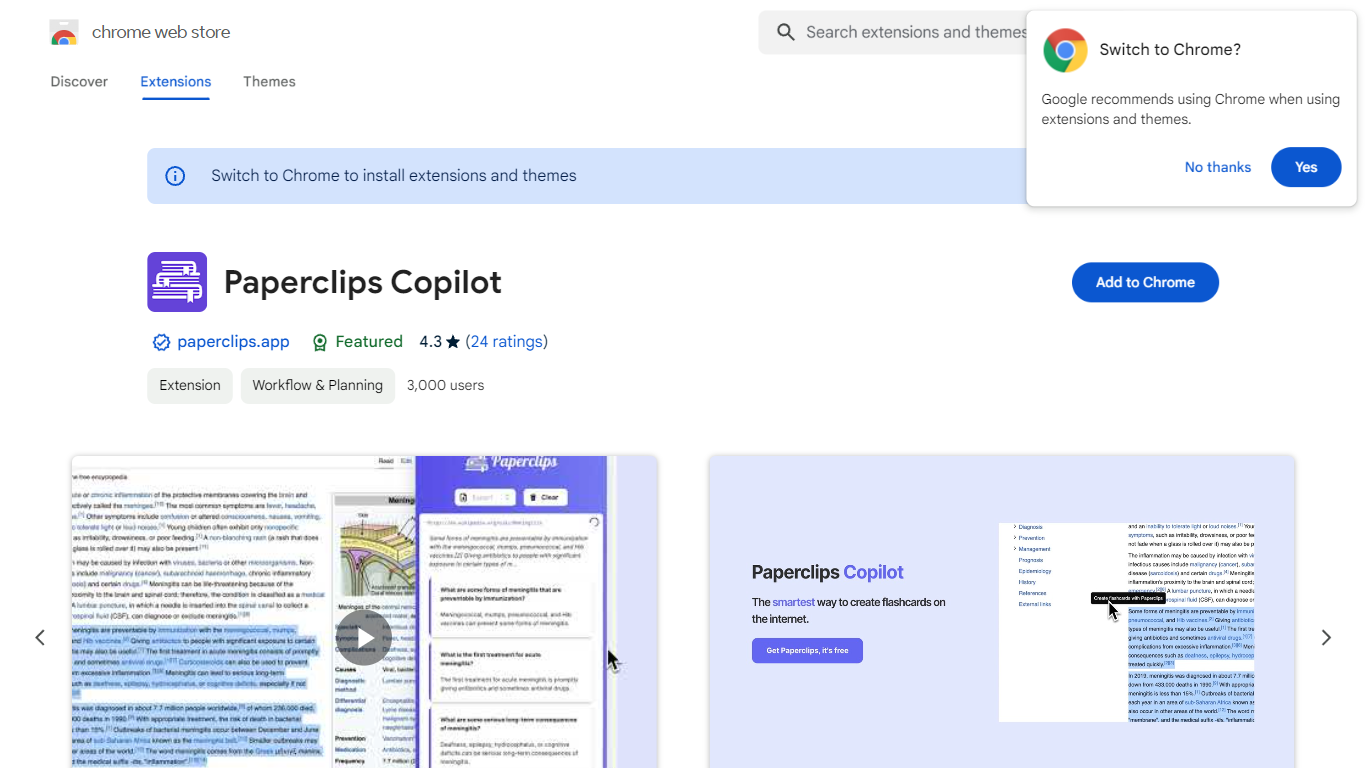
Paperclips Copilot is a Chrome extension for education that turns highlighted web text into study flashcards without leaving the page you are reading. Select a passage on a course site, research paper, blog post, or news article, click the tooltip that appears, and the extension builds a card you can review later.
Where many flashcard apps expect you to paste notes into a separate web app or build cards by hand, Paperclips Copilot stays inside Chrome and works from live browsing. Cards stay organized in the extension and sync across open tabs, so a reading session on one page can feed a deck you review on another.
The listing targets students who study from online sources and already use spaced-repetition tools. Export paths cover Anki, Quizlet, and other platforms, which matters if your class deck already lives outside the browser.
FlashcardX
What is FlashcardX?
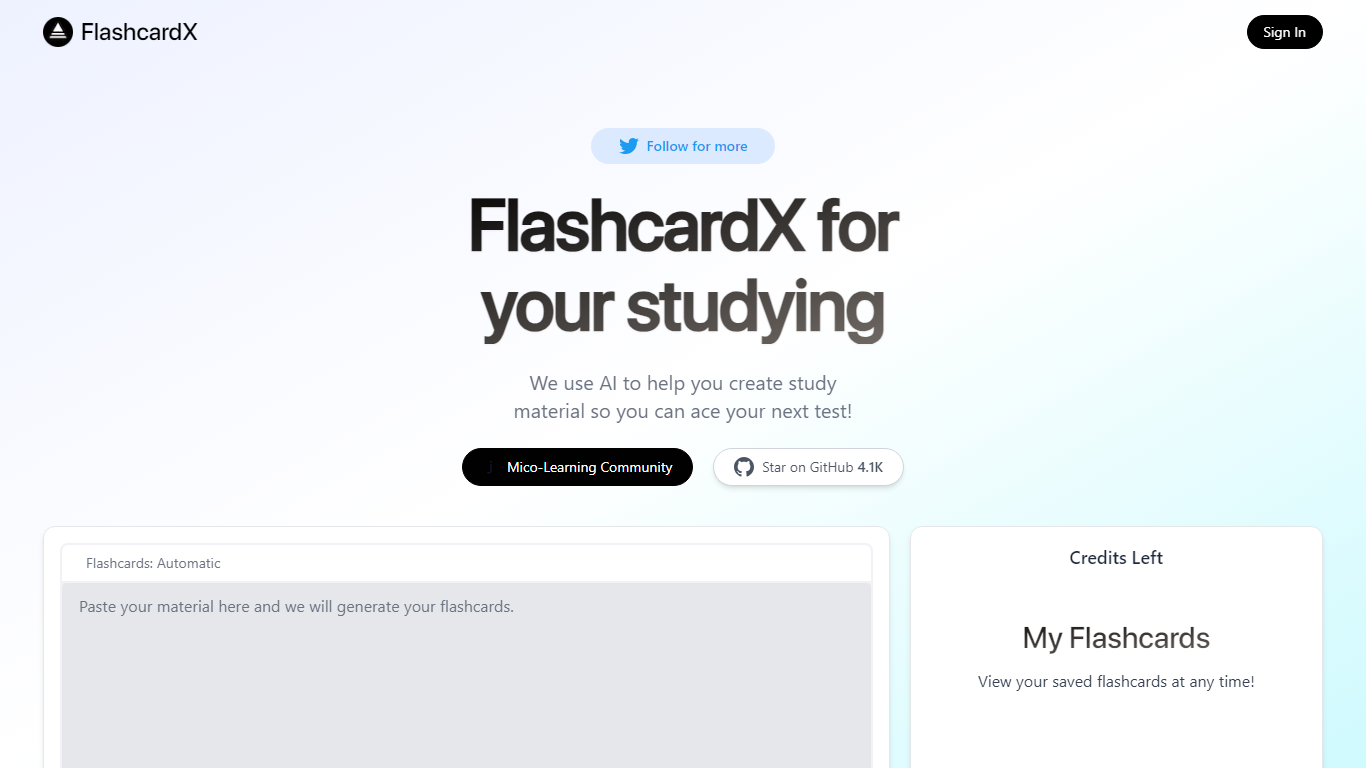
FlashcardX is a study app that turns pasted text or web links into vocabulary flashcards you can review before a test. You drop in a short excerpt from an article, textbook, or URL, and the site generates words to memorize instead of making cards by hand.
The workflow centers on a single generator on the homepage: enter your source material, create a deck, and come back to it later under My Flashcards after signing in. A credits counter on the page shows how many generations you have left.
It is built for students who need quick vocab prep and do not want to spend time formatting cards. The project is open source on GitHub and tied to Talbert Herndon's Mico-Learning Community on Jotted.
Paperclips Copilot Upvotes
FlashcardX Upvotes
Paperclips Copilot Top Features
Highlight web text and click the popup tooltip to create a flashcard in one step
Flashcards stay organized in the extension and sync across all open Chrome tabs
Export decks to Anki, Quizlet, and other study platforms from the extension
Chrome Web Store listing shows version 1.0.4, updated October 10, 2023
Extension size is 2.24 MiB with about 2,000 users on the Chrome Web Store
Works from course notes, research papers, blog posts, and news articles you read online
FlashcardX Top Features
Paste a short article or textbook excerpt and get vocabulary flashcards back
Submit a web link as source material alongside pasted text prompts
Sign in to save decks and reopen them anytime under My Flashcards
Credits counter on the page tracks how many generations you have left
Open source on GitHub with 5.1K stars for community contributions
Built by Talbert Herndon and linked to the Mico-Learning Community on Jotted
Paperclips Copilot Category
- Education
FlashcardX Category
- Education
Paperclips Copilot Pricing Type
- Freemium
FlashcardX Pricing Type
- Freemium