StudyShift vs To Teach AI
Explore the showdown between StudyShift vs To Teach AI and find out which AI Education tool wins. We analyze upvotes, features, reviews, pricing, alternatives, and more.
When comparing StudyShift and To Teach AI, which one rises above the other?
When we contrast StudyShift with To Teach AI, both of which are exceptional AI-operated education tools, and place them side by side, we can spot several crucial similarities and divergences. To Teach AI is the clear winner in terms of upvotes. The number of upvotes for To Teach AI stands at 28, and for StudyShift it's 6.
Want to flip the script? Upvote your favorite tool and change the game!
StudyShift
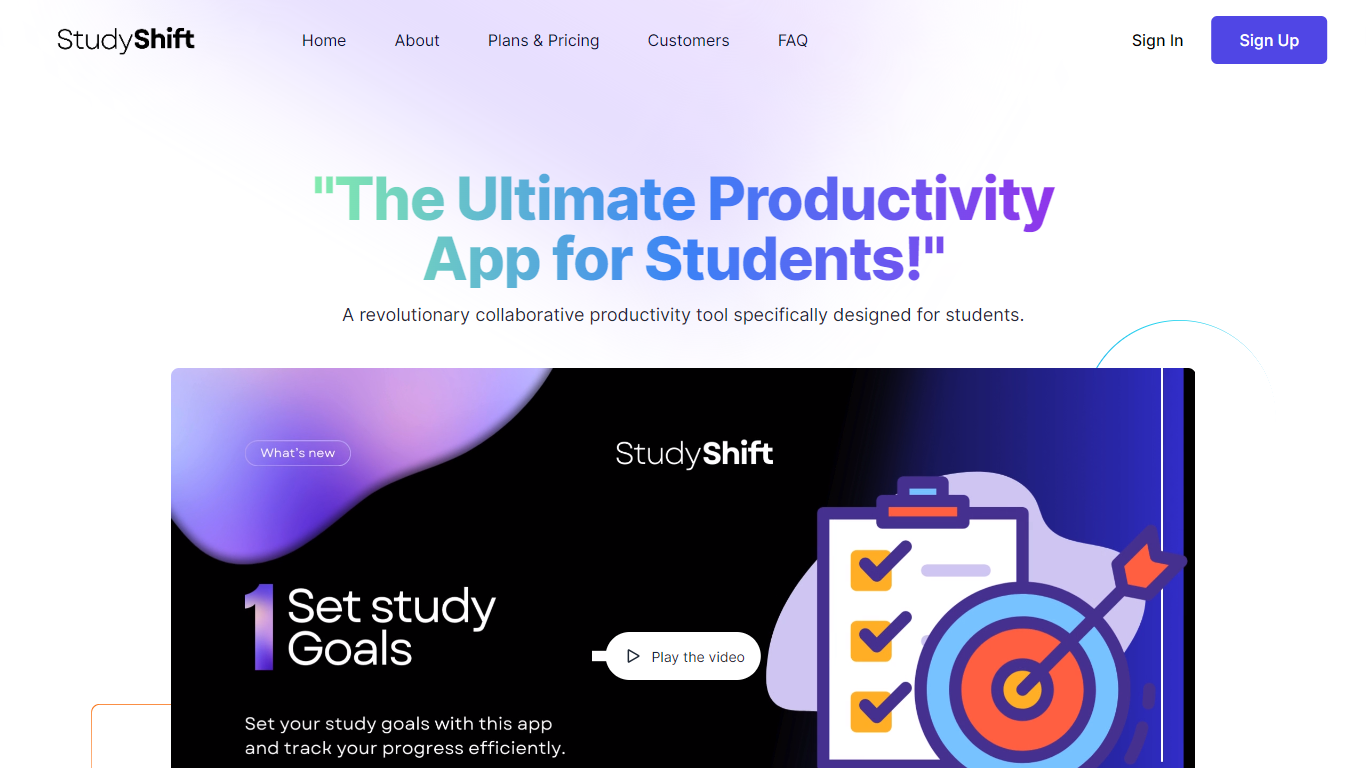

What is StudyShift?
StudyShift remains a versatile productivity app tailored for students, now enhanced with new features to support academic integrity and writing quality. Beyond managing study goals, assignments, and notes, it integrates tools to help students check their work for AI-generated content, reflecting the growing importance of ethical writing practices. The app supports seamless document collaboration and offers a clear overview of study progress across devices. It also provides access to resources that explain university-level AI detection methods, helping users understand how their texts might be evaluated. StudyShift's updated value lies in combining productivity with proactive academic compliance, making it a comprehensive companion for modern students. The platform ensures privacy and data security, with all processing done securely and anonymously. This focus on transparency and user control sets it apart from other study apps. While the core remains user-friendly task and note management, the addition of AI detection awareness tools addresses a critical need in today's academic environment.
To Teach AI
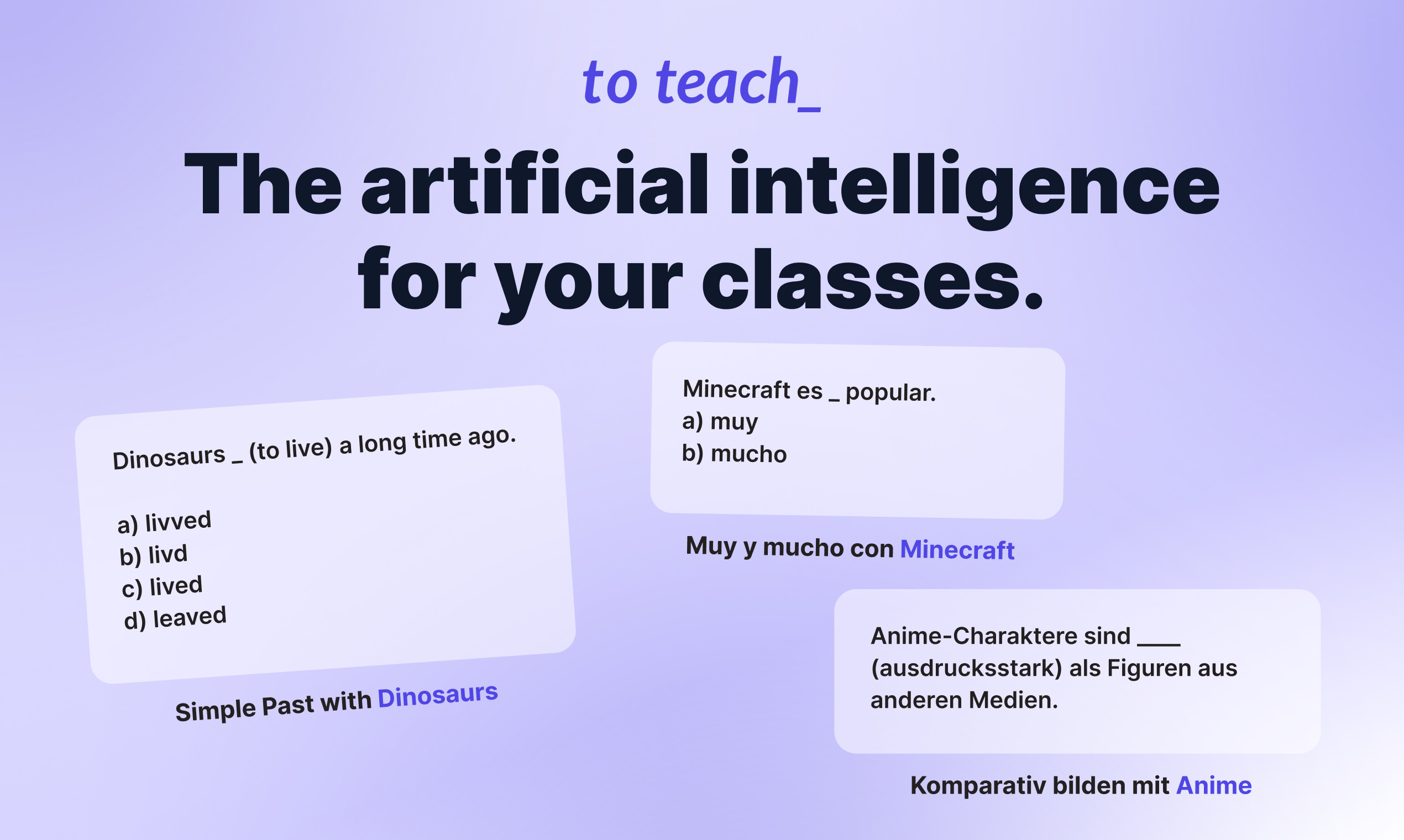
What is To Teach AI?
To Teach AI lets teachers build lesson plans, exercises, and printable worksheets from one web app. Pick a subject, describe a topic, or paste a YouTube link, and the tool generates classroom-ready materials you can edit before sharing with students. It fits K-12 and language teachers who need differentiated content without spending hours on prep.
Most worksheet generators hand you a blank template or a generic quiz. To Teach AI starts from 800+ pre-made exercises across school subjects and lets you tailor difficulty, language level, and format in one click. It also turns YouTube videos into structured worksheets and exports H5P-compatible files for LMS platforms like Moodle, which is a narrower workflow than general AI writing tools.
Teachers use it for lesson planning, vocabulary tests, reading comprehension, grammar drills, mindmaps, and substitute-class handouts. The free tier covers light monthly use, while Starter and Pro unlock higher creation limits, premium worksheet libraries, gamification options, and answer keys.
StudyShift Upvotes
To Teach AI Upvotes
StudyShift Top Features
📚 Set and track personalized study goals to stay motivated
📝 Manage assignments with collaborative document editing
🔍 Check texts for AI-generated content to ensure originality
📊 Visual progress reports help monitor study effectiveness
🔒 Secure and anonymous processing protects your data
To Teach AI Top Features
800+ pre-made exercises and worksheets across school subjects
YouTube-to-worksheet converter builds activities from any video URL
AI lesson planner outputs curriculum-aligned plans with phases and methods
H5P-compatible export for LMS tools like Moodle
Free tier includes 5 exercises, 3 worksheets, and 2 lesson plans monthly
Starter plan at $5 per month includes 100 exercises and 20 worksheets monthly
Customize materials by language level, difficulty, and student interests
StudyShift Category
- Education
To Teach AI Category
- Education
StudyShift Pricing Type
- Freemium
To Teach AI Pricing Type
- Freemium