
Last updated 08-15-2026
Category:
Overall Rating:
5.0 🏆
Reviews:
Join thousands of AI enthusiasts in the World of AI!
To Teach AI
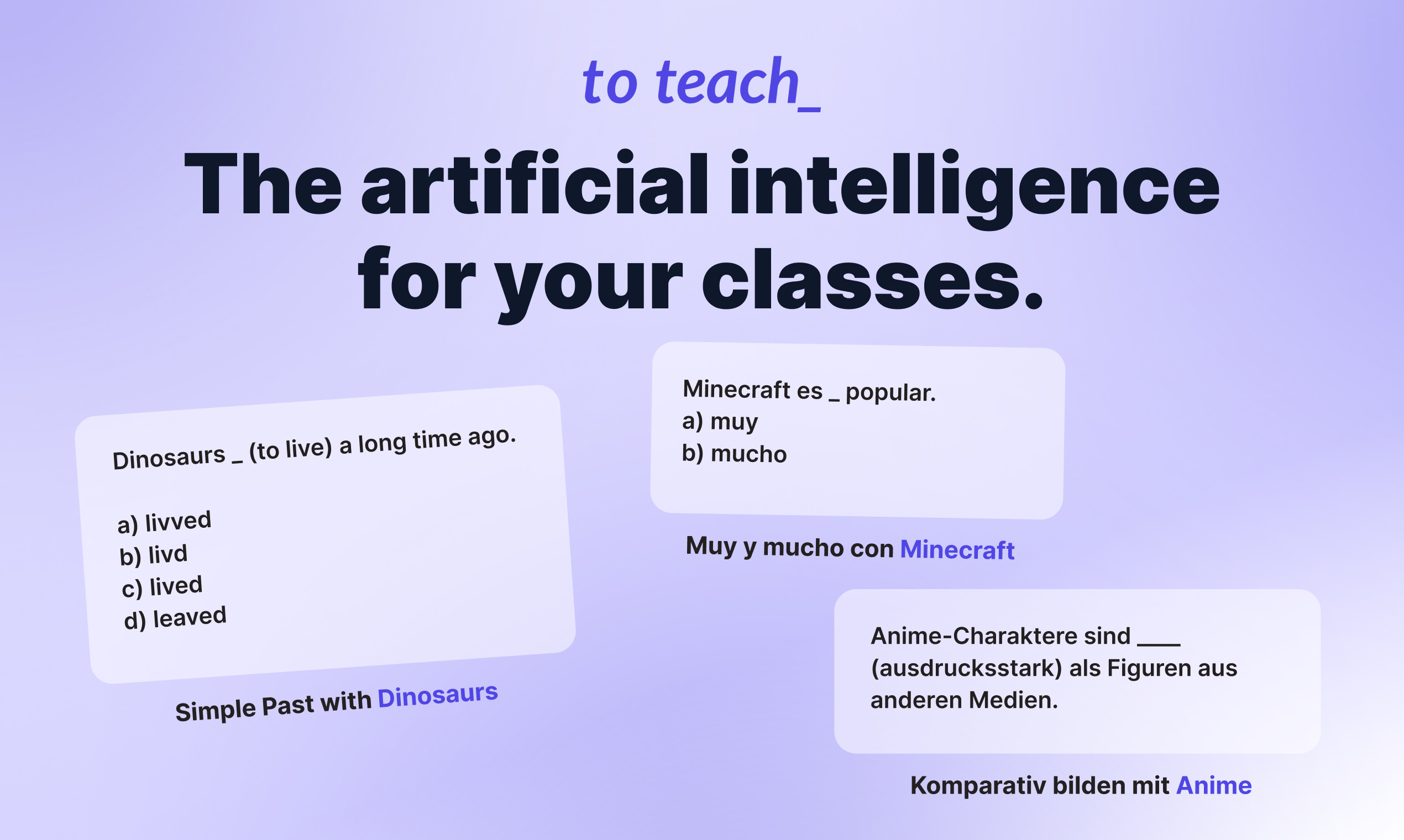
To Teach AI lets teachers build lesson plans, exercises, and printable worksheets from one web app. Pick a subject, describe a topic, or paste a YouTube link, and the tool generates classroom-ready materials you can edit before sharing with students. It fits K-12 and language teachers who need differentiated content without spending hours on prep.
Most worksheet generators hand you a blank template or a generic quiz. To Teach AI starts from 800+ pre-made exercises across school subjects and lets you tailor difficulty, language level, and format in one click. It also turns YouTube videos into structured worksheets and exports H5P-compatible files for LMS platforms like Moodle, which is a narrower workflow than general AI writing tools.
Teachers use it for lesson planning, vocabulary tests, reading comprehension, grammar drills, mindmaps, and substitute-class handouts. The free tier covers light monthly use, while Starter and Pro unlock higher creation limits, premium worksheet libraries, gamification options, and answer keys.
800+ pre-made exercises and worksheets across school subjects
YouTube-to-worksheet converter builds activities from any video URL
AI lesson planner outputs curriculum-aligned plans with phases and methods
H5P-compatible export for LMS tools like Moodle
Free tier includes 5 exercises, 3 worksheets, and 2 lesson plans monthly
Starter plan at $5 per month includes 100 exercises and 20 worksheets monthly
Customize materials by language level, difficulty, and student interests
800+ pre-made exercises across school subjects reduce blank-page prep time.
YouTube-to-worksheet flow builds H5P activities from any video link.
Exports to PDF and H5P for LMS platforms like Moodle.
Free tier includes 5 exercises and 3 worksheets monthly with no upfront cost.
Free plan caps at 5 exercises and 3 worksheets per month.
Listed Starter and Pro prices require annual billing.
Premium worksheets and gamification stay locked behind paid tiers.
Student discount needs enrollment proof submitted each year.
Is To Teach AI free to use?
To Teach AI offers a free plan at $0 per month with 5 exercises, 3 worksheets, and 2 lesson plans each month. Paid Starter and Pro tiers raise those limits and unlock premium worksheets, gamification, and answer keys.
How does To Teach AI turn YouTube videos into worksheets?
To Teach AI analyzes a YouTube video you select and generates a worksheet around it. You choose action verbs and worksheet details, then export the result as PDF or an H5P file for your LMS.
What formats can To Teach AI export?
To Teach AI exports worksheets and exercises as PDF files or H5P-compatible packages. Teachers report uploading H5P outputs directly into Moodle and other LMS platforms.
What are To Teach AI pricing plans?
To Teach AI lists Free at $0, Starter at $5 per month, and Pro at $10 per month when billed annually. Yearly billing saves 20%, and students and trainee teachers can request a 30% discount with enrollment proof.
What subjects does To Teach AI cover?
To Teach AI covers grammar, vocabulary, reading comprehension, history, arts, biology, and more through 800+ pre-made exercises. You can also upload your own texts, images, documents, and web articles.
Does To Teach AI support lesson planning?
To Teach AI includes an AI lesson planner where you enter subject, topic, age, and duration. It builds a structured plan with phases, methods, and teaching materials you can edit before class.