SubtitleGen vs AutoCut
In the clash of SubtitleGen vs AutoCut, which AI Video Editing tool emerges victorious? We assess reviews, pricing, alternatives, features, upvotes, and more.
When we put SubtitleGen and AutoCut head to head, which one emerges as the victor?
Let's take a closer look at SubtitleGen and AutoCut, both of which are AI-driven video editing tools, and see what sets them apart. There's no clear winner in terms of upvotes, as both tools have received the same number. Join the aitools.fyi users in deciding the winner by casting your vote.
Feeling rebellious? Cast your vote and shake things up!
SubtitleGen

What is SubtitleGen?
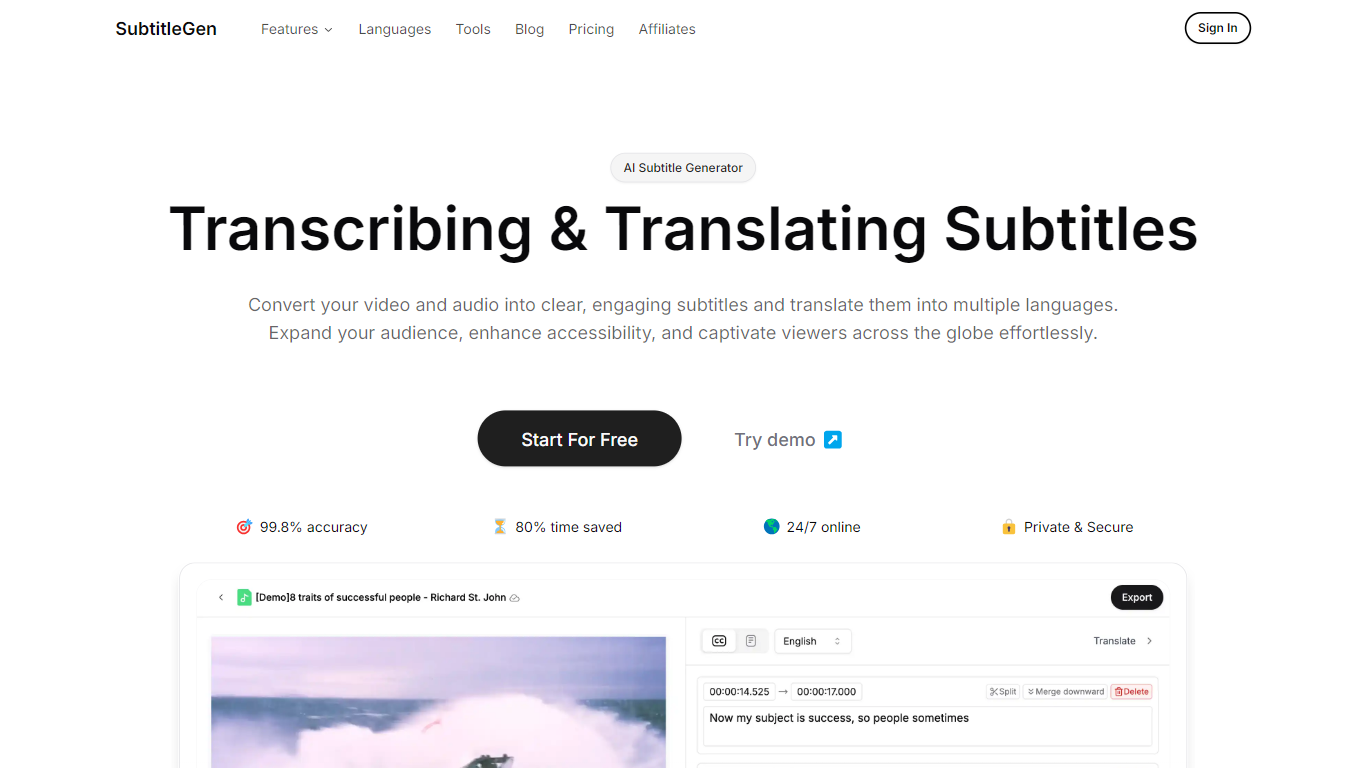
SubtitleGen is an advanced AI-powered subtitle generator designed to transcribe and translate audio and video content into accurate subtitles. Its core functionality revolves around converting spoken language into text, enabling users to create engaging subtitles that enhance accessibility and viewer engagement. The platform is tailored for content creators, educators, and businesses looking to reach a broader audience by providing multilingual subtitles for their media.
The unique value proposition of SubtitleGen lies in its high accuracy rate of 99.8% and the significant time savings it offers, allowing users to generate subtitles in a matter of minutes rather than hours. Key differentiators include its intuitive online subtitle editor, which facilitates easy adjustments to generated subtitles, and its support for a wide range of languages, making it an ideal solution for global outreach. Additionally, SubtitleGen ensures enterprise-grade security, providing users with peace of mind regarding the privacy of their content.
AutoCut
What is AutoCut?
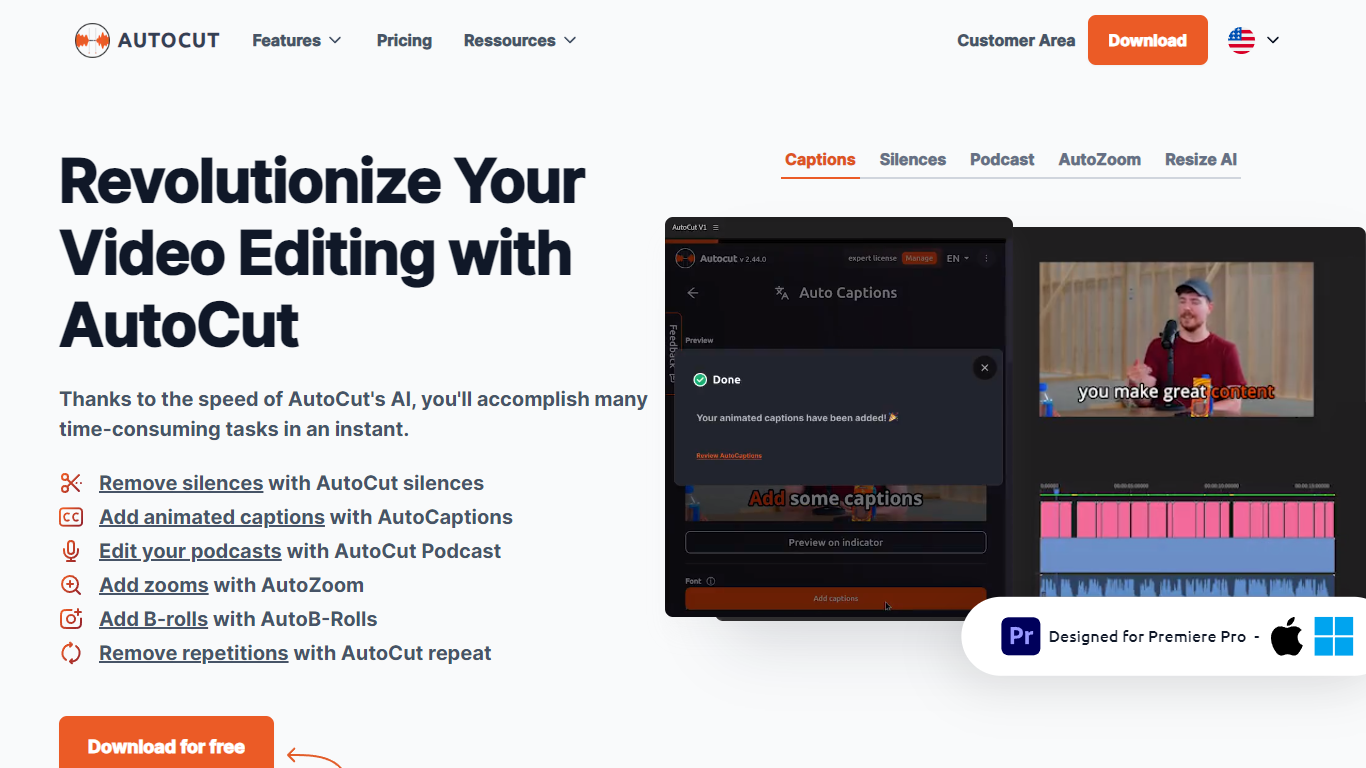
Experience seamless video editing with AutoCut, a feature-rich Premiere Pro plugin designed to streamline your editing workflow. AutoCut leverages AI technology to offer an array of innovative features, including the automatic removal of silent segments, adding beautifully animated captions, splicing together perfect podcast cuts, and much more.
It integrates easily into your existing Premiere Pro setup, working on both Windows and OSX.
AutoCut saves editors valuable time, whether optimizing video lengths or enhancing user engagement with animated subtitles tailored for social media trends on platforms like TikTok and YouTube.
With a variety of subscription options, including a free 14-day trial, AutoCut makes advanced video editing accessible to everyone from amateurs to professional videographers. Join its growing community and transform the way you create video content.
SubtitleGen Upvotes
AutoCut Upvotes
SubtitleGen Top Features
AI-Powered Subtitle Generation: Automatically transcribes audio and video content into text with 99.8% accuracy, significantly reducing manual effort and time.
Multi-Language Translation: Supports translation of subtitles into various languages, enabling content creators to reach a global audience and overcome language barriers.
Intuitive Online Subtitle Editor: Allows users to easily review and edit generated subtitles directly in their browser, ensuring high-quality output.
Format Flexibility: Exports subtitles in multiple formats, including .srt, for seamless integration with various video platforms such as YouTube.
24/7 Online Access: Operates entirely online with no software installation required, making it accessible from any device with a web browser.
AutoCut Top Features
Automatic Silence Removal: The plugin swiftly cuts out silences, streamlining the video editing process.
Podcast Editing: AutoCut's AI analyzes multiple audio tracks, automatically selecting the relevant camera angles.
Zoom Enhancement: A sophisticated auto-zoom feature captivates viewers by focusing attention where it's needed.
Repetition Detection: Improved storytelling by detecting and removing repeated phrases from the footage.
SubtitleGen Category
- Video Editing
AutoCut Category
- Video Editing
SubtitleGen Pricing Type
- Freemium
AutoCut Pricing Type
- Freemium