SubtitleGen vs CapCut
Explore the showdown between SubtitleGen vs CapCut and find out which AI Video Editing tool wins. We analyze upvotes, features, reviews, pricing, alternatives, and more.
When comparing SubtitleGen and CapCut, which one rises above the other?
When we contrast SubtitleGen with CapCut, both of which are exceptional AI-operated video editing tools, and place them side by side, we can spot several crucial similarities and divergences. Both tools have received the same number of upvotes from aitools.fyi users. Your vote matters! Help us decide the winner among aitools.fyi users by casting your vote.
Not your cup of tea? Upvote your preferred tool and stir things up!
SubtitleGen
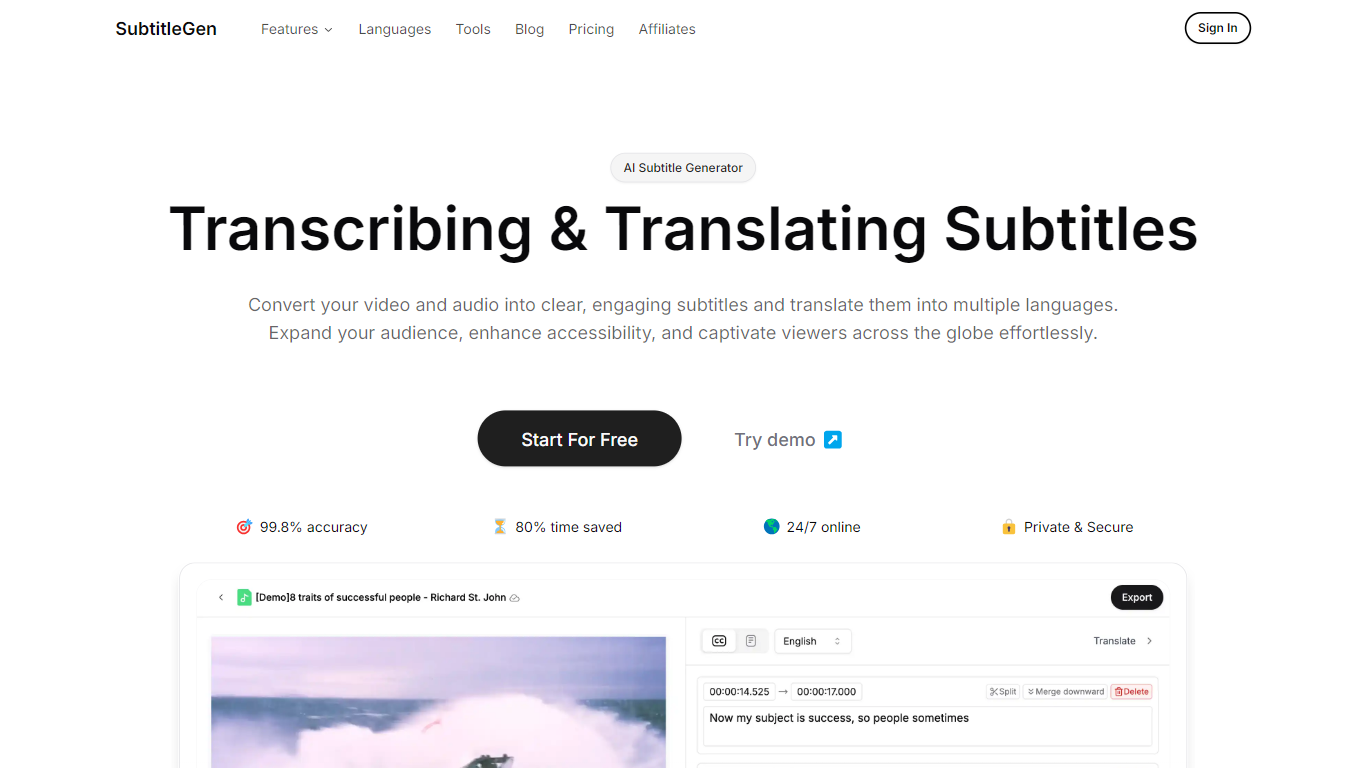

What is SubtitleGen?
SubtitleGen is an advanced AI-powered subtitle generator designed to transcribe and translate audio and video content into accurate subtitles. Its core functionality revolves around converting spoken language into text, enabling users to create engaging subtitles that enhance accessibility and viewer engagement. The platform is tailored for content creators, educators, and businesses looking to reach a broader audience by providing multilingual subtitles for their media.
The unique value proposition of SubtitleGen lies in its high accuracy rate of 99.8% and the significant time savings it offers, allowing users to generate subtitles in a matter of minutes rather than hours. Key differentiators include its intuitive online subtitle editor, which facilitates easy adjustments to generated subtitles, and its support for a wide range of languages, making it an ideal solution for global outreach. Additionally, SubtitleGen ensures enterprise-grade security, providing users with peace of mind regarding the privacy of their content.
CapCut
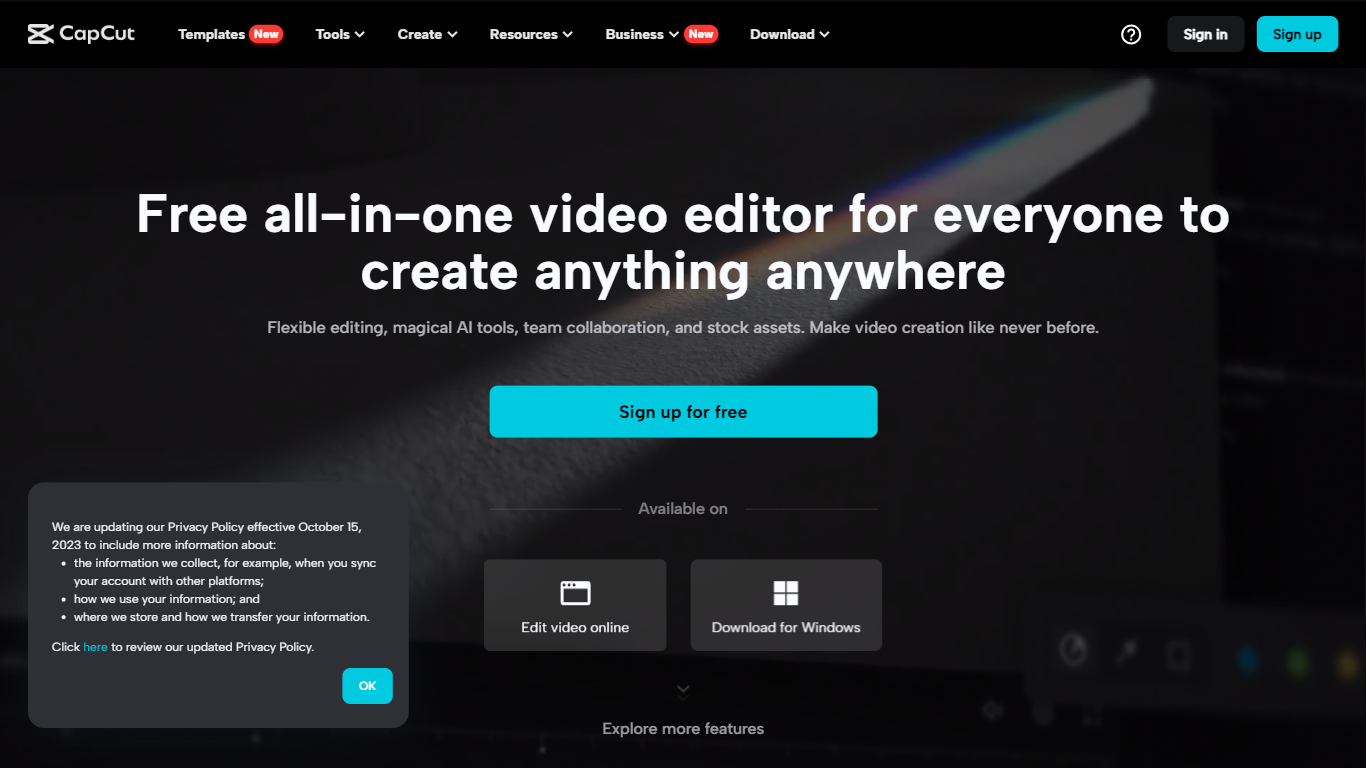
What is CapCut?
CapCut is a versatile, AI-powered all-in-one video editor and graphic design platform that caters to a broad spectrum of creative needs. Available for use on multiple devices, including browsers, Windows, Mac, Android, and iOS, CapCut stands out with its user-friendly interface and range of powerful features. Whether you're looking to edit videos, enhance photos, or produce social media content, CapCut's suite of tools enables both professionals and hobbyists to craft stunning visual content with ease. Its cloud-based storage ensures that your data remains secure, and you can collaborate with team members seamlessly. With CapCut, you gain access to a vast library of stock assets, music, and customizable templates, enhancing your editing process and empowering you to create high-quality content for various purposes.
SubtitleGen Upvotes
CapCut Upvotes
SubtitleGen Top Features
AI-Powered Subtitle Generation: Automatically transcribes audio and video content into text with 99.8% accuracy, significantly reducing manual effort and time.
Multi-Language Translation: Supports translation of subtitles into various languages, enabling content creators to reach a global audience and overcome language barriers.
Intuitive Online Subtitle Editor: Allows users to easily review and edit generated subtitles directly in their browser, ensuring high-quality output.
Format Flexibility: Exports subtitles in multiple formats, including .srt, for seamless integration with various video platforms such as YouTube.
24/7 Online Access: Operates entirely online with no software installation required, making it accessible from any device with a web browser.
CapCut Top Features
AI-Powered Editing: Use innovative AI tools for tasks like background removal, color correction, and upscaling videos and images.
Cross-Platform Compatibility: CapCut works on browsers, Windows, Mac, Android, and iOS, making it accessible on almost any device.
Creative Asset Library: Access a rich library with over 500,000 music tracks, effects, filters, and more to enhance your video content.
Collaboration: Share ideas, assets, and feedback instantly and securely with team members within the platform.
Data Protection: Enjoy encrypted data transmission and secure cloud storage for your projects, ensuring your privacy is safeguarded.
SubtitleGen Category
- Video Editing
CapCut Category
- Video Editing
SubtitleGen Pricing Type
- Freemium
CapCut Pricing Type
- Freemium