SubtitleGen vs Reface
In the battle of SubtitleGen vs Reface, which AI Video Editing tool comes out on top? We compare reviews, pricing, alternatives, upvotes, features, and more.
Between SubtitleGen and Reface, which one is superior?
Upon comparing SubtitleGen with Reface, which are both AI-powered video editing tools, Neither tool takes the lead, as they both have the same upvote count. Join the aitools.fyi users in deciding the winner by casting your vote.
Not your cup of tea? Upvote your preferred tool and stir things up!
SubtitleGen

What is SubtitleGen?
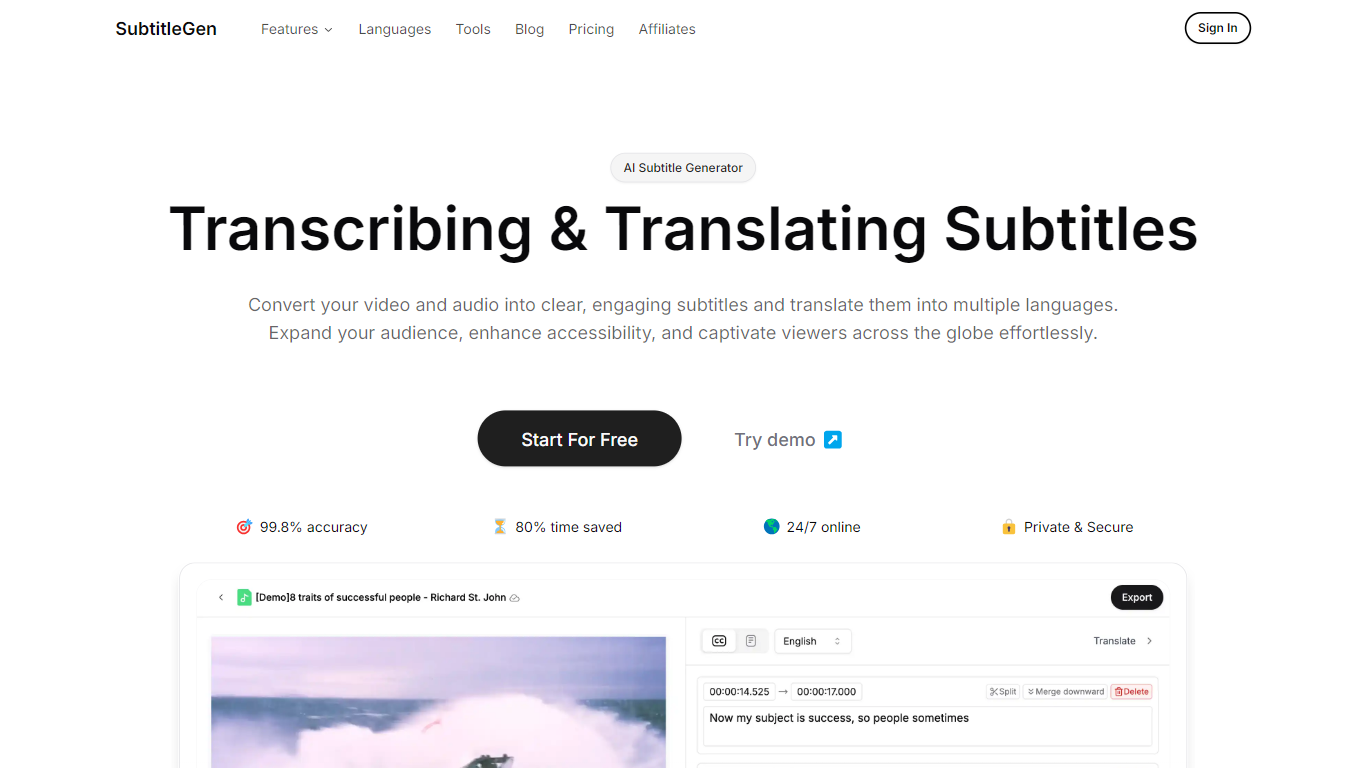
SubtitleGen is an advanced AI-powered subtitle generator designed to transcribe and translate audio and video content into accurate subtitles. Its core functionality revolves around converting spoken language into text, enabling users to create engaging subtitles that enhance accessibility and viewer engagement. The platform is tailored for content creators, educators, and businesses looking to reach a broader audience by providing multilingual subtitles for their media.
The unique value proposition of SubtitleGen lies in its high accuracy rate of 99.8% and the significant time savings it offers, allowing users to generate subtitles in a matter of minutes rather than hours. Key differentiators include its intuitive online subtitle editor, which facilitates easy adjustments to generated subtitles, and its support for a wide range of languages, making it an ideal solution for global outreach. Additionally, SubtitleGen ensures enterprise-grade security, providing users with peace of mind regarding the privacy of their content.
Reface
What is Reface?
Swap your face into GIFs, clips, and photos, or generate AI avatars from a selfie, using the Reface mobile app. The company behind reface.ai builds AI-native consumer apps, and the flagship Reface product focuses on face-swap video edits and avatar creation with downloads topping 300 million across its portfolio.
Dedicated face-swap apps usually stop at one gimmick filter. Reface pairs real-time face replacement with a growing app lineup, including Revive for singing photos, Restyle for AI filters on video, and Ink AI for tattoo previews, all shipped from the same studio. That breadth matters if you want face edits plus related creative tools without juggling unrelated vendors.
Casual creators, meme makers, and social media users download Reface on iOS and Android for quick face swaps before posting. Subscriptions auto-renew through the App Store or Google Play, and reface.ai documents how to manage or cancel plans from device settings or the web dashboard.
SubtitleGen Upvotes
Reface Upvotes
SubtitleGen Top Features
AI-Powered Subtitle Generation: Automatically transcribes audio and video content into text with 99.8% accuracy, significantly reducing manual effort and time.
Multi-Language Translation: Supports translation of subtitles into various languages, enabling content creators to reach a global audience and overcome language barriers.
Intuitive Online Subtitle Editor: Allows users to easily review and edit generated subtitles directly in their browser, ensuring high-quality output.
Format Flexibility: Exports subtitles in multiple formats, including .srt, for seamless integration with various video platforms such as YouTube.
24/7 Online Access: Operates entirely online with no software installation required, making it accessible from any device with a web browser.
Reface Top Features
Face-swap and AI avatar creation in the flagship Reface mobile app
Portfolio apps exceed 300 million total downloads per reface.ai
Revive turns still photos into singing videos from the same studio
Restyle applies AI filters to photos and videos via a separate app
Subscriptions auto-renew through App Store or Google Play billing
SubtitleGen Category
- Video Editing
Reface Category
- Video Editing
SubtitleGen Pricing Type
- Freemium
Reface Pricing Type
- Freemium