SubtitleGen vs Timebolt
Compare SubtitleGen vs Timebolt and see which AI Video Editing tool is better when we compare features, reviews, pricing, alternatives, upvotes, etc.
Which one is better? SubtitleGen or Timebolt?
When we compare SubtitleGen with Timebolt, which are both AI-powered video editing tools, With more upvotes, Timebolt is the preferred choice. Timebolt has been upvoted 18 times by aitools.fyi users, and SubtitleGen has been upvoted 6 times.
Feeling rebellious? Cast your vote and shake things up!
SubtitleGen

What is SubtitleGen?
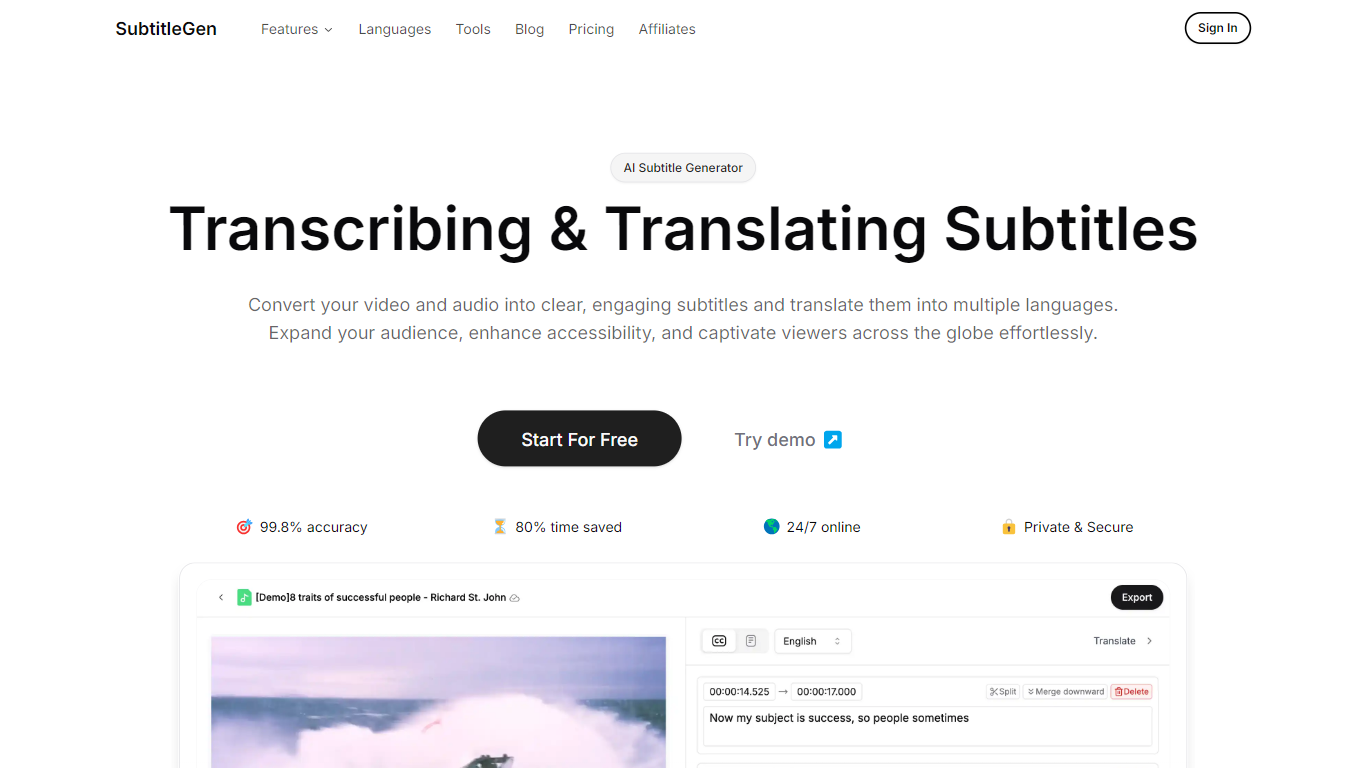
SubtitleGen is an advanced AI-powered subtitle generator designed to transcribe and translate audio and video content into accurate subtitles. Its core functionality revolves around converting spoken language into text, enabling users to create engaging subtitles that enhance accessibility and viewer engagement. The platform is tailored for content creators, educators, and businesses looking to reach a broader audience by providing multilingual subtitles for their media.
The unique value proposition of SubtitleGen lies in its high accuracy rate of 99.8% and the significant time savings it offers, allowing users to generate subtitles in a matter of minutes rather than hours. Key differentiators include its intuitive online subtitle editor, which facilitates easy adjustments to generated subtitles, and its support for a wide range of languages, making it an ideal solution for global outreach. Additionally, SubtitleGen ensures enterprise-grade security, providing users with peace of mind regarding the privacy of their content.
Timebolt

What is Timebolt?
Timebolt is a desktop video editor built around waveform-first jump cuts for podcasts, interviews, and screen recordings. It strips silence, filler words, and bad takes with 0.01 second cut control, then exports timelines to Premiere Pro, Final Cut Pro, DaVinci Resolve, or Camtasia without re-cutting by hand.
Most text-based AI editors guess where pauses live and leave hundreds of missed cuts per hour. Timebolt measures the audio waveform first, which is why its benchmark claims zero mistakes left per hour while rivals like Descript and Gling still need manual cleanup. That trade-off favors editors who want frame-tight cuts over a chat-style transcript workflow.
Podcasters, YouTubers, and course creators use Timebolt to shrink raw talking-head footage before publishing. Post-production teams also route Riverside multicam sessions through Timebolt XML exports so senior editors finish polish work in their preferred NLE.
SubtitleGen Upvotes
Timebolt Upvotes
SubtitleGen Top Features
AI-Powered Subtitle Generation: Automatically transcribes audio and video content into text with 99.8% accuracy, significantly reducing manual effort and time.
Multi-Language Translation: Supports translation of subtitles into various languages, enabling content creators to reach a global audience and overcome language barriers.
Intuitive Online Subtitle Editor: Allows users to easily review and edit generated subtitles directly in their browser, ensuring high-quality output.
Format Flexibility: Exports subtitles in multiple formats, including .srt, for seamless integration with various video platforms such as YouTube.
24/7 Online Access: Operates entirely online with no software installation required, making it accessible from any device with a web browser.
Timebolt Top Features
0.01 second cut control on waveform-based silence removal
Processes an hour of footage in about 13 seconds for jump cuts
Exports XML timelines to Premiere Pro, Final Cut Pro, and DaVinci Resolve
UMCHECK removes filler words automatically from recorded speech
Free 4K screen capture tool for Mac and Windows
Benchmark reports zero missed cuts per hour versus hundreds on rival AI editors
SubtitleGen Category
- Video Editing
Timebolt Category
- Video Editing
SubtitleGen Pricing Type
- Freemium
Timebolt Pricing Type
- Freemium