SubtitleGen vs TubeTranscripts
In the contest of SubtitleGen vs TubeTranscripts, which AI Video Editing tool is the champion? We evaluate pricing, alternatives, upvotes, features, reviews, and more.
If you had to choose between SubtitleGen and TubeTranscripts, which one would you go for?
When we examine SubtitleGen and TubeTranscripts, both of which are AI-enabled video editing tools, what unique characteristics do we discover? The upvote count is neck and neck for both SubtitleGen and TubeTranscripts. You can help us determine the winner by casting your vote and tipping the scales in favor of one of the tools.
Does the result make you go "hmm"? Cast your vote and turn that frown upside down!
SubtitleGen

What is SubtitleGen?
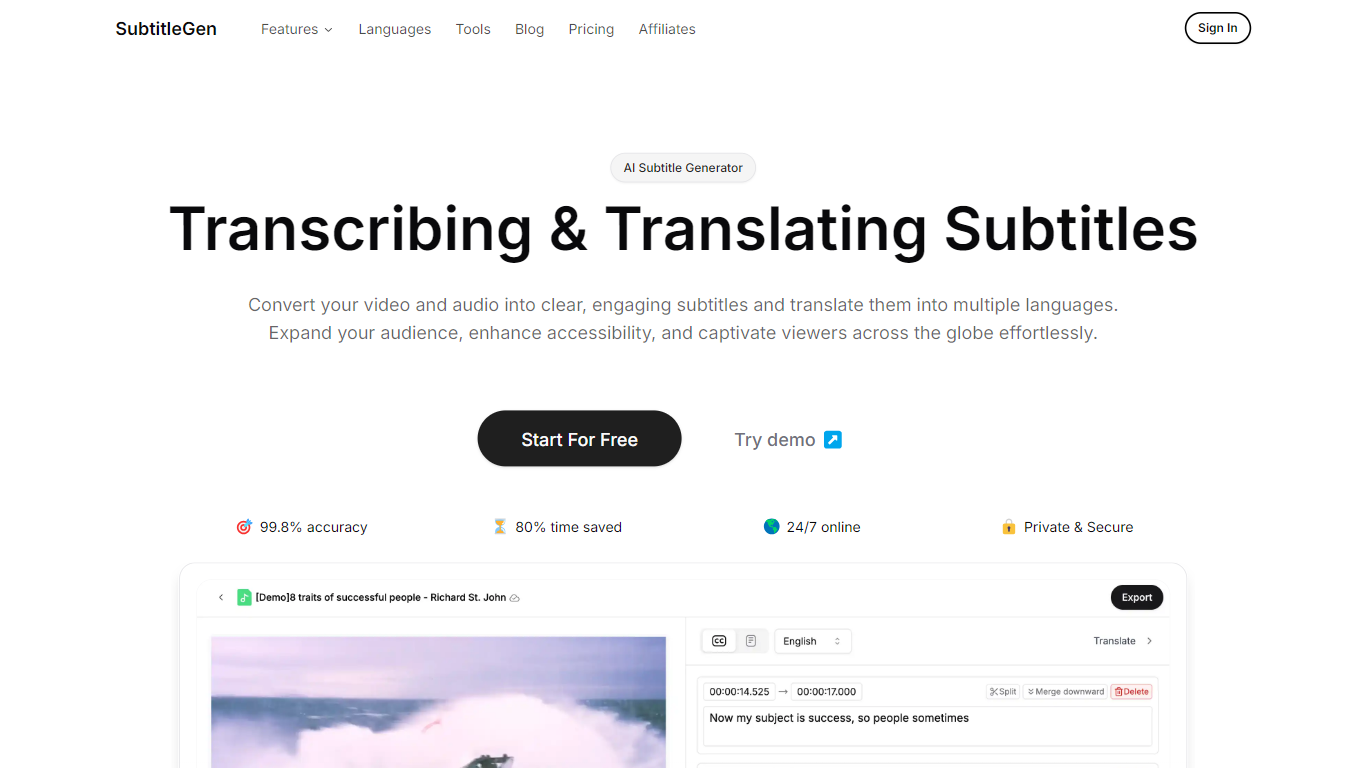
SubtitleGen is an advanced AI-powered subtitle generator designed to transcribe and translate audio and video content into accurate subtitles. Its core functionality revolves around converting spoken language into text, enabling users to create engaging subtitles that enhance accessibility and viewer engagement. The platform is tailored for content creators, educators, and businesses looking to reach a broader audience by providing multilingual subtitles for their media.
The unique value proposition of SubtitleGen lies in its high accuracy rate of 99.8% and the significant time savings it offers, allowing users to generate subtitles in a matter of minutes rather than hours. Key differentiators include its intuitive online subtitle editor, which facilitates easy adjustments to generated subtitles, and its support for a wide range of languages, making it an ideal solution for global outreach. Additionally, SubtitleGen ensures enterprise-grade security, providing users with peace of mind regarding the privacy of their content.
TubeTranscripts
What is TubeTranscripts?
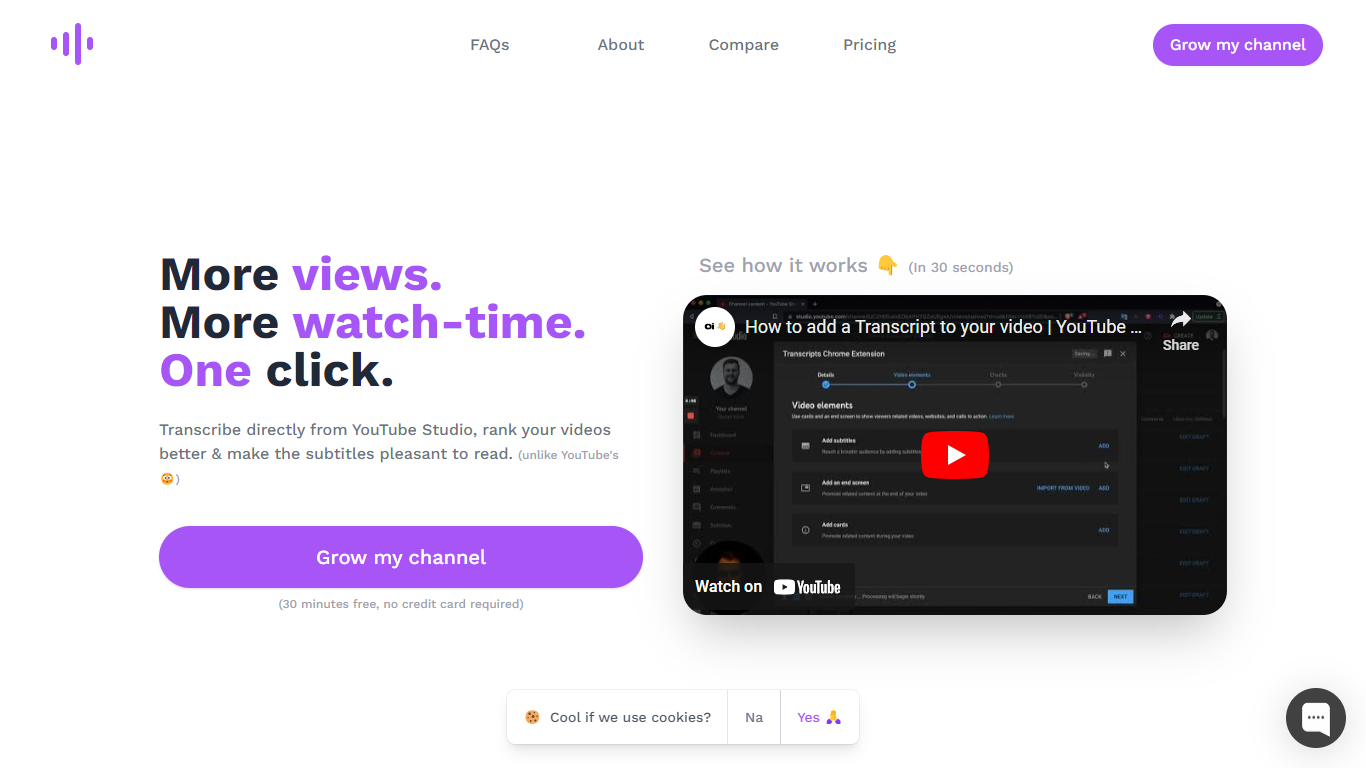
Looking for a way to enhance your YouTube videos with professional-grade transcripts at a fraction of the cost? Tube Transcripts is your go-to solution for fast, accurate, and affordable transcriptions directly from YouTube Studio.
Not only do transcripts provide an SEO boost and improve user experience, but they also make your content accessible to a broader audience, including those with hearing disabilities.
With Tube Transcripts, you can easily add AI-generated captions with a simple click without ever leaving the YouTube Creator Studio.
Save time and improve your video rankings while enjoying features like niche keyword addition, custom term mappings, and scanning for low-confidence words to achieve near-human transcription quality. Start with a 30-minute free trial and choose from various pricing plans to suit your content creation frequency, all without a credit card requirement for the trial period.
SubtitleGen Upvotes
TubeTranscripts Upvotes
SubtitleGen Top Features
AI-Powered Subtitle Generation: Automatically transcribes audio and video content into text with 99.8% accuracy, significantly reducing manual effort and time.
Multi-Language Translation: Supports translation of subtitles into various languages, enabling content creators to reach a global audience and overcome language barriers.
Intuitive Online Subtitle Editor: Allows users to easily review and edit generated subtitles directly in their browser, ensuring high-quality output.
Format Flexibility: Exports subtitles in multiple formats, including .srt, for seamless integration with various video platforms such as YouTube.
24/7 Online Access: Operates entirely online with no software installation required, making it accessible from any device with a web browser.
TubeTranscripts Top Features
AI Transcription: Utilizes AI technology to provide approximately 90% accurate video transcriptions instantly.
Cost-Effective: Offers the quality of human transcription services at just 4% of the cost, making it highly affordable.
Customization: Allows you to add custom mappings for unusual terms to ensure accuracy, catering to niche and technical content.
Editing Tools: Features subtitle editor integration that flags low-confidence words for easy review and correction.
SEO and Accessibility: Enhances SEO and makes content more inclusive and accessible to viewers with hearing impairments.
SubtitleGen Category
- Video Editing
TubeTranscripts Category
- Video Editing
SubtitleGen Pricing Type
- Freemium
TubeTranscripts Pricing Type
- Freemium