SubtitleGen vs Wondershare Filmora
Dive into the comparison of SubtitleGen vs Wondershare Filmora and discover which AI Video Editing tool stands out. We examine alternatives, upvotes, features, reviews, pricing, and beyond.
When comparing SubtitleGen and Wondershare Filmora, which one rises above the other?
When we compare SubtitleGen and Wondershare Filmora, two exceptional video editing tools powered by artificial intelligence, and place them side by side, several key similarities and differences come to light. The upvote count shows a clear preference for Wondershare Filmora. Wondershare Filmora has 70 upvotes, and SubtitleGen has 6 upvotes.
You don't agree with the result? Cast your vote to help us decide!
SubtitleGen

What is SubtitleGen?
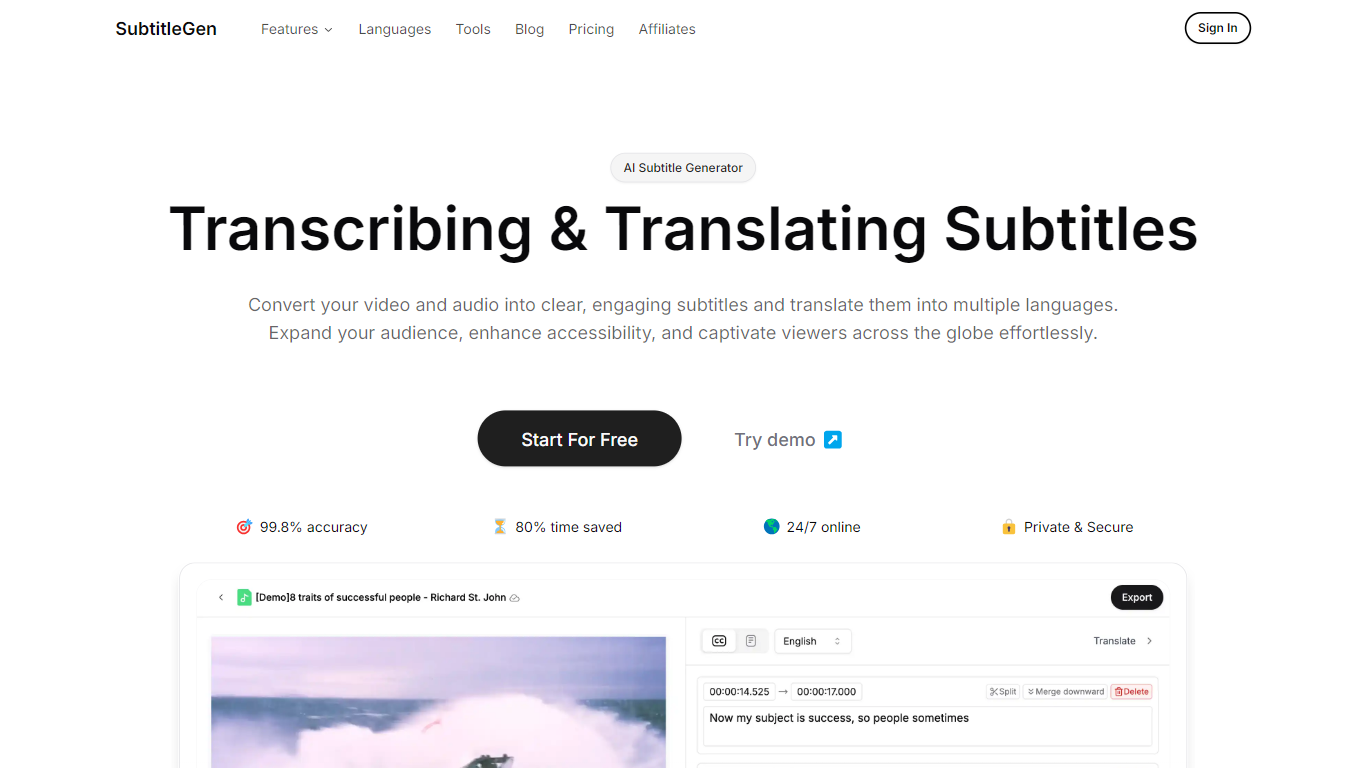
SubtitleGen is an advanced AI-powered subtitle generator designed to transcribe and translate audio and video content into accurate subtitles. Its core functionality revolves around converting spoken language into text, enabling users to create engaging subtitles that enhance accessibility and viewer engagement. The platform is tailored for content creators, educators, and businesses looking to reach a broader audience by providing multilingual subtitles for their media.
The unique value proposition of SubtitleGen lies in its high accuracy rate of 99.8% and the significant time savings it offers, allowing users to generate subtitles in a matter of minutes rather than hours. Key differentiators include its intuitive online subtitle editor, which facilitates easy adjustments to generated subtitles, and its support for a wide range of languages, making it an ideal solution for global outreach. Additionally, SubtitleGen ensures enterprise-grade security, providing users with peace of mind regarding the privacy of their content.
Wondershare Filmora
What is Wondershare Filmora?
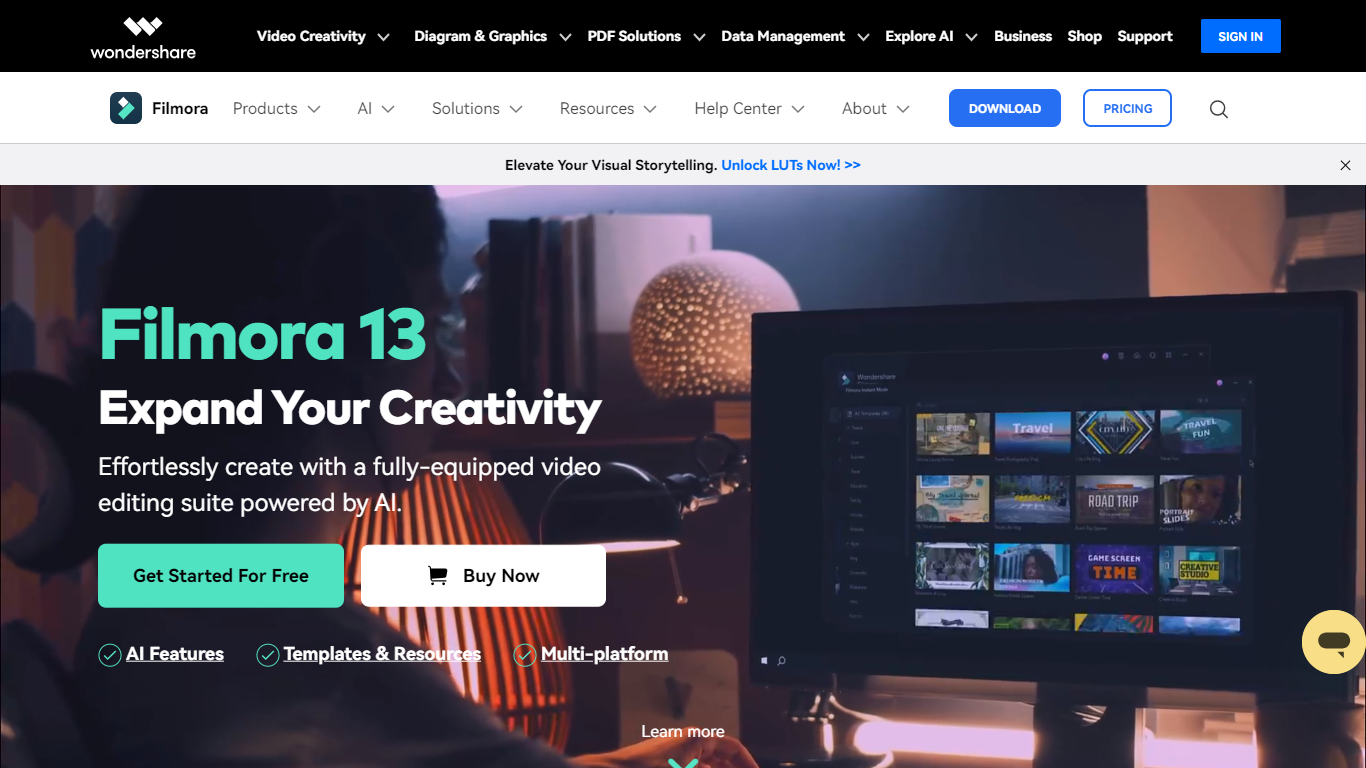
Wondershare Filmora is a video editor for desktop and mobile that targets creators who want pro-level results without a steep learning curve. The current release, Filmora 15, pairs a drag-and-drop timeline with a large built-in library of effects, templates, music, and stock media so you can finish social clips, YouTube videos, and marketing pieces in one app.
What sets Filmora apart is how much of the workflow now runs through built-in automation: text-to-video, auto captions, background removal, audio cleanup, smart short clips from long footage, and an editing copilot that follows plain-language instructions. The desktop editor also adds Filmora 15 staples like dual-timeline editing, pen-tool motion paths, animated charts, and anchor keyframes for precise motion control.
Filmora runs on Windows, macOS, iOS, Android, and iPadOS, with more than 2.9 million creative assets and direct export presets for YouTube, TikTok, and other platforms. Review sites such as G2 and Capterra list it around 4.5 out of 5, and Wondershare says creators in more than 150 countries use it for everything from first-time vlogs to client work.
SubtitleGen Upvotes
Wondershare Filmora Upvotes
SubtitleGen Top Features
AI-Powered Subtitle Generation: Automatically transcribes audio and video content into text with 99.8% accuracy, significantly reducing manual effort and time.
Multi-Language Translation: Supports translation of subtitles into various languages, enabling content creators to reach a global audience and overcome language barriers.
Intuitive Online Subtitle Editor: Allows users to easily review and edit generated subtitles directly in their browser, ensuring high-quality output.
Format Flexibility: Exports subtitles in multiple formats, including .srt, for seamless integration with various video platforms such as YouTube.
24/7 Online Access: Operates entirely online with no software installation required, making it accessible from any device with a web browser.
Wondershare Filmora Top Features
Turn text or images into video clips with built-in text-to-video and image-to-video generators
Auto captions, speech-to-text, and text-based editing so you can cut footage from a transcript
2.9 million-plus templates, effects, filters, music tracks, and stock media inside the editor
Smart Short Clips pulls vertical highlights from long videos with music and dynamic subtitles
Dual-timeline editing, pen-tool motion paths, and anchor keyframes for precise motion control
Exports without watermarks on paid plans, with presets for YouTube, TikTok, and Vimeo
Native apps for Windows, Mac, iOS, Android, and iPad so projects move across devices
SubtitleGen Category
- Video Editing
Wondershare Filmora Category
- Video Editing
SubtitleGen Pricing Type
- Freemium
Wondershare Filmora Pricing Type
- Freemium