Summarize with Kome vs SkimIt.ai
In the contest of Summarize with Kome vs SkimIt.ai, which AI Summarizer tool is the champion? We evaluate pricing, alternatives, upvotes, features, reviews, and more.
If you had to choose between Summarize with Kome and SkimIt.ai, which one would you go for?
When we examine Summarize with Kome and SkimIt.ai, both of which are AI-enabled summarizer tools, what unique characteristics do we discover? The upvote count is neck and neck for both Summarize with Kome and SkimIt.ai. Every vote counts! Cast yours and contribute to the decision of the winner.
Disagree with the result? Upvote your favorite tool and help it win!
Summarize with Kome
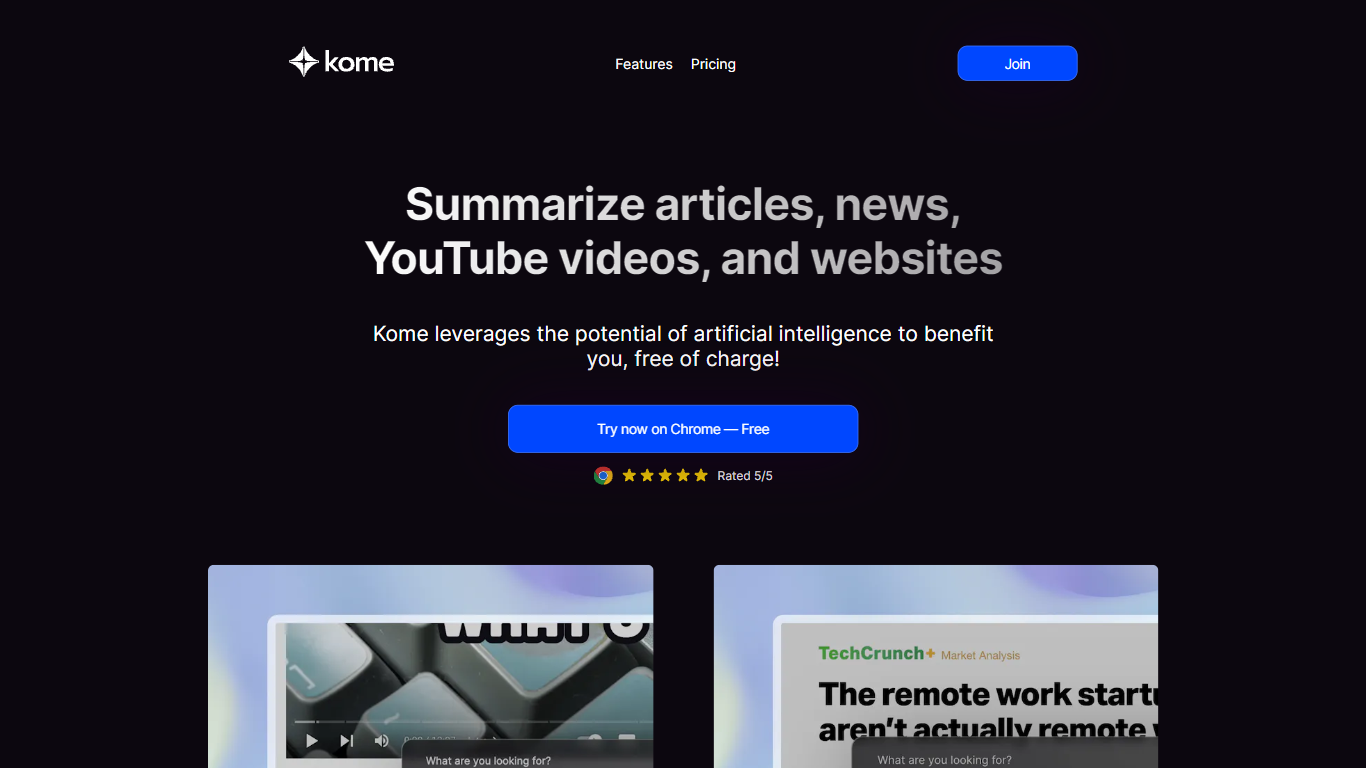

What is Summarize with Kome?
Summarize with Kome is a browser extension that turns long web content into short summaries from the page you are already reading. It works on articles, news stories, YouTube videos, PDF files, and X (Twitter) threads. The summarizer runs inside Chrome, Brave, Opera, Arc, and Edge, so you do not copy URLs into a separate web app.
Most standalone summarizers ask you to paste a link and wait. Kome sits in your toolbar and summarizes whatever tab is open with one click. The same extension also bundles a bookmark manager, Smart Compose for drafting tweets and emails from saved clips, and small utilities like email and color extraction. That combination targets people who read and save content all day, not someone who summarizes one article a month.
Students, researchers, journalists, and news readers use Kome to pull key points from course readings, academic papers, YouTube lectures, and daily headlines. Content creators use it to scan sources before writing. The free tier includes 5 summary credits; Premium at $5.99 per month raises that to 200 credits and adds priority support.
SkimIt.ai
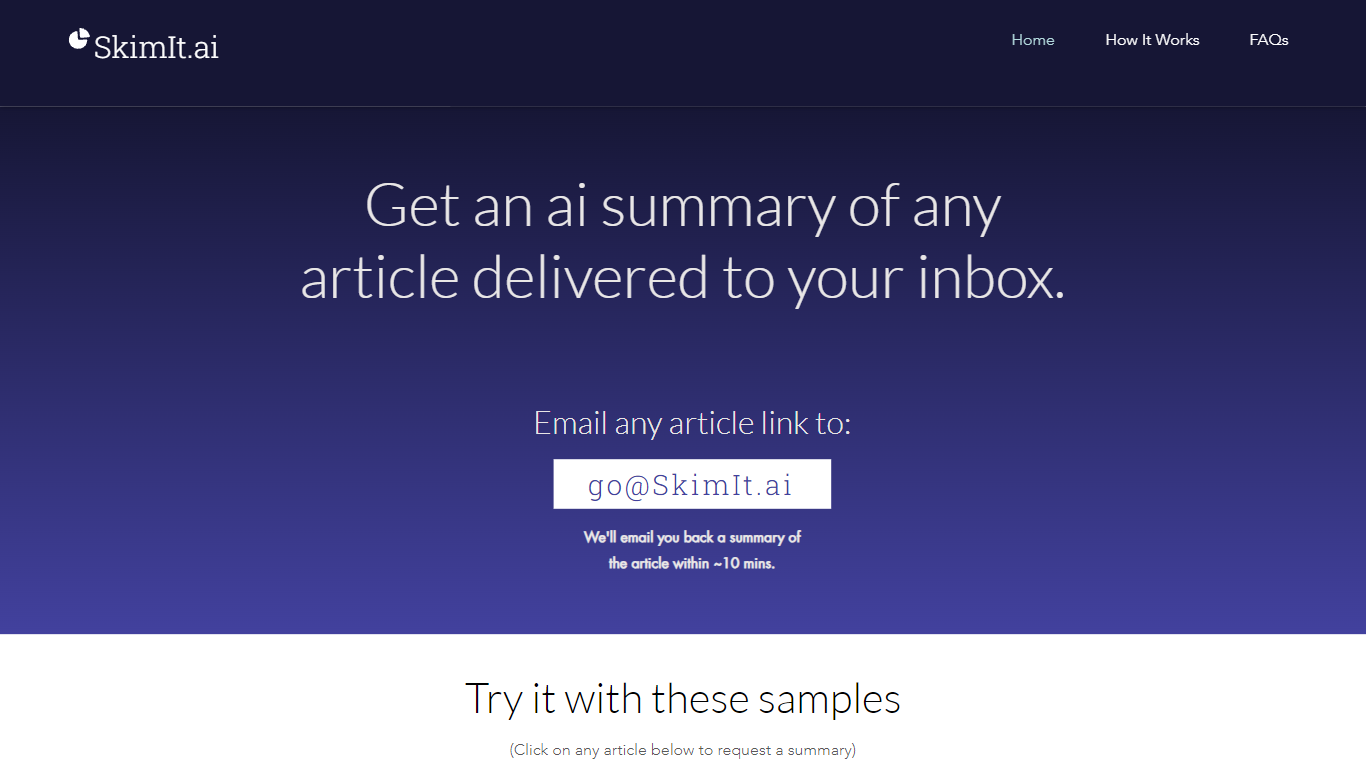
What is SkimIt.ai?
SkimIt.ai is an email summarizer that turns any article link into a short recap delivered to your inbox. You email a URL to [email protected] with the link as the first URL in the message body, and the service replies with a summary in about 10 minutes. There is no app install or account signup on the site.
Browser extensions and reader apps keep you inside another interface. SkimIt stays in email so you can forward links from mobile share sheets and CC friends who get both your message and the generated recap. The trade-off is speed: summaries can take up to 15 minutes when servers are busy, and accuracy is presented as entertainment-grade rather than publication-ready.
Busy readers, founders sharing essays, and teams passing around long posts are the natural audience. OpenAI GPT powers the backend processing, and support questions go to [email protected] if a summary is delayed or lands in spam.
Summarize with Kome Upvotes
SkimIt.ai Upvotes
Summarize with Kome Top Features
Summarize articles, news, YouTube videos, PDFs, and X threads from the active browser tab
Free plan includes 5 summary credits; Premium includes 200 credits per month at $5.99
Bookmark manager saves and organizes clips from any website inside the extension
Smart Compose drafts tweets, emails, and blog outlines from your saved bookmarks
Works on Chrome, Brave, Opera, Arc, and Edge browsers
YouTube transcript generator supports 120+ languages as a separate free web tool
SkimIt.ai Top Features
Summaries arrive by email within about 10 minutes of sending the article URL
No app download or signup required on skimit.ai
CC friends on the email so they receive the article and the SkimIt summary
Reads the first URL in the email body regardless of subject line text
Sample article links on the homepage open prefilled mailto requests
OpenAI GPT handles the text processing behind each summary
Stores sender email, CC addresses, and the first URL per request only
Summarize with Kome Category
- Summarizer
SkimIt.ai Category
- Summarizer
Summarize with Kome Pricing Type
- Freemium
SkimIt.ai Pricing Type
- Free