Summarizer Tool vs Summary Box
In the contest of Summarizer Tool vs Summary Box, which AI Summarizer tool is the champion? We evaluate pricing, alternatives, upvotes, features, reviews, and more.
If you had to choose between Summarizer Tool and Summary Box, which one would you go for?
When we examine Summarizer Tool and Summary Box, both of which are AI-enabled summarizer tools, what unique characteristics do we discover? Both tools have received the same number of upvotes from aitools.fyi users. Every vote counts! Cast yours and contribute to the decision of the winner.
Not your cup of tea? Upvote your preferred tool and stir things up!
Summarizer Tool

What is Summarizer Tool?
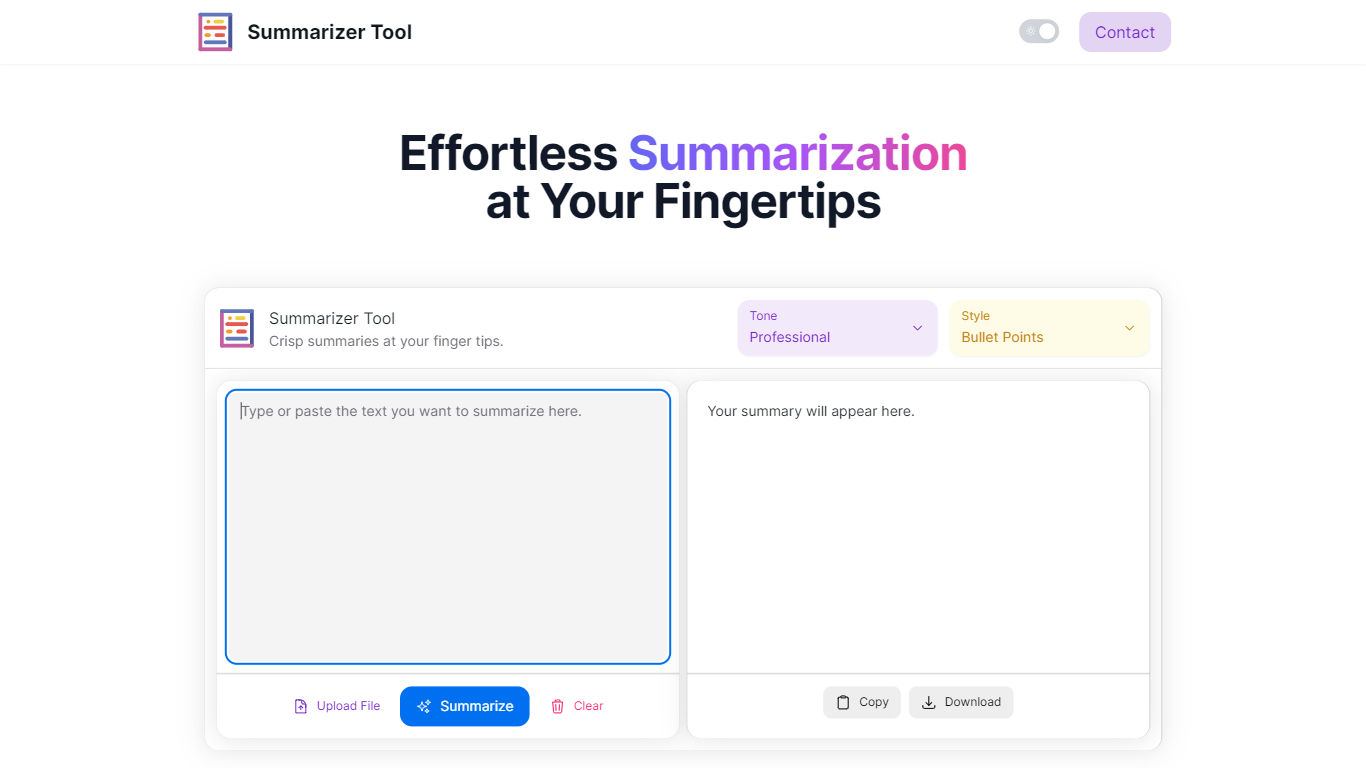
Summarizer Tool is an online application that helps users quickly condense lengthy texts into clear, concise summaries. It supports multiple input methods including direct text entry and file uploads, making it easy to summarize articles, reports, or any large documents. Users can select the tone of the summary—professional, friendly, or sarcastic—and choose between bullet points or paragraph formats to suit their reading preferences.
The tool is designed for a wide range of users such as students, professionals, researchers, and content creators who need to grasp key points without reading entire texts. It saves time by delivering instant summaries that highlight the main ideas clearly and efficiently. The interface is straightforward, allowing users to upload files, select options, and generate summaries with minimal effort.
Summarizer Tool stands out by offering tone customization, which helps tailor the summary’s voice to the user’s context. This feature adds personality and relevance to the output, making it more engaging or formal as needed. The tool also supports downloading or copying summaries, facilitating easy sharing and integration into workflows.
Technically, the tool uses AI-powered natural language processing to analyze and extract essential information from the input text. While the website does not detail the underlying algorithms, the results demonstrate effective condensation and clarity. The tool continues to update and improve its summarization capabilities to handle diverse content types and lengths.
Overall, Summarizer Tool provides a practical solution for anyone looking to reduce reading time and improve comprehension. Its combination of tone options, format choices, and file upload support makes it versatile and user-friendly. Whether for study, work, or casual reading, it helps users focus on what matters most in any text.
Summary Box
What is Summary Box?
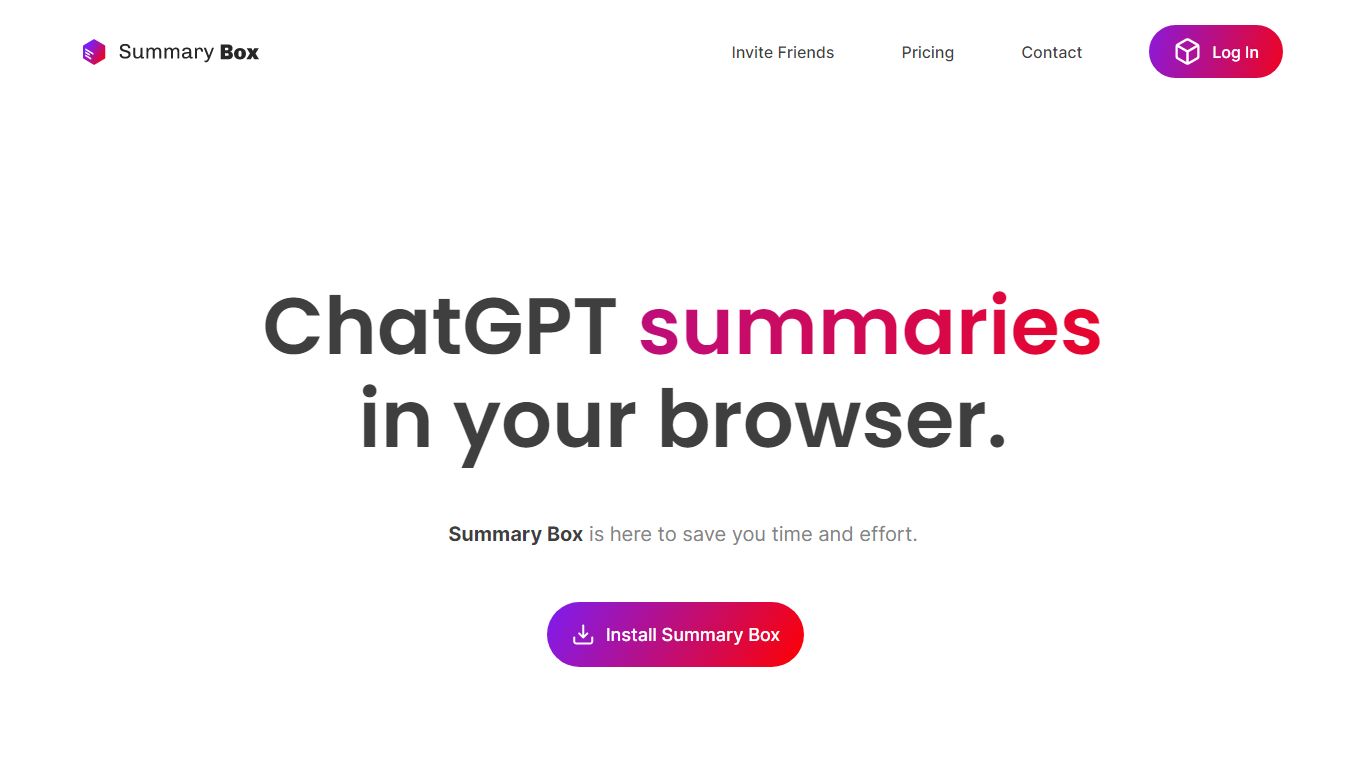
Summary Box is a Chrome extension that reads your logged-in feeds across YouTube, Reddit, X, LinkedIn, Hacker News, and Substack, then returns a digest of what is actually worth your time.
Instead of skimming every platform separately, an agent browses in a visible window on your machine using your existing sessions. Each card in the digest includes a one-line reason, and you can skip, save, or research anything with receipts tied back to the source.
It targets people whose feeds outgrew manual reading: newsletter writers, researchers, and heavy social media users who want compressed understanding without giving up logged-in sources cloud tools cannot reach.
Summarizer Tool Upvotes
Summary Box Upvotes
Summarizer Tool Top Features
📄 Upload files directly for quick summarization
🎯 Choose summary tone: professional, friendly, or sarcastic
📝 Select output style: bullet points or paragraphs
⚡ Generate summaries instantly with one click
💾 Copy or download summaries for easy sharing
Summary Box Top Features
Reads YouTube, Reddit, X, LinkedIn, Hacker News, and Substack feeds logged in as you
Ghost browser runs visibly on your machine so paywalled feeds stay accessible
Daily digest ranks cards with a one-line reason for each worth-it or skip call
Concierge panel suggests errands scoped from your profile and open feeds
Right-click any highlighted text to research it with cited receipts
Summarizer Tool Category
- Summarizer
Summary Box Category
- Summarizer
Summarizer Tool Pricing Type
- Freemium
Summary Box Pricing Type
- Paid