Supa Doc vs Warp
Compare Supa Doc vs Warp and see which AI Code Assistant tool is better when we compare features, reviews, pricing, alternatives, upvotes, etc.
Which one is better? Supa Doc or Warp?
When we compare Supa Doc with Warp, which are both AI-powered code assistant tools, Warp is the clear winner in terms of upvotes. The upvote count for Warp is 8, and for Supa Doc it's 6.
Does the result make you go "hmm"? Cast your vote and turn that frown upside down!
Supa Doc

What is Supa Doc?
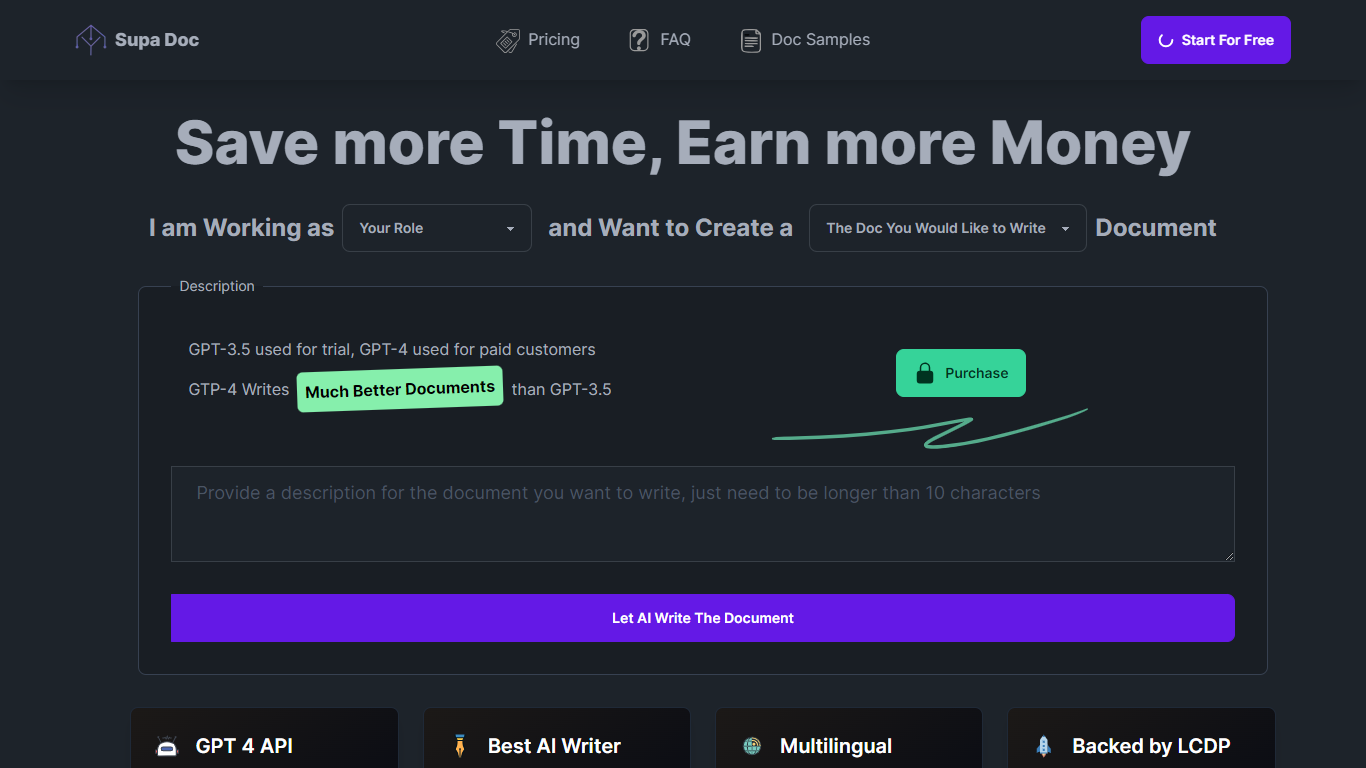
Supa Doc is an advanced AI-powered document generation tool that leverages the latest in language model technology. With GPT-4 at its core for paid customers, Supa Doc specializes in creating a variety of documents including Marketing Plans, Software Systems, Function Designs, Test Cases, and Business Plans.
This tool is designed for professionals, such as Developers, Product Managers, Marketing Managers, Entrepreneurs, and Software Testers, who aim to save time and boost efficiency. It offers a user-friendly interface with multi-language support, including English and Chinese, and is equipped with a native AI engine and low-code agility for seamless operation. Supa Doc promises to deliver significantly improved document quality over its predecessor, GPT-3.5, which is used for trial versions. The platform is backed by LCDP, assuring continual innovation and no logical limitations.
Warp
What is Warp?
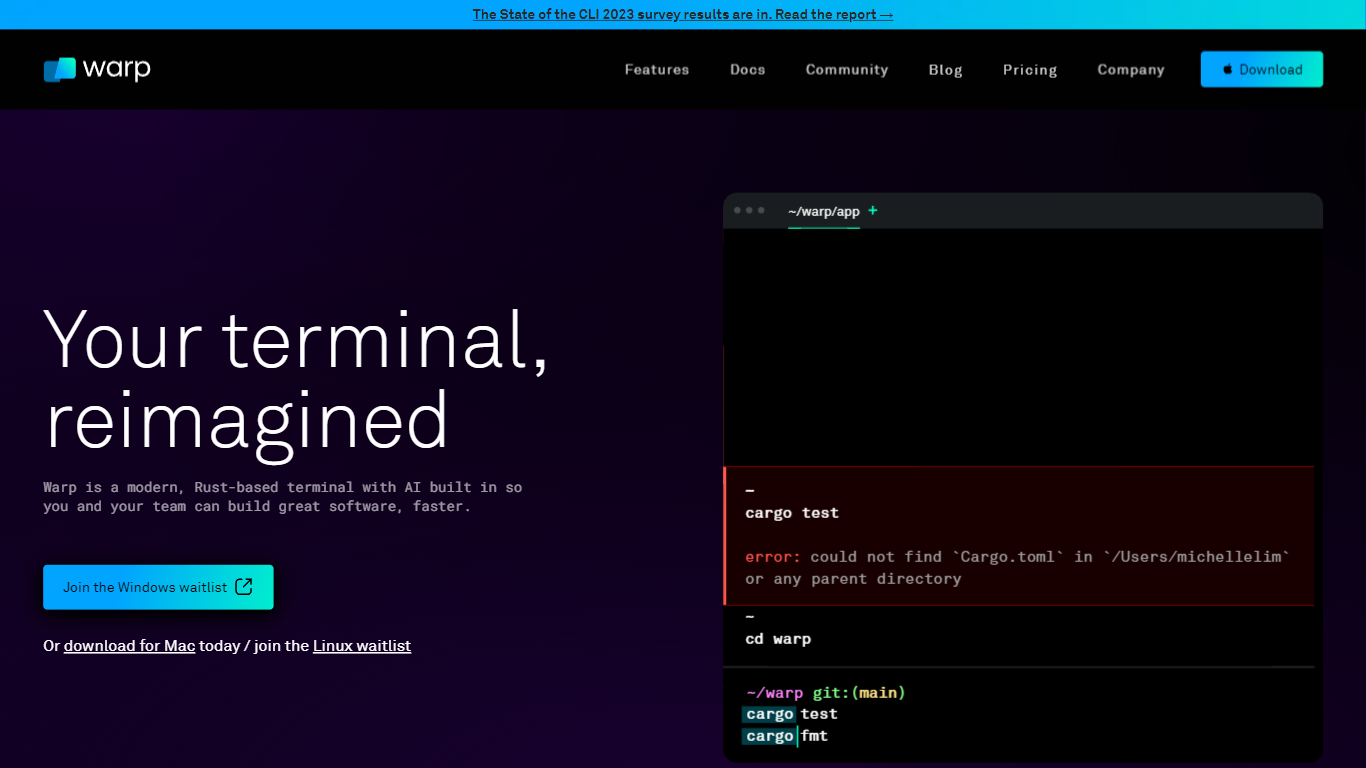
Warp is revolutionizing the terminal experience for developers worldwide. At its core, Warp is a modern, Rust-based terminal designed to enhance productivity, speed, and efficiency. With a built-in AI and knowledge-sharing tools, Warp offers smart autocompletions and intelligent command executions that significantly accelerate the development process.
In addition to its performance advantages, Warp prioritizes privacy and security, never collecting input or output data and ensuring any saved data is encrypted. The terminal's user interface is highly customizable with popular themes, and the modern text input editor provides a convenient and familiar IDE experience.
Leading developers have praised Warp for its exceptional features such as easy navigation, one-click output copying, and its ability to execute saved workflows on-demand. The terminal is not just about speed; it's about providing a seamless and smart development environment that resonates with today's technological demands. Warp is available for Mac, with a waitlist for Windows and Linux users, promising a future where all developers can benefit from its advanced features.
Supa Doc Upvotes
Warp Upvotes
Supa Doc Top Features
Latest AI Technology: Uses GPT-4 for high-quality document creation.
Wide Range of Documents: Capable of generating Marketing Plans, Business Plans, and more.
Efficient and Time-saving: Streamlined process to help professionals save time.
Multi-language Support: Provides services in both English and Chinese.
User-Friendly Interface: Low-code platform with a simple and intuitive interface.
Warp Top Features
Smart Autocompletions: Utilize AI-powered tools and knowledge sharing for faster coding.
Modern Text Input Editor: Enjoy a coding experience akin to modern IDEs with advanced text editing.
Increased Efficiency: Speed through tasks with Rust-based performance optimized for quick command execution.
Privacy and Security First: Trust in a terminal that safeguards your data encrypting information at rest.
Customizable UI: Tailor Warp to your preferences with a selection of themes and visual customization options.
Supa Doc Category
- Code Assistant
Warp Category
- Code Assistant
Supa Doc Pricing Type
- Freemium
Warp Pricing Type
- Freemium